


Latest Version
Latest
August 13, 2026
1&1 Mail & Media Inc
Communication
Android
292
Free
com.mail.mobile.android.mail
Report a Problem
More About mail.com: Email & Cloud for Android
What is mail.com: Email & Cloud?
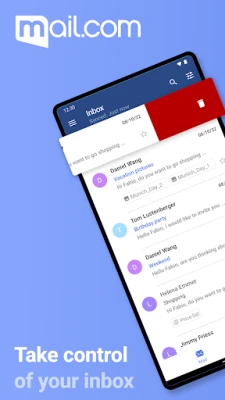
mail.com: Email & Cloud is an Android client that brings together your mail.com mailbox and the associated cloud storage. The app lets you read, compose, and organize email messages while also giving you direct access to the files you store in the mail.com Cloud.
Main features
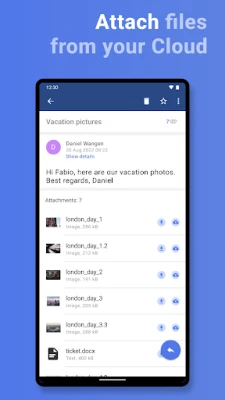
- Email management – View inbox, sent items, drafts and custom folders; search messages; attach files from your device or cloud storage.
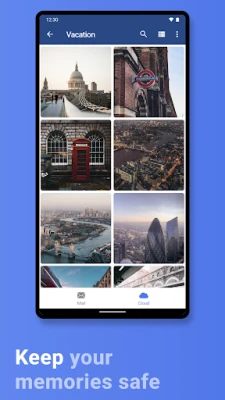
- Cloud integration – Browse the 2 GB of free mail.com Cloud space, upload photos or documents, and download attachments without leaving the app.
- Security options – Protect the app with a PIN, fingerprint or facial recognition; connections use standard TLS/SSL encryption.
- Push notifications – Optional real‑time alerts keep you informed of new messages.
- Address‑book sync – Optionally sync contacts with your phone’s address book for easier recipient selection.
How it works
After installing the app, you can create a new mail.com account directly or sign in with an existing address. The client then synchronises your mailbox and cloud files over a secure connection. Email messages are displayed in a familiar list view; tapping a message opens it in full‑screen mode with pinch‑to‑zoom support for images. Attachments can be saved to the device, opened with compatible apps, or uploaded to the cloud for later sharing.
Practical uses
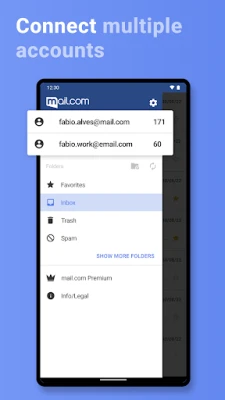
- Keep personal and professional correspondence separate by adding multiple mail.com accounts.
- Back up important photos automatically to the mail.com Cloud, ensuring they are available even if the phone is lost.
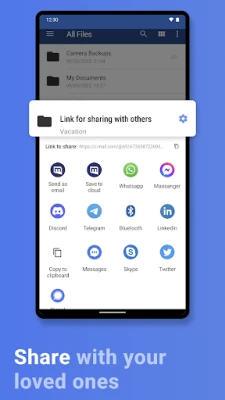
- Share large files by uploading them to the cloud and sending a link through email.
- Use the built‑in security lock to keep sensitive messages private when the device is unattended.
Installation information
The app is distributed as a free download. Install it from the Google Play Store, grant the requested permissions for storage and network access, and follow the on‑screen setup wizard. No additional configuration is required to start receiving mail.
Things to know before installing
- The app requires an internet connection for synchronization; offline access is limited to messages already downloaded.
- Cloud storage is limited to the free 2 GB tier provided by mail.com; additional space can be purchased through the mail.com website.
- Security features such as fingerprint or facial lock depend on the capabilities of the device.
Who may find it useful?
Anyone who already uses a mail.com email address will benefit from a dedicated Android client that unifies email and cloud storage. The app is also handy for users who prefer a single interface for messaging and file backup, especially when traveling or working on multiple devices.
Frequently asked questions
- Can I add other email providers? The app is designed for mail.com accounts only; other providers require separate clients.
- Is two‑factor authentication supported? Security for the mail.com service itself is managed on the web portal; the app respects the account’s existing authentication settings.
- How do I restore deleted emails? Deleted items are moved to the Trash folder and can be recovered from there within the retention period set by mail.com.
- Will the app consume a lot of battery? Push notifications and background sync are optional and can be disabled to reduce power usage.
Rate the App
User Reviews















Popular Apps










 Games
Games Entertainment
 Communication
 E-mail
 Security
 Tools
Tools Media
Media Internet
 Finance
 Design
 Education
 Android Firmwares
 Travel & Local
 Android
 Windows
 Linux
Linux