

Latest Version
Latest
September 04, 2026
MAGICJACK VOIP SERVICES, LLC
Communication
Android
4
Free
com.magicjack
Report a Problem
More About magicApp Calling & Messaging – Second Phone Number for Android
What is magicApp?
magicApp is a free Android application from MAGICJACK VOIP SERVICES, LLC that lets you keep a separate phone number on the same device. The app works over an internet connection, so you can make and receive calls and send text messages without needing a physical SIM for the second line.
Main features
- Second phone number: Choose a U.S. or Canadian number from any available area code.
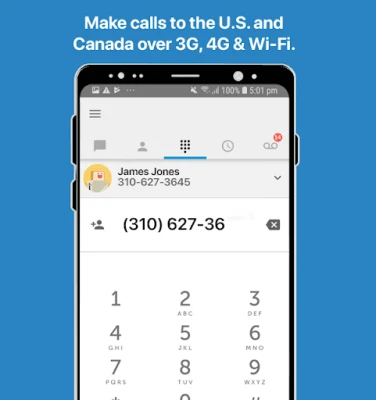
- Unlimited calling: Place calls to the United States and Canada without per‑minute charges.
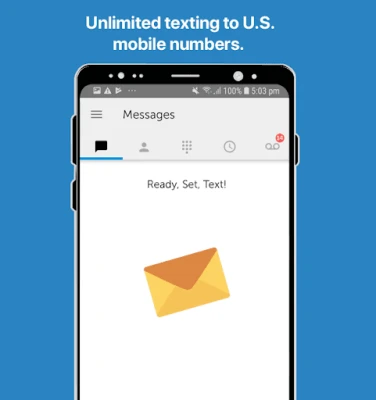
- Unlimited texting: Send and receive SMS to any 10‑digit U.S. number.
- Wi‑Fi calling: Use the app wherever you have a Wi‑Fi connection, which helps avoid roaming fees when traveling.
- Voicemail and caller ID: Built‑in voicemail, caller ID display, call blocking and forwarding options.
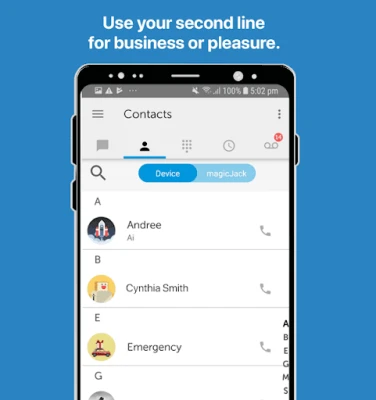
- Integration with contacts: Caller ID information is pulled from your phone’s address book.
How it works
After installing magicApp, you log in with your existing magicJack credentials. The app registers your chosen second number on the server and routes inbound calls and texts to your Android device over data. Outbound calls are placed through the same internet link, appearing to the recipient as the selected magicApp number.
Practical uses
- Separate personal and business communications on a single phone.
- Maintain a local presence when you travel abroad, using Wi‑Fi instead of costly roaming.
- Provide a dedicated number for online marketplaces, dating apps, or any situation where you prefer not to share your primary number.
Installation information
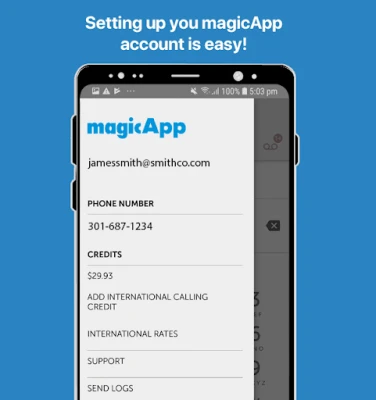
Download magicApp from the Google Play Store, then follow the on‑screen prompts to sign in with your magicJack email and password. The initial setup may ask for permission to access contacts and microphone, which are required for caller ID and voice calls.
Compatibility
The app is designed for Android devices that support the Google Play Services framework. While specific version requirements are not listed, the app typically runs on devices that can install standard Play Store applications.
Things to know before installing
- You will need an active magicJack account to use the service.
- International texting is not supported; texts are limited to U.S. numbers.
- Calls to other magicApp users are free, but calls to non‑magicJack numbers use the unlimited U.S./Canada allowance.
Who may find it useful?
Freelancers, small‑business owners, frequent travelers, and anyone who wants a separate line for privacy or organization will benefit from magicApp’s dual‑number capability.
Frequently asked questions
Do I need a separate SIM card?
No. magicApp runs entirely over an internet connection, so a single SIM is sufficient.
Can I receive calls when the app is closed?
Incoming calls are routed to the device as push notifications, but you need to keep the app installed and logged in for reliable delivery.
Is there a cost for the second number?
The app itself is free, but a subscription or credit purchase may be required to maintain the second line, depending on your magicJack plan.
Rate the App
User Reviews















Popular Apps










 Games
Games Entertainment
 Communication
 E-mail
 Security
 Tools
Tools Media
Media Internet
 Finance
 Design
 Education
 IT Tools
 Travel & Local
 Android
 Windows
 Linux
Linux