

Latest Version
Latest
August 13, 2026
holepunch
Communication
Android
362
Free
io.keet.app
Report a Problem
More About Keet – Private Encrypted Chat
What is Keet?
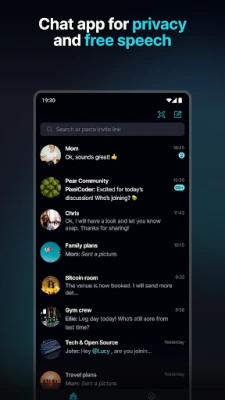
Keet is a free Android messaging application that focuses on privacy and direct communication. Unlike many mainstream chat services, Keet does not rely on cloud‑based servers to store or forward your messages. Instead, it creates a direct link between the devices that are participating in a conversation.
Main features
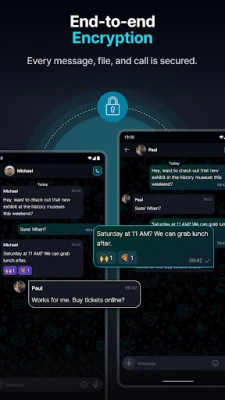
- End‑to‑end encryption – All text, voice, video and file transfers are encrypted on the sender’s device and can only be decrypted by the intended recipient.
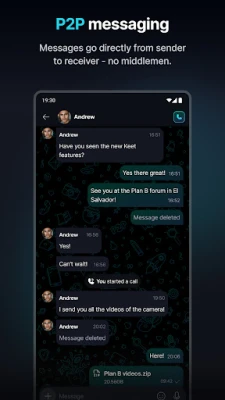
- Peer‑to‑peer connectivity – Conversations travel straight between devices, eliminating the need for a central database.
- One‑to‑one and group chats – You can start private chats with a single contact or create groups for collaborative discussions.
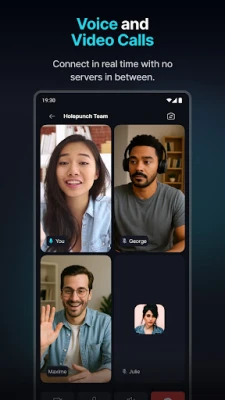
- HD voice and video calls – High‑quality audio and video calls are supported without routing through third‑party servers.
- File sharing – Send photos, documents, and other files instantly within the encrypted channel.
How it works
When you add a contact, Keet establishes a secure tunnel directly to that device. The app uses standard cryptographic protocols to generate session keys that are unique to each conversation. Because the data never leaves the participating devices, there is no central point where it can be intercepted or stored.
Practical uses
Keet is well suited for anyone who wants to keep personal or professional communications private. It can be used for:
- Sharing sensitive work information without exposing it to corporate servers.
- Coordinating with friends or family members who value confidentiality.
- Conducting remote meetings where participants prefer a serverless solution.
Installation information
To install Keet, open the Google Play Store on your Android device, search for “Keet – Private Encrypted Chat,” and tap the Install button. The app is free to download and does not require a paid subscription.
Things to know before installing
- Because Keet operates without central servers, both parties need an active internet connection for the initial handshake, after which the communication continues directly.
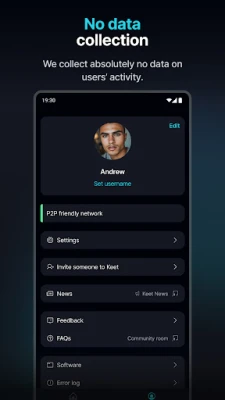
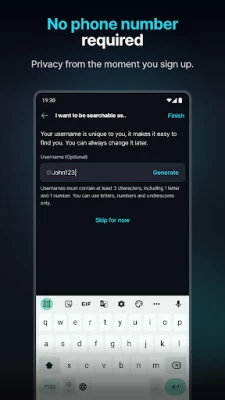
- The app does not collect usage analytics or personal identifiers.
- All data is stored locally on your device unless you choose to delete a conversation.
Who may find Keet useful?
Journalists, activists, small business owners, and anyone concerned about digital privacy will appreciate Keet’s approach. It also appeals to tech‑savvy users who prefer open, serverless communication tools.
Frequently asked questions
Is Keet completely serverless?
Keet does not maintain persistent servers for message storage. It may use temporary relay nodes only to assist in establishing the initial peer‑to‑peer connection, after which all traffic is direct.
Can I use Keet on multiple devices?
Yes. The app can be installed on any Android device you own. Each device will need to be added as a contact to enable direct communication.
Does Keet support backup of chats?
Keet stores messages locally. If you need a backup, you can export chats manually, but the app does not provide cloud backup services.
Rate the App
User Reviews















Popular Apps










 Games
Games Entertainment
 Communication
 E-mail
 Security
 Tools
Tools Media
Media Internet
 Finance
 Design
 Education
 Android Firmwares
 Travel & Local
 Android
 Windows
 Linux
Linux