
Latest Version
Latest
August 15, 2026
Mozilla Thunderbird
Communication
Android
235
Free
com.fsck.k9
Report a Problem
More About K-9 Mail – Open‑Source Email Client for Android
What is K-9 Mail?
K-9 Mail is an Android email client developed under the Mozilla Thunderbird umbrella. It is built as an open‑source project, which means its source code is publicly available and community‑driven. The app is designed for users who want a flexible, privacy‑respecting way to read and send email on their mobile devices.
Main features
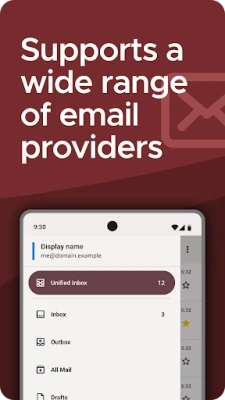
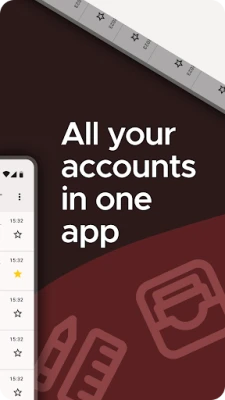
- Multiple account support – Add and manage several email accounts from different providers in a single interface.
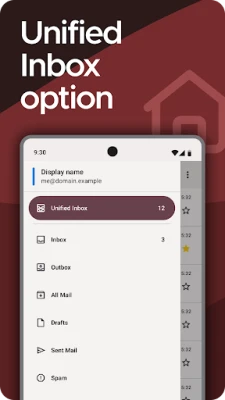
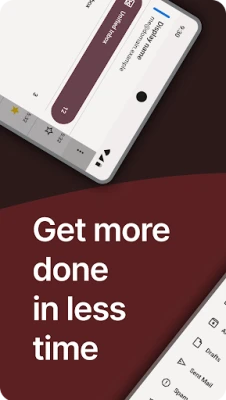
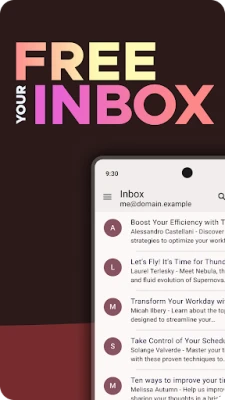
- Unified inbox – View messages from all accounts together or switch to individual inboxes as needed.
- Background sync and push – Choose between periodic synchronization or push notifications, depending on your data and battery preferences.
- Search capabilities – Search locally stored messages or query the server directly for fast retrieval.
- OpenPGP encryption – When paired with the OpenKeychain app, K-9 Mail can encrypt and decrypt messages using OpenPGP (PGP/MIME).
- Privacy‑first design – The app does not embed tracking code and connects only to the email servers you configure.
How it works
After installing K-9 Mail, you start by adding an email account. The app supports standard protocols such as IMAP, POP3, and SMTP, which cover the majority of email services. During setup you provide the server details, your username, and password (or OAuth token where supported). Once configured, K-3 Mail synchronizes messages according to the schedule you select.
For encrypted communication, install the companion app OpenKeychain. K-9 Mail will then detect available keys and allow you to sign or encrypt outgoing mail, as well as decrypt incoming encrypted messages.
Practical uses
- Managing work and personal email accounts without switching devices.
- Keeping a local copy of messages for offline reading.
- Using OpenPGP to protect sensitive correspondence.
- Customizing notification settings per account to reduce distractions.
Installation information
K-9 Mail can be downloaded from the official Android app store. The installation process follows the standard Android flow: tap “Install,” grant the requested permissions (typically storage access for attachments and network access for email retrieval), and launch the app.
Things to know before installing
- The app does not include a built‑in calendar or contacts sync; you will need separate apps for those functions.
- Some email providers may require application‑specific passwords or OAuth authentication; be prepared to generate those in your provider’s security settings.
- Because the app is community‑maintained, updates are released based on contributor availability rather than a fixed schedule.
Who may find K-9 Mail useful?
Anyone who values control over their email experience—especially users who prefer open‑source software, need multiple account handling, or require encrypted messaging—will appreciate K-9 Mail. It is also a good fit for developers and power users who like to tweak settings or contribute to the project.
Frequently asked questions
Is K-9 Mail free?
Yes, the app is released under a free license and can be used without any purchase.
Can I use K-9 Mail with Gmail?
Gmail supports IMAP, so you can configure a Gmail account in K-9 Mail using the standard IMAP settings.
Do I need an internet connection to read saved emails?
No. Messages that have been synchronized to the device are available offline.
How do I enable OpenPGP encryption?
Install the OpenKeychain app, import or generate your PGP keys, and then enable OpenPGP in K-9 Mail’s account settings.
Rate the App
User Reviews















Popular Apps










 Games
Games Entertainment
 Communication
 E-mail
 Security
 Tools
Tools Media
Media Internet
 Finance
 Design
 Education
 Android Firmwares
 Travel & Local
 Android
 Windows
 Linux
Linux