

Latest Version
September 05, 2026
Communication
Android
9
Free
com.instagram.lite
Report a Problem
More About Instagram Lite – Light‑weight Social Sharing
What is Instagram Lite?
Instagram Lite is a compact edition of the popular Instagram app, created by the Instagram team. It focuses on delivering the core social experience—viewing and sharing photos, short videos, and messages—while using less data, occupying minimal storage, and running smoothly on slower network connections.
Main features
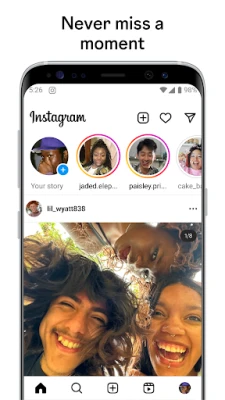
- Feed browsing: Scroll through posts from friends, creators and brands you follow.
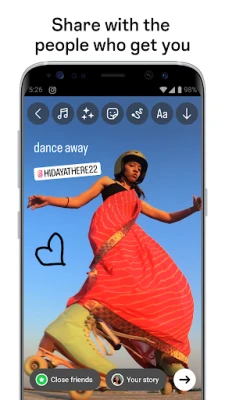
- Stories: Publish photos or videos that disappear after 24 hours, with basic text and sticker tools.
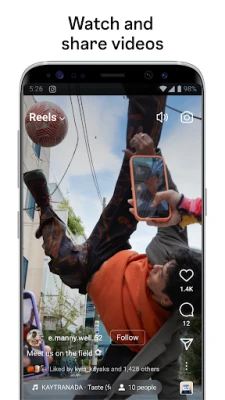
- Reels: Watch short, entertaining videos and create your own clips up to 90 seconds.
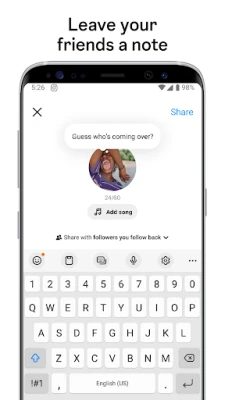
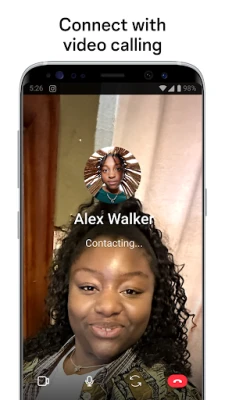
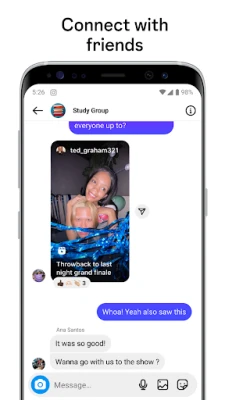
- Direct messaging: Send private messages, share posts and start video or audio calls.
- Search & Explore: Find new accounts, hashtags and topics that match your interests.
How it works
The app connects to Instagram’s servers the same way the full version does, but it limits data‑intensive operations. Images are loaded at lower resolution by default, and video playback adapts to the current bandwidth. The interface is simplified, removing some of the heavier visual effects to keep the app responsive on older devices.
Practical uses
Instagram Lite is useful for users who:
- Have limited mobile data plans and want to keep usage low.
- Own devices with modest storage capacity.
- Live in areas with slower or unstable internet connections.
- Prefer a faster, less cluttered social feed.
Installation information
The app can be installed from the Google Play Store. Search for “Instagram Lite” and tap Install. The download size is small compared with the standard Instagram app, which helps preserve device storage.
Compatibility
Instagram Lite runs on Android devices that meet the basic system requirements for the Google Play Store. Specific version numbers are not disclosed, but the app is intended for a wide range of smartphones, including older models.
Things to know before installing
- Because the app is lightweight, some advanced editing tools and effects available in the full Instagram app may be missing.
- Account management, notifications and privacy settings work the same as the main app, but the UI may look slightly different.
- Data usage is reduced, but you will still need an internet connection to view or upload content.
Who may find it useful?
Students, travelers, and anyone who wants to stay connected without consuming much data or storage will benefit from Instagram Lite. It also serves users who prefer a straightforward interface over the richer feature set of the full app.
Frequently asked questions
Is Instagram Lite a separate account?
No. It uses the same Instagram account you already have, so your followers, messages and saved content remain unchanged.
Can I switch back to the full Instagram app?
Yes. You can install the regular Instagram app alongside Instagram Lite and log in with the same credentials.
Does Instagram Lite support video calls?
Direct messaging includes audio and video call options, though the experience may be more basic than in the full app.
Will my posts appear the same on both apps?
Posts made from Instagram Lite appear in the same feed as those from the full app, and they are visible to all your followers.
Rate the App
User Reviews











Popular Apps










 Games
Games Entertainment
 Communication
 E-mail
 Security
 Tools
Tools Media
Media Internet
 Finance
 Design
 Education
 IT Tools
 Travel & Local
 Android
 Windows
 Linux
Linux