


Latest Version
Latest
June 20, 2026
Communication
Android
559
Free
com.instagram.android
Report a Problem
More About Instagram – Photo & Video Sharing App
What is Instagram?
Instagram is a free social networking app that lets users capture, edit, and share visual content—photos, short videos, Stories that disappear after 24 hours, and longer‑form Reels. Built by Meta, it focuses on visual storytelling and community interaction.
Key features
- Feed & Explore – A personalized home feed shows posts from people you follow, while the Explore tab surfaces content based on your interests.
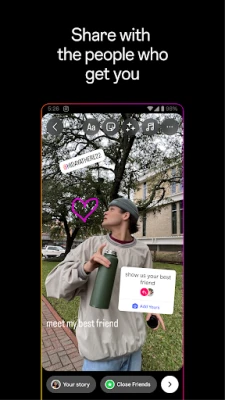
- Stories & Notes – Share fleeting moments that vanish after a day, add stickers, music, and interactive polls.
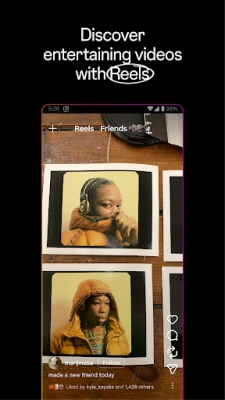
- Reels – Create and watch short, entertaining videos with a library of effects, audio tracks, and editing tools.
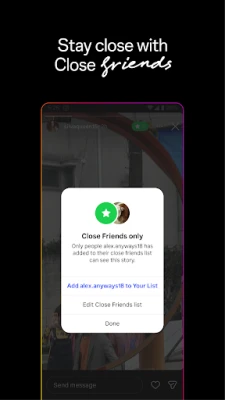
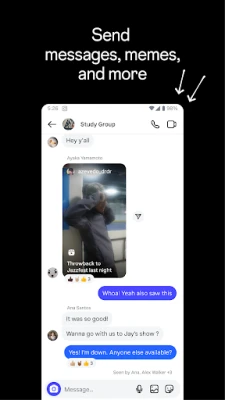
- Direct Messaging – Send private messages, photos, videos, and voice clips to individuals or groups, with a dedicated Close Friends list for more intimate sharing.
- Shopping – Browse product tags in posts and Stories, view price details, and purchase directly through supported merchants.
- Creator tools – Access insights, branded content tags, and monetisation options for eligible creators.
How the application works
After installing the app, you create an account using an email address or phone number. The onboarding flow helps you find friends by linking contacts or connecting to Facebook. Once set up, you can start posting:
- Tap the + button, choose a photo or video, and apply filters or editing adjustments.
- Add a caption, hashtags, and tag other users.
- Select where to share – Feed, Stories, or Reels – and publish.
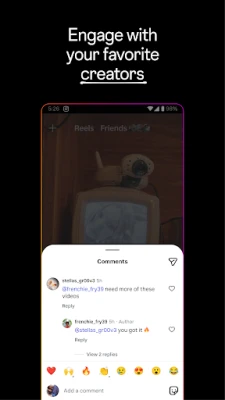
Engagement is driven by likes, comments, and shares. The algorithm learns from your interactions to surface relevant content in the Feed and Explore sections.
Installation information
Instagram is available on the Google Play Store. Search for “Instagram” or use the direct package name com.instagram.android. Tap “Install”, wait for the download, and open the app to begin the sign‑up process.
Compatibility
The app requires Android 7.0 (Nougat) or newer and at least 150 MB of free storage. It runs on most smartphones and tablets that meet these specifications. Performance may vary on low‑end devices, especially when using Reels or AR filters.
Things to know before installing
- Data usage can be high when watching videos or uploading high‑resolution media; consider using Wi‑Fi for large uploads.
- Location services are optional but enable location‑based stickers and nearby posts.
- Account security features include two‑factor authentication and login alerts.
- Some features, such as Shopping or certain AR effects, may be unavailable in specific regions.
Frequently asked questions
Is Instagram free? Yes, the core app and most features are free. Optional in‑app purchases include promotional tools for businesses.
Can I use Instagram without a Facebook account? Yes, you can sign up with an email address or phone number.
How do I delete my account? Account deletion is performed through the web interface; the app provides a link to the relevant page.
What privacy controls are available? You can set your account to private, control who can comment, and manage data sharing in the Settings menu.
Rate the App
User Reviews















Popular Apps










 Games
Games Entertainment
 Communication
 E-mail
 Security
 Tools
Tools Media
Media Internet
 Finance
 Design
 Education
 Android Firmwares
 Travel & Local
 Android
 Windows
 Linux
Linux