

Latest Version
September 13, 2026
PIA Private Internet Access, Inc
Communication
Android
10
Free
nu.tommie.inbrowser
Report a Problem
More About InBrowser – Private Incognito Browser for Android
What is InBrowser?
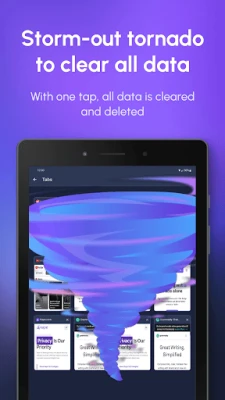
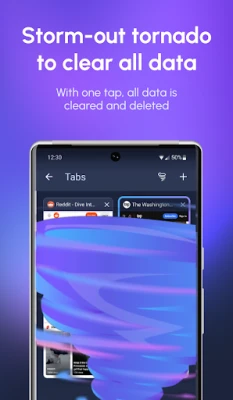
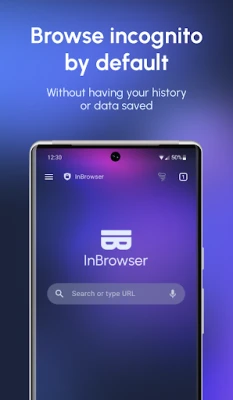
InBrowser is a free Android browser designed to keep your online activity private. Every time you close the app, the browser removes all traces of your session – including history, cookies and cached files – so you can browse without leaving a record on the device.
Main features
- Automatic data clearing: No manual steps are required; exiting the app erases all browsing data.
- TOR integration: When Orbot is installed and running, InBrowser can route traffic through the TOR network for added anonymity.
- Multiple search engines: Supports DuckDuckGo, StartPage, Bing, Google and Yahoo for private searches.
- Agent cloaking: Lets you present the browser as Chrome, Firefox, Internet Explorer or other desktop agents.
- In‑app video playback: Video links open directly inside the browser and are removed with the session.
- Tabbed browsing: Open several pages in separate tabs and switch between them without leaving data behind.
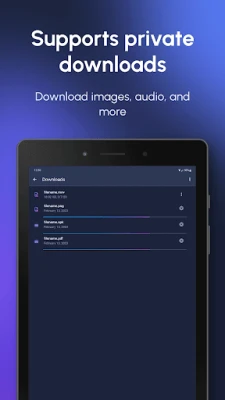
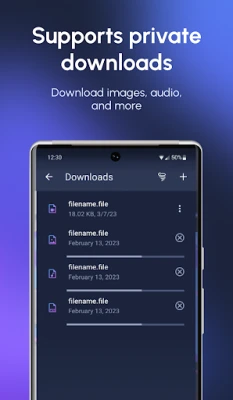
- File downloads: Long‑press links to download files, images or videos to a dedicated folder on the SD card.
How it works
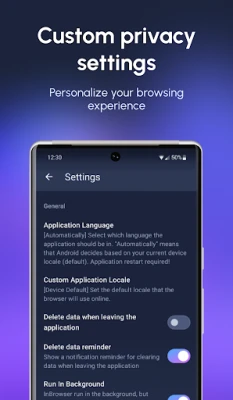
InBrowser runs in a permanent private mode. The app does not store persistent cookies or cache, and it does not embed third‑party trackers. When you tap the Home, Exit or Close button, the internal storage used for the session is wiped clean. If you enable TOR, the browser forwards traffic to the Orbot service, which encrypts and routes it through the TOR network.
Practical uses
- Checking personal accounts on a shared device without leaving traces.
- Accessing content that may be restricted by a network or ISP using TOR.
- Viewing videos or media without the browser retaining playback history.
- Downloading files temporarily when you do not want them to remain in the standard download folder.
Installation information
The app can be installed from the Google Play Store. After installation, you may want to install Orbot separately if you plan to use TOR routing. No additional configuration is required for basic private browsing.
Things to know before installing
- The app does not retain data after exit, so any saved passwords or bookmarks will be lost unless you use an external password manager.
- TOR support requires Orbot to be installed and active; without it, the browser works as a standard private browser.
- Because the app clears data on exit, any downloads remain only until you manually delete them from the SD‑card folder.
Who may find it useful?
Anyone who shares a device with others, needs occasional anonymous browsing, or wants a simple way to browse without accumulating history will benefit from InBrowser. It is also suitable for users who prefer a lightweight browser without built‑in ads or trackers.
Rate the App
User Reviews















Popular Apps










 Games
Games Entertainment
 Communication
 E-mail
 Security
 Tools
Tools Media
Media Internet
 Finance
 Design
 Education
 IT Tools
 Travel & Local
 Android
 Windows
 Linux
Linux