
Latest Version
August 13, 2026
Google LLC
Communication
Android
288
Free
com.google.android.gm
Report a Problem
More About Gmail – Email on Android
What is Gmail?
Gmail is Google’s email service packaged as a native Android application. It provides a full‑featured inbox that works offline, syncs across devices, and integrates with other Google tools such as Calendar and Drive.
Main features
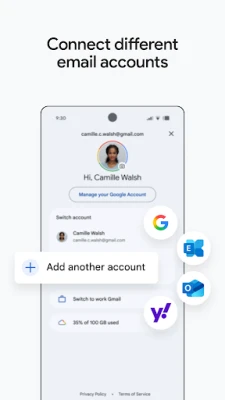
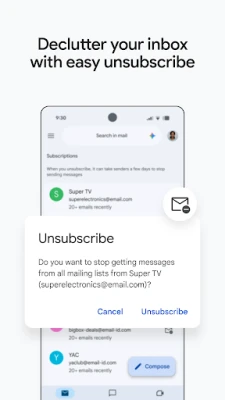
- Multiple account handling – Add personal, work or other email accounts and switch between them without leaving the app.
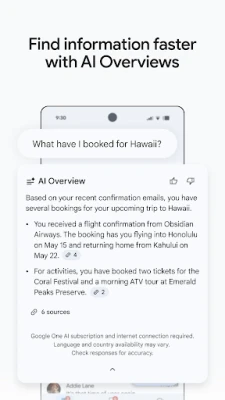
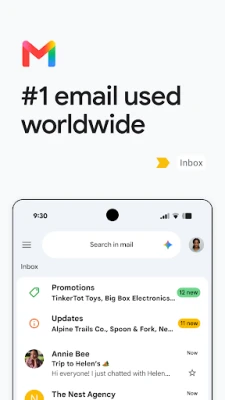
- Search‑driven navigation – Type keywords, sender names or dates to locate messages instantly.
- Smart organization – Labels, categories and conversation threading keep related messages together.
- Spam and phishing protection – Automated filters block unwanted messages before they reach your inbox.
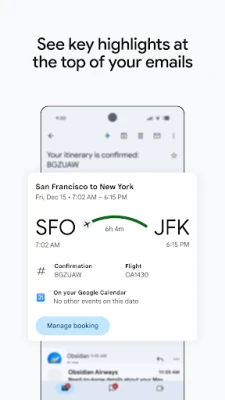
- Integration with Google services – Create calendar events, attach files from Drive, or start a Meet call directly from an email.
- Offline access – Read and draft messages even when you are not connected; changes sync when connectivity returns.
How it works
After installing the app, you sign in with a Google account. The app then synchronizes your mail using standard IMAP/SMTP protocols for other providers, allowing you to manage non‑Google addresses as well. Messages are stored locally in an encrypted cache, enabling quick loading and offline use. The built‑in search indexes email content, so results appear as you type.
Practical uses
- Keep personal and professional correspondence separate while using a single interface.
- Quickly turn an email invitation into a calendar event with a single tap.
- Search for a past receipt or attachment without opening each message.
- Stay protected from phishing attempts thanks to Google’s automated detection.
Installation information
The Gmail app is available through the Google Play Store. Tap “Install,” wait for the download, and then open the app to begin the setup process. No additional configuration is required for a Google account; other email services may ask for server details during the add‑account flow.
Compatibility
Gmail runs on Android devices that meet the Play Store’s minimum operating‑system requirements. The app adapts its layout for phones, tablets and Wear OS devices, offering a consistent experience across screen sizes.
Things to know before installing
- Syncing large mailboxes can consume data; consider limiting background sync to Wi‑Fi only.
- Notifications can be customized per account, allowing you to prioritize important messages.
- The app stores a local copy of recent emails; clearing app data will remove this cache.
Who may find it useful?
Anyone who needs reliable email access on Android – from students managing school accounts to professionals handling multiple work addresses – will benefit from Gmail’s unified inbox and deep integration with Google’s productivity suite.
Frequently asked questions
Can I use Gmail with non‑Google email addresses?
Yes. During account setup you can add IMAP or POP accounts from other providers and manage them alongside your Google mail.
How does Gmail protect against spam?
Google’s servers analyze incoming messages for known spam patterns, phishing links and malware. Suspect messages are moved to the Spam folder automatically.
Is offline access secure?
Emails stored on the device are encrypted by Android’s file‑system security. They are removed when you clear the app’s data or uninstall the app.
Rate the App
User Reviews















Popular Apps










 Games
Games Entertainment
 Communication
 E-mail
 Security
 Tools
Tools Media
Media Internet
 Finance
 Design
 Education
 Android Firmwares
 Travel & Local
 Android
 Windows
 Linux
Linux