

Latest Version
Latest
September 14, 2026
Friendly App Studios
Communication
Android
75
Free
io.friendly
Report a Problem
More About Friendly Social Browser – Unified Social Media Access
What is Friendly Social Browser?
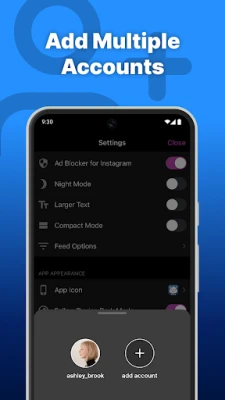
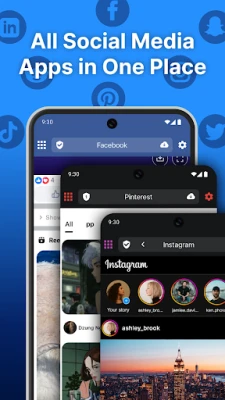
Friendly Social Browser, developed by Friendly App Studios, is a free Android application that brings together several popular social networking sites into one convenient interface. Rather than juggling separate apps for Facebook, Instagram, Twitter, YouTube, and others, users can open a single window and navigate between their favorite services.
Main Features
- All‑in‑One Access – Open multiple social networks without leaving the app.
- Unified Navigation – Switch between platforms using tabs or a simple menu.
- Free to Use – No purchase required; the app is offered at no cost.
- Developer Support – Created and maintained by Friendly App Studios.
How It Works
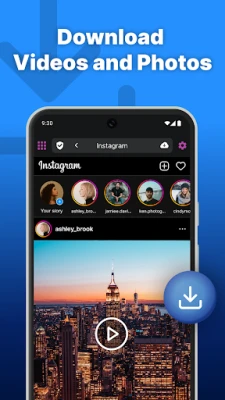
When you launch Friendly Social Browser, you are presented with a clean home screen that lists the social services supported by the app. Selecting a service loads its mobile web version inside the app’s built‑in browser. Because the app relies on the official mobile sites, you benefit from the same features you would see in a regular browser, including login, posting, and media playback.
Practical Uses
- Save storage space by replacing several heavyweight apps with a single lightweight browser.
- Reduce the number of notifications you manage, as each platform can be checked within the same window.
- Maintain a consistent browsing experience across services, especially on devices with limited screen real estate.
Installation Information
The app can be installed from the standard Android marketplace. After downloading, follow the usual installation prompts. Because the app is free, there is no need to enter payment information.
Compatibility
Friendly Social Browser is built for Android devices. Specific version requirements are not listed, but the app is designed to run on devices that support standard Android web views.
Things to Know Before Installing
- Since the app loads the mobile web versions of social sites, you will need an active internet connection to view content.
- Login credentials for each social platform are stored within the app’s web view, just as they would be in a regular browser.
- Any privacy settings or data usage controls provided by the individual social services remain applicable.
Who May Find It Useful?
Anyone who prefers a streamlined approach to social media can benefit from Friendly Social Browser. It is especially helpful for users with limited device storage, those who want to minimize the number of installed apps, or anyone who enjoys a consistent browsing layout across multiple platforms.
Frequently Asked Questions
Do I need separate accounts for each platform?
Yes. The app accesses each service through its own login process, just like a regular browser.
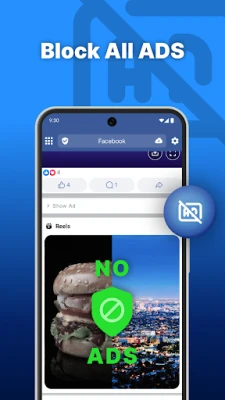
Is the app ad‑free?
The app itself does not display its own advertisements, but the social sites loaded inside may show ads as they normally would.
Can I receive push notifications?
Notifications are handled by the individual social services. If you enable notifications on the mobile site, they will appear while using the app.
Is my data safe?
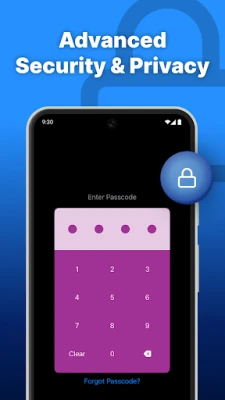
The app uses the standard web view provided by Android, which follows the same security model as any other browser on the platform.
Rate the App
User Reviews















Popular Apps










 Games
 Entertainment
 Communication
 E-mail
 Security
 Tools
 Media
 Internet
 Finance
 Design
 Education
 Android Firmwares
 Travel & Local
 Android
 Windows
 Linux