

Latest Version
Latest
September 17, 2026
Stronger Apps
Communication
Android
4
Free
com.ornet.torbrowser
Report a Problem
More About Dark Web Browser : OrNET – Private Browsing for Android
What is Dark Web Browser : OrNET?
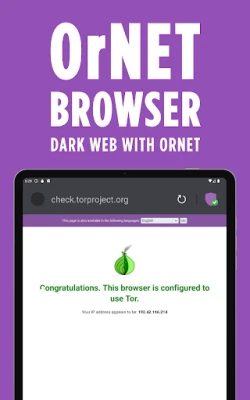
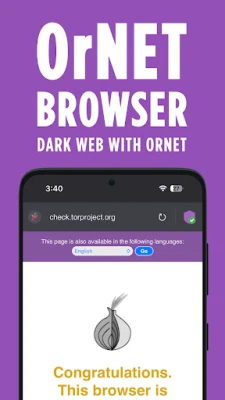
OrNET is a free Android browser developed by Stronger Apps that combines a standard web‑view with an integrated VPN service. Its primary aim is to give users a single tool for private, encrypted browsing, reducing the need to install separate VPN clients.
Main features
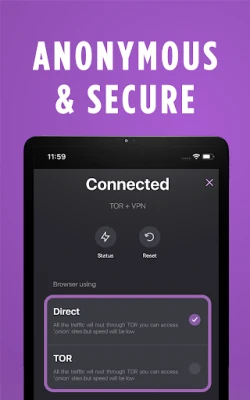
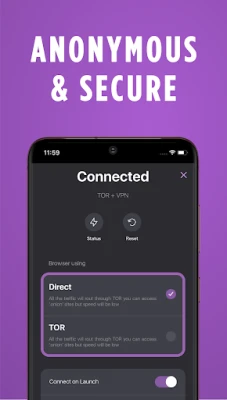
- Built‑in VPN – A toggle within the app routes traffic through an encrypted tunnel, masking the device’s IP address.
- Privacy‑focused design – The browser does not store browsing history in plain text and limits data collection to what is required for basic operation.
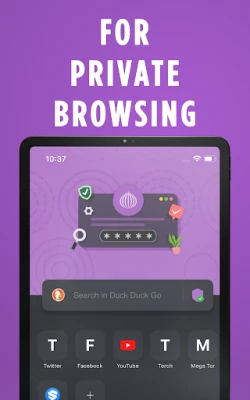
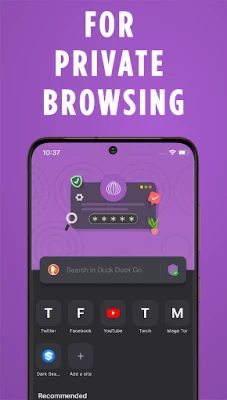
- Simple interface – A clean toolbar provides quick access to navigation, tabs, and the VPN switch.
- Multiple server locations – Users can choose from several VPN endpoints to improve connection speed or access region‑restricted content.
How it works
When the VPN is activated, OrNET creates a secure tunnel between the device and the selected server. All HTTP and HTTPS requests travel through this tunnel, which encrypts the data and replaces the visible IP address with that of the server. The browser then renders the requested pages as usual. Turning the VPN off returns traffic to the standard network path.
Practical uses
OrNET can be helpful in situations where privacy matters, such as using public Wi‑Fi in cafés, airports, or hotels. By routing traffic through the VPN, the browser protects credentials and personal information from eavesdropping. Users who travel frequently may also benefit from the ability to appear as if they are browsing from a different country, which can aid access to region‑locked services.
Installation information
The app is available through the Appitika store. Installation follows the usual Android process: tap the "Install" button, grant any required permissions, and wait for the download to complete. Because the app includes a VPN component, Android will prompt the user to allow the VPN connection the first time it is activated.
Compatibility
OrNET is built for Android devices. Specific version requirements are not listed, but the app runs on devices that support the standard Android runtime and VPN APIs. Users should ensure their device runs a reasonably recent version of Android to receive security updates and optimal performance.
Things to know before installing
- The VPN service is provided by the app itself; no separate subscription is required for basic use.
- Because the app routes all traffic through its servers, connection speed may vary depending on the chosen server and current network conditions.
- As with any privacy‑oriented tool, users should stay informed about local regulations regarding VPN usage.
Who may find OrNET useful?
Anyone who values online privacy on Android can benefit from OrNET. This includes frequent travelers, journalists, students using campus networks, and everyday users who simply prefer not to expose their browsing habits to ISPs or public Wi‑Fi operators.
Frequently asked questions
Does OrNET collect personal data?
The developer states that the app limits data collection to essential operational information. Users can review the privacy policy within the app for details.
Can I use OrNET without the VPN?
Yes. The VPN can be toggled on or off, allowing the browser to function as a regular web browser when privacy protection is not needed.
Is there a limit on data usage?
The free version does not impose a strict data cap, but heavy usage may affect performance depending on server load.
How do I switch server locations?
Within the VPN settings, a list of available servers is presented. Selecting a different location reconnects the tunnel to the new endpoint.
Rate the App
User Reviews















Popular Apps










 Games
Games Entertainment
 Communication
 E-mail
 Security
 Tools
Tools Media
Media Internet
 Finance
 Design
 Education
 IT Tools
 Travel & Local
 Android
 Windows
 Linux
Linux