

Latest Version
September 10, 2026
Developers Items
Communication
Android
2
Free
com.chromium.browser
Report a Problem
More About ChromiumBrowser – Simple, Fast Android Web Browser
What is ChromiumBrowser?
ChromiumBrowser is a free Android web browser developed by Developers Items. It uses the open‑source Chromium engine, which means it can render modern web pages while keeping the app itself small and responsive. The focus is on delivering a straightforward browsing experience without the extra layers that many mainstream browsers add.
Main features
- Chromium‑based rendering – Supports current web standards, so sites look and behave as expected.
- Minimalist design – A clean toolbar and simple tab management keep the screen uncluttered.
- Private browsing mode – Opens a session that does not retain history, cookies, or site data after you close the tab.
- Lightweight footprint – The app avoids heavy background services, which helps preserve battery life and keeps performance steady.
How it works
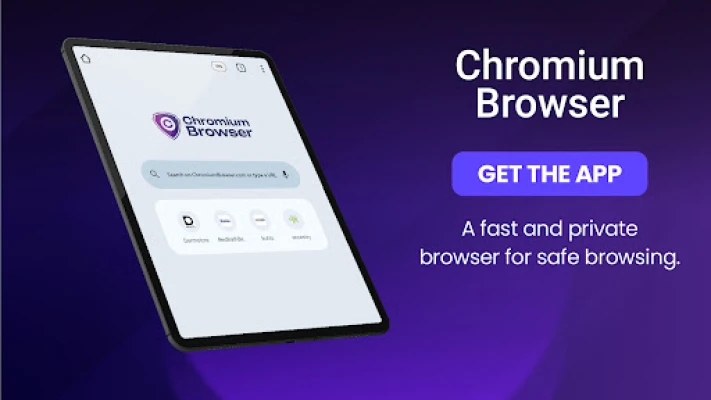
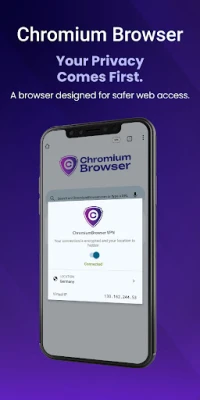
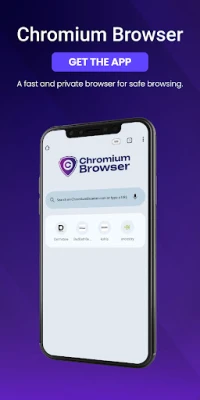
When you launch ChromiumBrowser, the home screen presents a single address bar and a set of basic navigation buttons. Tapping the plus icon opens a new tab, and each tab runs in its own lightweight process, reducing the chance of one page slowing down the others. The private mode can be activated from the menu; in this mode the browser disables persistent storage for the session, offering a quick way to browse without leaving traces on the device.
Practical uses
Because the interface is stripped down to essentials, ChromiumBrowser works well in situations where you need quick access to information without distractions—reading articles, checking reference sites, or performing brief searches. Its low resource usage also makes it a good choice for older or budget Android devices that may struggle with more feature‑rich browsers.
Installation information
The app can be installed directly from the Appitika store. After tapping the install button, the standard Android package installer will handle the download and setup. No additional configuration is required to start browsing.
Things to know before installing
- The app does not integrate with Google accounts or other online services, so bookmarks and settings stay local to the device.
- Because it focuses on core browsing functions, features such as built‑in ad blocking, sync across devices, or extensive extensions are not included.
- All data used for browsing (including cached files) is stored on the device and can be cleared manually from the app’s settings.
Who may find it useful?
Anyone who prefers a no‑frills browser will appreciate ChromiumBrowser. It is especially suitable for users who are conscious about privacy, want to keep their device’s storage lean, or need a reliable browser on hardware with limited performance headroom.
Frequently asked questions
Does ChromiumBrowser save my browsing history?
In normal mode, the browser keeps a local history that you can view or delete from the settings. Private mode does not retain any history after the session ends.
Can I sync bookmarks across devices?
No. The app stores bookmarks locally only, which aligns with its minimalist design philosophy.
Is the browser compatible with the latest Android versions?
ChromiumBrowser is built to run on standard Android releases. Specific version requirements are not listed, but the app should work on devices that support the Chromium engine.
How does the app handle multiple tabs?
Each tab runs in its own lightweight process, allowing you to switch between pages without noticeable lag. The tab switcher is accessed via the toolbar button that shows the number of open tabs.
Rate the App
User Reviews















Popular Apps










 Games
Games Entertainment
 Communication
 E-mail
 Security
 Tools
Tools Media
Media Internet
 Finance
 Design
 Education
 IT Tools
 Travel & Local
 Android
 Windows
 Linux
Linux