

Latest Version
Latest
September 15, 2026
Easyelife
Communication
Android
7
Free
org.easyweb.browser
Report a Problem
More About Browser for Android – Easyelife’s Free Mobile Web Browser
What is Browser for Android?
Browser for Android is a free web‑browser app developed by Easyelife. It is designed to give Android users a straightforward way to access websites, search the internet, and manage bookmarks without the extra layers often found in larger browsers.
Main features
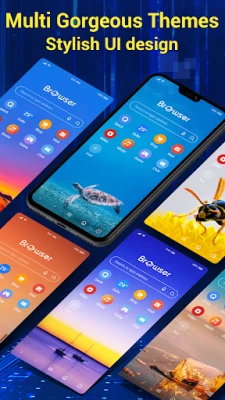
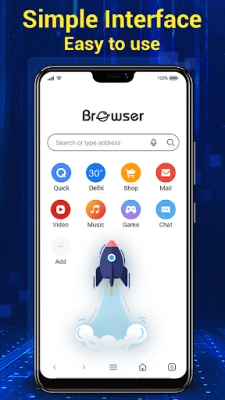
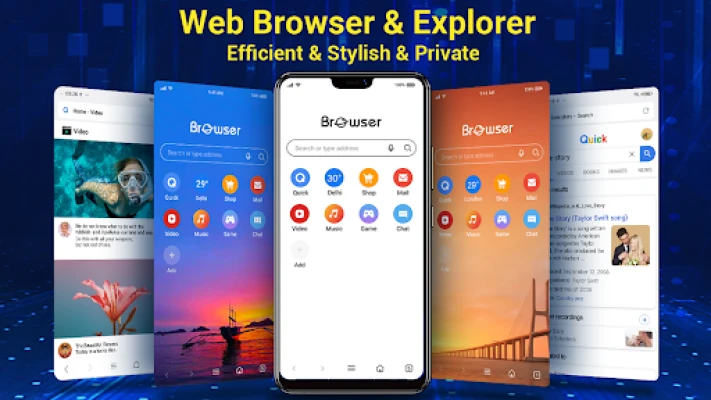
- Simple interface – The UI is kept clean, with large icons and minimal menus to reduce visual clutter.
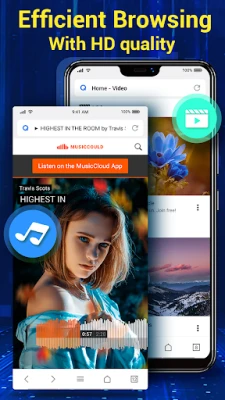
- Quick page loading – The browser aims to start fast and render pages promptly, which can be helpful on both Wi‑Fi and cellular connections.
- Multi‑touch pinch‑to‑zoom – Standard pinch gestures let you zoom in and out of web pages smoothly.
- Bookmark management – Users can add, edit, and organize bookmarks directly from the browser.
- Full‑screen mode – A menu option lets you hide the address bar for an immersive browsing experience.
- Download support – Files linked from web pages can be saved using the device’s download manager.
How it works
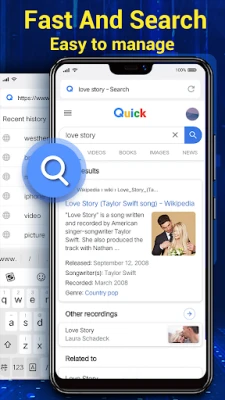
When you launch the app, a home page appears with a search bar at the top. Typing a URL or a search query loads the corresponding page in the same window. Navigation controls (back, forward, refresh) are placed at the bottom for easy thumb reach. The browser uses the system’s WebView component, which means it inherits the rendering engine provided by Android, ensuring compatibility with most modern web standards.
Practical uses
- Quickly checking news headlines or weather updates while on the go.
- Accessing personal or work‑related sites without the overhead of a feature‑rich browser.
- Saving articles or documents for later reading using the built‑in bookmark system.
Installation information
The app can be installed from the Google Play Store using the package name org.easyweb.browser. Installation follows the standard Android process: tap “Install,” grant any required permissions, and the app will appear in your app drawer.
Things to know before installing
- Because the browser relies on Android’s WebView, its performance may vary with the version of Android you are running.
- It does not include built‑in ad‑blocking or extensive privacy controls; users who need those features may prefer a dedicated privacy‑focused browser.
- The app does not require a paid license; it is offered free of charge.
Who may find it useful?
Anyone who wants a lightweight browsing experience on Android—especially users with older devices, limited storage, or a preference for a minimal interface—will likely appreciate Browser for Android.
Frequently asked questions
Is the browser safe to use?
It operates like any other Android app that uses WebView. Standard Android security practices apply, and the app does not request unnecessary permissions.
Can I sync bookmarks across devices?
The current version does not include a cloud‑sync feature. Bookmarks are stored locally on the device.
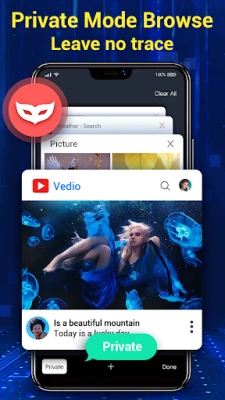
Does it support private or incognito browsing?
There is no dedicated private‑mode option in the app.
Rate the App
User Reviews















Popular Apps










 Games
Games Entertainment
 Communication
 E-mail
 Security
 Tools
Tools Media
Media Internet
 Finance
 Design
 Education
 IT Tools
 Travel & Local
 Android
 Windows
 Linux
Linux