

Latest Version
Latest
August 28, 2026
black.com GmbH
Communication
Android
85
Free
com.black.android
Report a Problem
More About black.com – Encrypted Email
What is black.com – Encrypted Email?
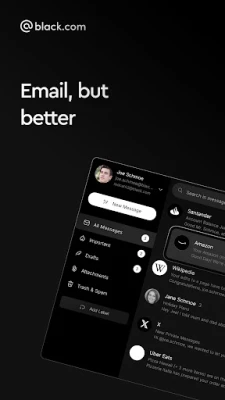
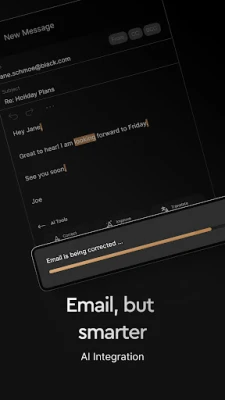
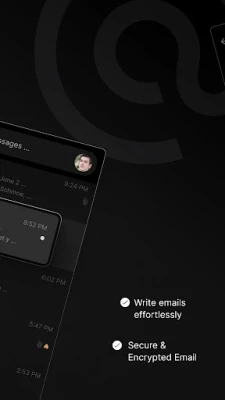
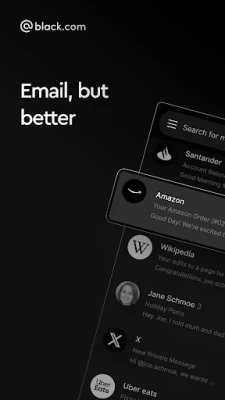
black.com – Encrypted Email is a free Android application developed by black.com GmbH that lets you manage an email address under the @black.com domain. The app emphasizes privacy by encrypting your messages on the device and offering optional two‑factor authentication.
Main features
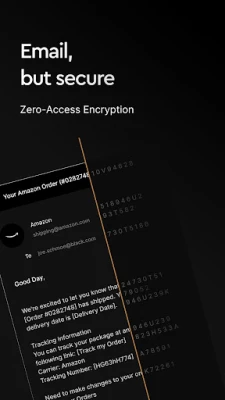
- End‑to‑end encryption – Messages are encrypted with a key derived from your password, meaning only you can read the content.
- Two‑factor authentication – An additional verification step can be enabled to protect your account if your password is compromised.
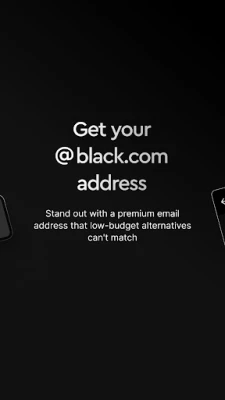
- Custom domain address – Use a personalized @black.com email address that reflects your personal or professional brand.
- Alias support – Create disposable alias addresses (e.g., redcat42@black.com) for newsletters or sign‑ups, helping keep your primary inbox free of unwanted mail.
How it works
When you set up the app, you choose a password that also serves as the basis for the encryption key. All outgoing and incoming messages are encrypted locally before they leave your device, and they remain encrypted while stored on the server. The server never holds the decryption key, so even the provider cannot read your mail.
If you enable two‑factor authentication, the app will require a second verification method—such as a time‑based code—each time you log in from a new device.
Practical uses
- Protecting sensitive communications for business or personal matters.
- Maintaining a professional image with a custom domain address.
- Managing sign‑ups and newsletters without exposing your primary address.
Installation information
The app can be downloaded from the Google Play Store using the package name com.black.android. Installation follows the standard Android process: tap Install, grant the requested permissions, and launch the app to begin configuration.
Things to know before installing
- The app requires an internet connection for sending and receiving mail.
- Because encryption keys are derived from your password, losing that password means you cannot recover encrypted messages.
- Two‑factor authentication is optional but recommended for added security.
Who may find it useful?
Anyone who values privacy in their email communications—freelancers, small business owners, journalists, or privacy‑conscious individuals—will benefit from the encryption and alias features offered by black.com – Encrypted Email.
Frequently asked questions
Do I need a separate @black.com address to use the app?
Yes, the service provides an email address under the @black.com domain as part of the account creation process.
Can I use the app with other email providers?
The app is designed specifically for the @black.com service and does not act as a generic email client for external accounts.
Is the app truly free?
black.com – Encrypted Email is offered at no cost, with no paid upgrades mentioned in the available information.
Rate the App
User Reviews















Popular Apps










 Games
 Entertainment
 Communication
 E-mail
 Security
 Tools
 Media
 Internet
 Finance
 Design
 Education
 Android Firmwares
 Travel & Local
 Android
 Windows
 Linux