
Latest Version
September 04, 2026
AutoResponder.ai
Communication
Android
4
Free
tkstudio.autoresponderforig
Report a Problem
More About AutoResponder for IG – Automated Instagram Direct Replies
What is AutoResponder for IG?
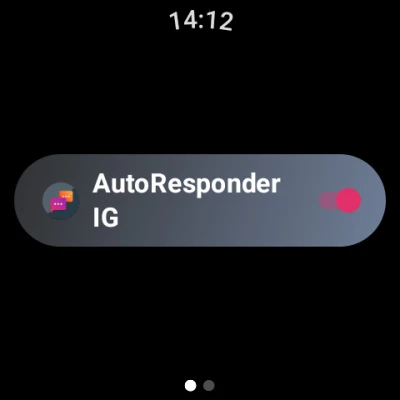
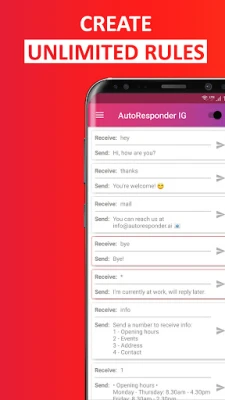
AutoResponder for IG is a free Android utility that monitors incoming Instagram Direct messages and sends predefined replies on your behalf. It is designed for users who want to keep their inbox active while they are busy, traveling, or simply prefer not to type a response each time.
Main features
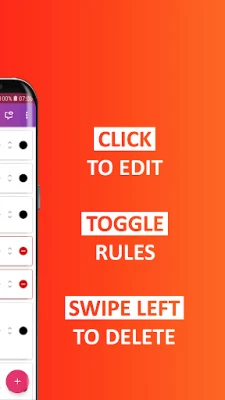
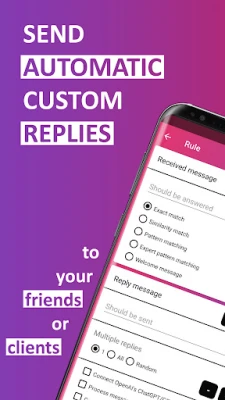
- Custom reply rules – Define specific text that should be sent for particular incoming messages.
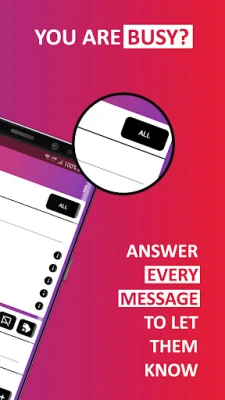
- Broad auto‑reply – Option to reply to every Direct message when you enable a busy mode.
- Scheduled replies – Set delays or time windows for when automatic responses are sent.
- Contact filtering – Choose which contacts or groups receive auto‑replies and which are ignored.
- Integration potential – Works as a plugin for automation tools such as Tasker or MacroDroid, allowing more complex workflows.
How it works
The app runs in the background and listens for notification events generated by the Instagram app. When a new Direct message notification appears, AutoResponder for IG checks your rule set and, if a match is found, sends the corresponding reply through the Instagram notification interface. Because it operates via the native notification system, the app does not require direct access to Instagram’s private APIs.
Practical uses
- Provide a quick acknowledgment when you are unable to answer immediately.
- Send a welcome message to new contacts or business inquiries.
- Maintain consistent communication during off‑hours or vacations.
- Support simple customer‑service scenarios by delivering standard information.
Installation information
Download AutoResponder for IG from the Appitika store and follow the standard Android installation steps. After installation, you will need to grant notification access so the app can read Instagram notifications and post replies. The permission request is limited to notification handling; no additional invasive permissions are required.
Things to know before installing
- The app does not modify the Instagram application itself; it only interacts with notifications.
- Automatic replies are sent based on the rules you create; careful configuration helps avoid unintended messages.
- Because it relies on notification data, any changes Instagram makes to its notification format could affect functionality.
Who may find it useful?
Anyone who uses Instagram Direct frequently and wants to automate part of their communication can benefit. This includes influencers managing large follower interactions, small business owners handling customer queries, and personal users who prefer to acknowledge messages without immediate typing.
Frequently asked questions
Does AutoResponder for IG require my Instagram login?
No. The app works solely with notification access and does not store or request your Instagram credentials.
Can I disable auto‑replies for specific people?
Yes. You can create exclusion lists or set rules that apply only to selected contacts or groups.
Will the app work on all Android versions?
The app requires Android’s notification access feature, which is available on most recent Android releases. Compatibility with very old versions is not guaranteed.
Is there a way to back up my reply rules?
The app includes an option to export and import rule sets, making it easy to restore your configuration after a reinstall.
Rate the App
User Reviews










Popular Apps










 Games
Games Entertainment
 Communication
 E-mail
 Security
 Tools
Tools Media
Media Internet
 Finance
 Design
 Education
 IT Tools
 Travel & Local
 Android
 Windows
 Linux
Linux