

Latest Version
Latest
August 18, 2026
Arattai Technology Solutions
Communication
Android
135
Free
com.arattai.tv
Report a Problem
More About Arattai – Secure Communication for TV
What is Arattai?
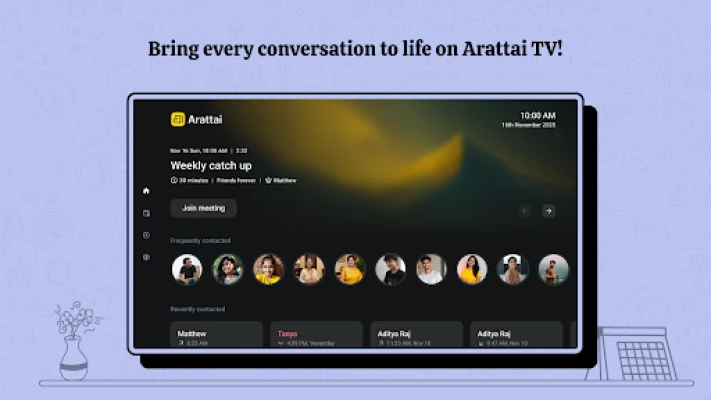
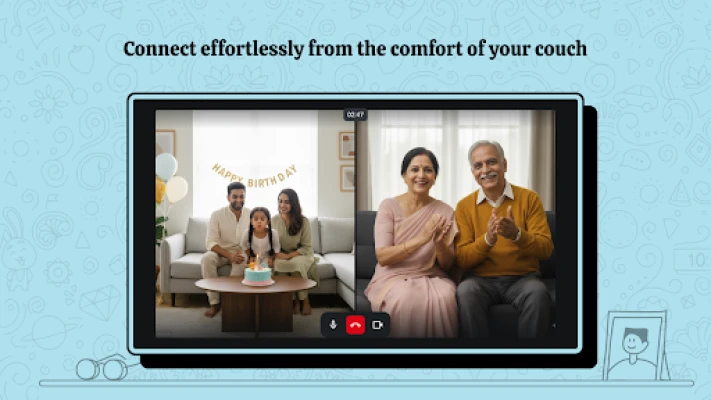
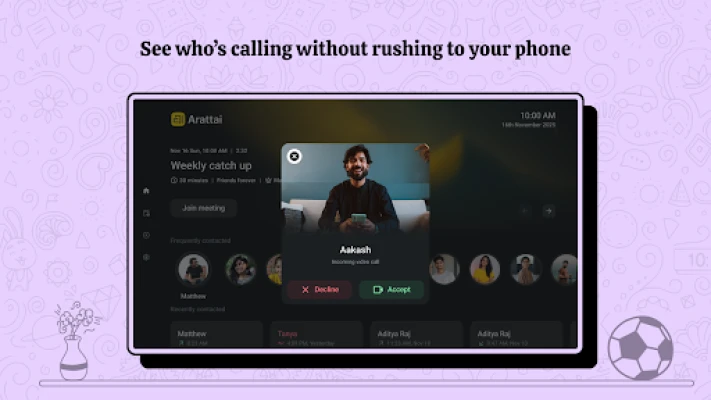
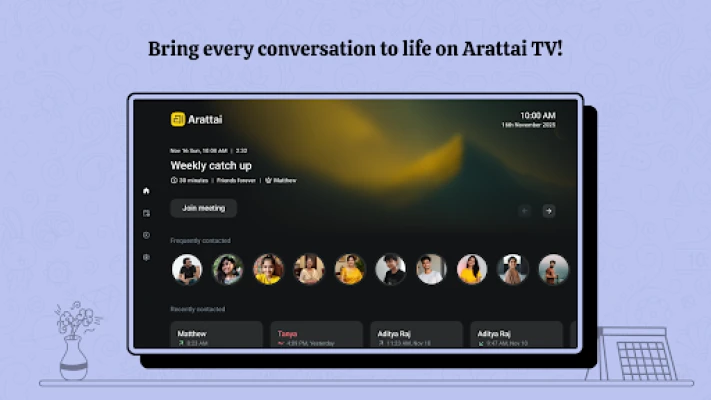
Arattai is a free Android application designed to bring video calls and messaging to a television. By connecting your Android device to a TV, the app expands the usual small‑screen experience to a larger display, making it easier for families and groups to see and hear each other clearly.
Main features
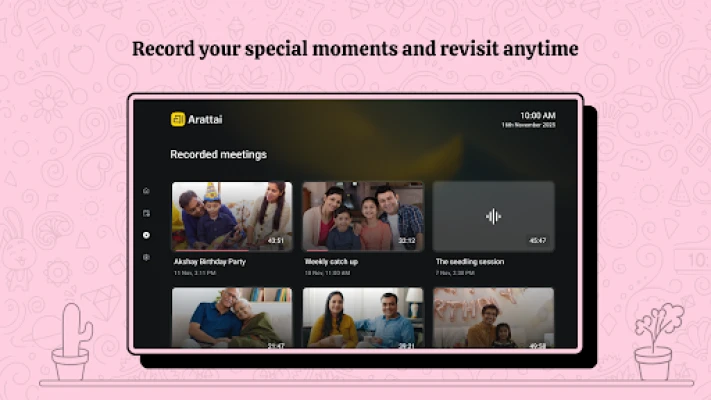
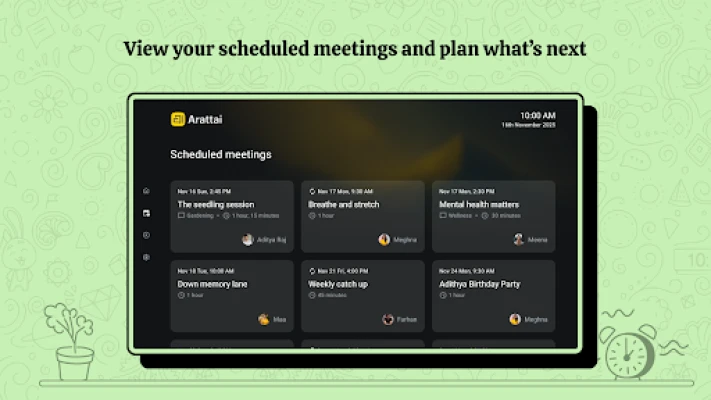
- TV‑focused interface – Optimized layout for viewing on large screens.
- Group video calls – Join multiple participants in a single session.
- Secure communication – Emphasis on privacy while using the app.
- Simple setup – Connect via HDMI, Chromecast, or compatible casting methods.
How it works
After installing Arattai on your Android device, you launch the app and choose a casting method that matches your TV. Once the connection is established, the app mirrors the call interface onto the TV while you continue to control the session from your phone or tablet. The TV acts as a shared screen, while audio can be routed through the TV speakers or external sound system.
Practical uses
Arattai is useful in several everyday scenarios:
- Family gatherings – Bring distant relatives into a living‑room conversation.
- Remote work meetings – Display a video conference on a larger screen for better collaboration.
- Study groups – Share a virtual classroom with peers on a TV.
Installation information
Search for Arattai – Secure Communication in the Google Play Store, tap Install, and wait for the download to complete. The app does not require additional permissions beyond those needed for camera, microphone, and network access, which are standard for video‑calling tools.
Things to know before installing
- Ensure your TV supports casting or has an HDMI input for a direct connection.
- A stable internet connection is recommended for smooth video quality.
- The app is free, but data usage will depend on the length and number of participants in each call.
Who may find it useful?
Anyone who prefers a shared viewing experience for video calls—parents, remote workers, educators, and social groups—can benefit from Arattai’s TV‑centric design.
Frequently asked questions
Do I need a separate account?
Arattai uses the same login method as the underlying video‑calling service, so you can sign in with existing credentials.
Can I use a Bluetooth headset?
Yes. Connecting a Bluetooth headset or earbuds works the same as with any other video‑calling app.
Is the call quality affected by the TV?
Call quality depends on your network and device camera, not on the TV. The TV simply displays the video stream.
Rate the App
User Reviews















Popular Apps










 Games
Games Entertainment
 Communication
 E-mail
 Security
 Tools
Tools Media
Media Internet
 Finance
 Design
 Education
 Android Firmwares
 Travel & Local
 Android
 Windows
 Linux
Linux