

Latest Version
Latest
September 01, 2026
Aloha Mobile
Communication
Android
2
Free
com.alohamobile.browser.lite
Report a Problem
More About Aloha Browser Lite – Fast, Light‑weight VPN Browser
What is Aloha Browser Lite?
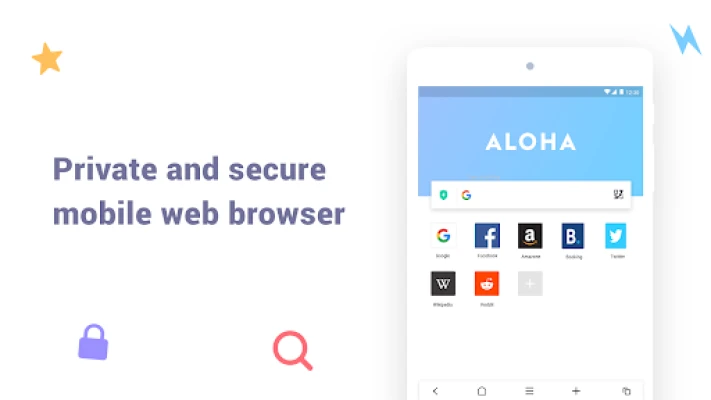
Aloha Browser Lite is a compact web browser designed for Android devices that need a small‑footprint app without sacrificing essential functionality. Developed by Aloha Mobile, the lite version targets entry‑level phones and Android Go devices, providing a straightforward way to browse the web while optionally routing traffic through a built‑in VPN.
Main features
- Lightweight design – The app’s size and resource consumption are intentionally minimal, making it suitable for devices with limited storage or RAM.
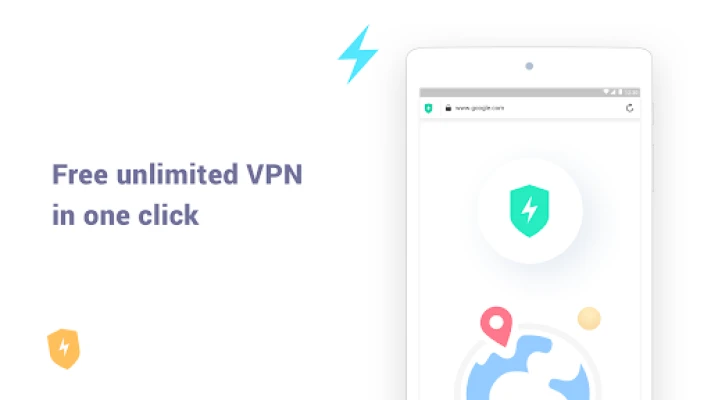
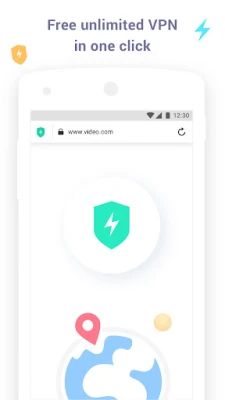
- Integrated free VPN – Users can enable a VPN with a single tap, adding an extra layer of privacy when connecting to public networks.
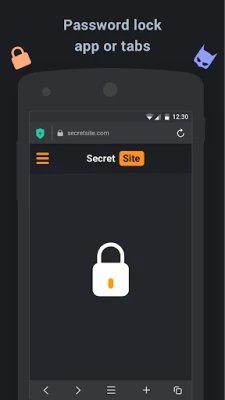
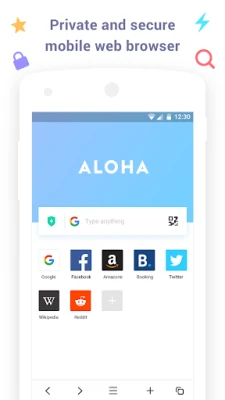
- Basic privacy controls – The browser includes options such as private tabs and optional app lock (password or fingerprint) to keep browsing sessions discreet.
- Ad‑light experience – The interface avoids intrusive advertisements, focusing on content rendering speed.
- Battery‑friendly operation – Optimized for low power draw, the browser aims to keep battery consumption modest during extended sessions.
How it works
When you open a webpage, Aloha Browser Lite loads the content using the standard Android WebView component, which ensures compatibility with most modern sites. If you choose to enable the VPN, the app routes all outgoing traffic through its secure tunnel before it reaches the internet, helping to mask your IP address from the destination server. The VPN service is provided at no extra cost, though it operates under the same free‑license terms as the rest of the application.
Practical uses
- Travelers who need a quick, low‑storage browser with optional VPN protection.
- Users of Android Go phones looking for a browsing solution that won’t strain limited hardware.
- Anyone who prefers a separate, lightweight browser for casual web tasks without the overhead of a full‑featured counterpart.
Installation information
The app can be installed from the standard Android app store. After installation, the initial launch will prompt you to grant standard browser permissions, such as network access and optional storage access for downloading files. No additional configuration is required to start browsing; the VPN can be toggled from the toolbar whenever needed.
Things to know before installing
- The lite version focuses on core browsing and VPN functions; advanced features found in the full Aloha Browser (such as extensive ad‑blocking or multimedia enhancements) are not included.
- Because the app is free, it does not include a paid‑upgrade path or in‑app purchases.
- Privacy statements and terms of service are managed by Aloha Mobile; users should review those documents for details on data handling.
Who may find it useful?
Anyone who values a straightforward, low‑resource browser with built‑in VPN capability will benefit from Aloha Browser Lite. It is especially appropriate for users with constrained storage, limited data plans, or devices that run Android Go.
Frequently asked questions
- Is the VPN truly free? The VPN feature is offered at no charge within the app. It does not require a subscription, though the provider may impose usage limits that are described in the app’s privacy policy.
- Can I use the browser on tablets? The app is built for Android smartphones, but it can run on tablets that meet the basic OS requirements.
- Does the browser store my browsing history? The lite version keeps a temporary history for navigation purposes. Users can clear this data from the browser’s settings.
- Is a password or fingerprint required? App locking is optional. You may enable a password or, on supported devices, a fingerprint to protect the browser or private tabs.
Rate the App
User Reviews















Popular Apps










 Games
Games Entertainment
 Communication
 E-mail
 Security
 Tools
Tools Media
Media Internet
 Finance
 Design
 Education
 IT Tools
 Travel & Local
 Android
 Windows
 Linux
Linux