

Latest Version
August 14, 2026
Kathiriya Info Sol
Communication
Android
285
Free
com.email.emaillogin.allmailaccess
Report a Problem
More About All Email Login – Manage Multiple Email Accounts Easily
What is All Email Login?
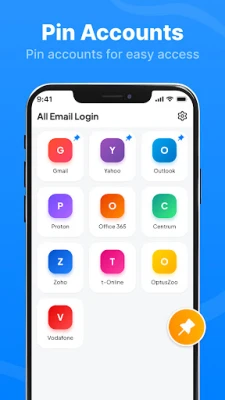
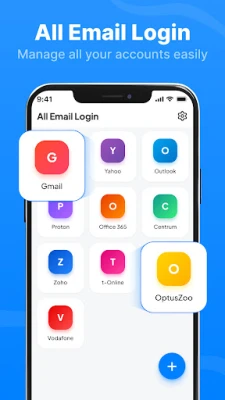
All Email Login is a lightweight utility that serves as a central hub for accessing the web interfaces of popular email providers. Rather than installing separate applications for each account, you can launch the official web portals of Gmail, Outlook, Yahoo, and others directly from one place.
Main Features
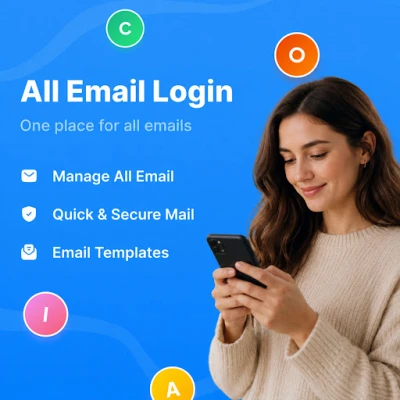
- Unified access – Add shortcuts for any number of email services and open them with a single tap.
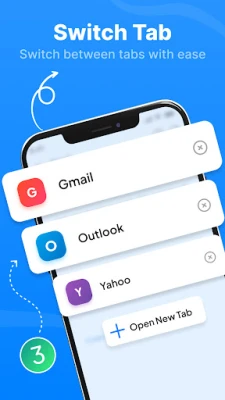
- Fast switching – Move between personal, work, or shared accounts without leaving the app.
- Simple interface – A clean list view keeps the focus on your email links, not on ads or extra widgets.
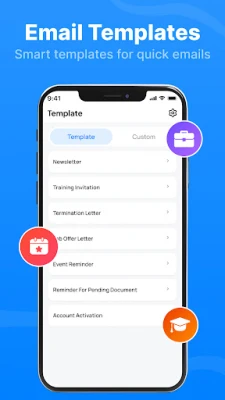
- Template support – Store short text snippets that can be copied into your email compose window, useful for repetitive messages.
How It Works
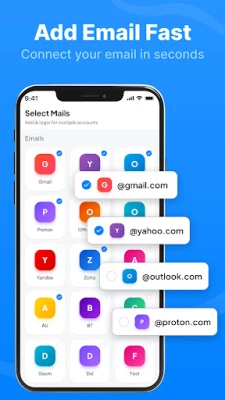
When you first launch All Email Login, you are presented with an empty list. Tap the Add account button, enter a name for the account (for example, "Work Gmail"), and paste the URL of the email service’s login page. The app saves the entry locally and displays it as a clickable item. Selecting the item opens the URL in your default browser or an in‑app web view, depending on your device settings.
Practical Uses
- Separate personal and professional mail – Keep work and private email distinct while still reaching them from a single screen.
- Quick access on the go – When you need to check a specific account, you can launch it in seconds without searching through the home screen.
- Consistent templates – Store common replies (e.g., "Thank you for your inquiry") and copy them into any email service you use.
Installation Information
The app is distributed as a free download. Installation follows the standard Android process: download the APK, allow installation from unknown sources if required, and tap Install. No additional permissions beyond basic storage are requested, as the app only needs to save the list of URLs locally.
Things to Know Before Installing
- The app does not host any email data; it only opens the official web pages of the services you specify.
- All login credentials are entered directly on the email provider’s website, not within All Email Login.
- Because the app relies on external web portals, any changes to a provider’s login URL will need to be updated manually.
Who May Find It Useful?
Anyone who manages more than one email address—students, freelancers, small‑business owners, or anyone who prefers web‑based email—can benefit from a single shortcut list. The app is also handy for users who want to avoid installing multiple heavyweight email clients.
Frequently Asked Questions
Do I need an internet connection?
Yes. The app only opens web pages, so a network connection is required to reach the email services.
Can I delete an account entry?
Tap and hold an entry in the list, then select the delete option that appears.
Is my email password stored by the app?
No. Passwords are entered on the provider’s login page and are never saved by All Email Login.
Will the app work on all Android versions?
The app targets standard Android APIs and should run on most devices that support the Google Play Services framework. Specific version requirements are not listed, but the app is designed for modern Android releases.
Rate the App
User Reviews















Popular Apps










 Games
Games Entertainment
 Communication
 E-mail
 Security
 Tools
Tools Media
Media Internet
 Finance
 Design
 Education
 Android Firmwares
 Travel & Local
 Android
 Windows
 Linux
Linux