
Latest Version
Latest
August 28, 2026
Siversky Donets
Communication
Android
101
Free
com.allmail.access.mailpro.inbox
Report a Problem
More About All Email Access – Unified Inbox for Android
What is All Email Access?
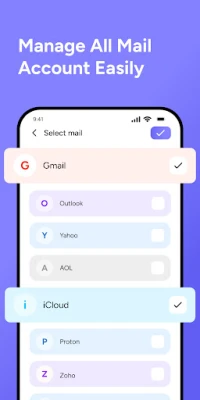
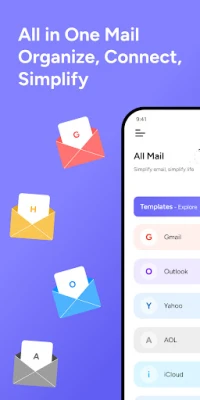
All Email Access is a free Android application developed by Siversky Donets. It provides a single interface where you can add and read messages from several email providers without switching between separate apps.
Main features
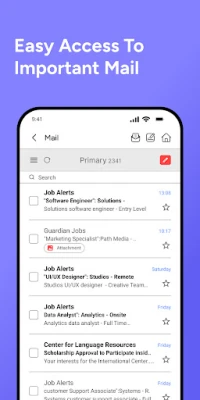
- Unified inbox – All incoming messages appear in one list, making it easy to stay on top of communications.
- Multiple account support – You can add accounts from popular services such as Gmail, Yahoo, Outlook and other IMAP/SMTP providers.
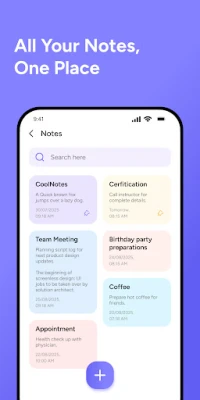
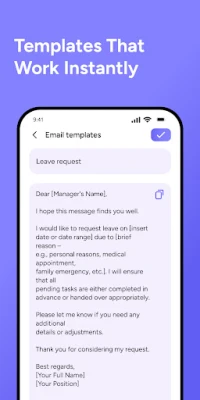
- Basic email composition – Write, reply and forward messages directly from the app.
- Simple organization – Use folders or labels provided by your email service to keep messages sorted.
How it works
After installing the app, you are guided through a standard account‑setup wizard. You enter your email address and password, and the app automatically detects the appropriate server settings for most major providers. Once configured, the app synchronizes your mail in the background and presents new messages in the unified view.
Practical uses
- Keep personal and work email separate yet visible in one place.
- Reduce the number of apps on your device, freeing storage and simplifying updates.
- Quickly scan for important messages without opening multiple accounts.
Installation information
The application can be downloaded from the Appitika store. Tap the install button, grant the requested permissions for network access and storage (if you choose to download attachments), and the app will appear on your home screen.
Things to know before installing
- All Email Access requires an internet connection to sync messages.
- The app does not include advanced features such as calendar integration or push notifications for every provider; functionality depends on the email service’s support.
- Because the app stores login credentials, it is advisable to use a strong password and enable two‑factor authentication on your email accounts where possible.
Who may find it useful?
Anyone who manages more than one email address on Android – students, freelancers, small‑business owners, or anyone who prefers a single inbox view – can benefit from All Email Access.
Frequently asked questions
Can I add both personal and work accounts?
Yes. The app allows you to add any number of accounts, regardless of the provider.
Does the app support attachments?
You can download and view attachments that are supported by Android’s built‑in viewers. Large files are saved to your device’s download folder.
Is my data encrypted?
The app uses standard secure connections (SSL/TLS) when communicating with email servers, but it does not provide end‑to‑end encryption beyond what the email service itself offers.
Rate the App
User Reviews















Popular Apps










 Games
 Entertainment
 Communication
 E-mail
 Security
 Tools
 Media
 Internet
 Finance
 Design
 Education
 Android Firmwares
 Travel & Local
 Android
 Windows
 Linux