

Latest Version
Latest
September 03, 2026
BoostVision
Media
Android
6
Free
com.boost.airplay.receiver
Report a Problem
More About AirMirror: TV Cast & Mirror – Stream iOS to Android TV
What is AirMirror: TV Cast & Mirror?
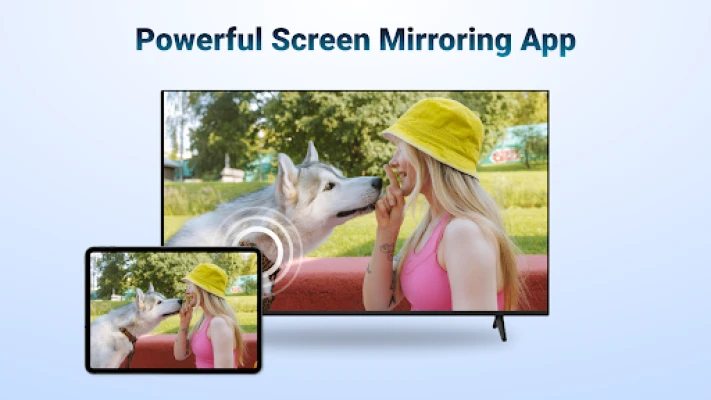
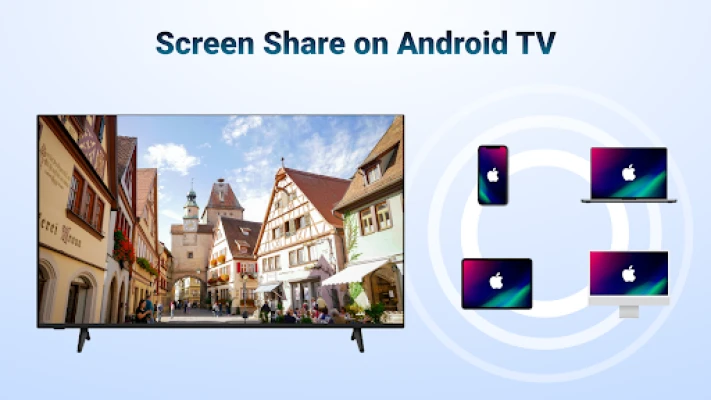
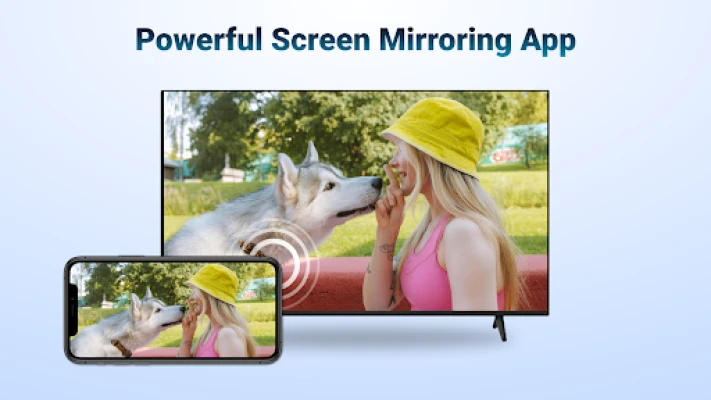
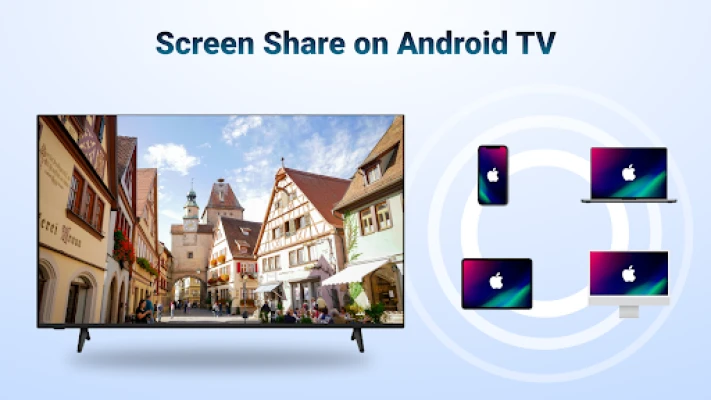
AirMirror is a free Android application that turns your Android TV or compatible Android device into a receiver for Apple‑based media. When both devices share a Wi‑Fi network, you can display the screen of an iPhone, iPad or Mac on the TV and stream photos, videos, music or web content without cables.
Main features
- Screen mirroring – Show the entire iOS screen on a larger display for presentations, gaming or media playback.
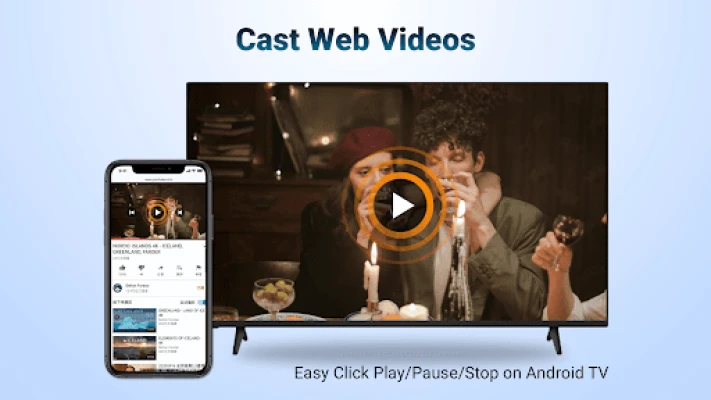
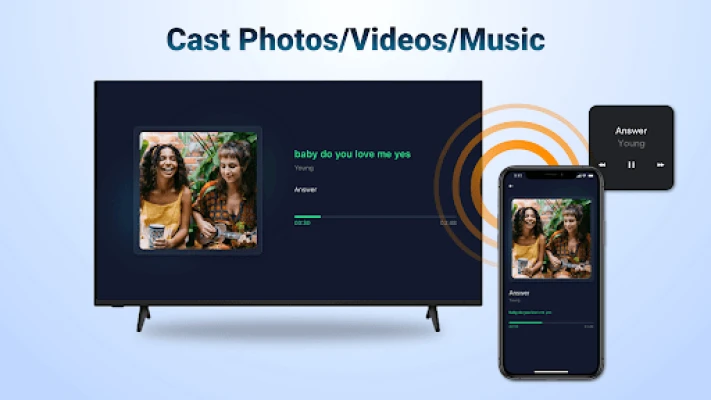
- Media casting – Send individual photos, videos or audio files from iOS devices to the TV.
- Wi‑Fi based – No additional hardware or adapters are required; the connection works over the local network.
- Simple control – Once the content is on the TV you can pause, play or adjust volume directly from the TV remote or the Android device.
- Orientation support – The receiver adapts to landscape or portrait orientation as the source device changes.
How it works
After installing AirMirror on your Android TV, launch the app and note the device name that appears on the screen. On your iPhone, iPad or Mac, open the built‑in AirPlay or screen‑mirroring menu, select the Android TV name, and the connection is established. The app handles the conversion of the Apple streaming protocol to a format the Android TV can display.
Practical uses
- Business meetings – Project slides or live demos from an iPhone or iPad without a laptop.
- Family photo sharing – Quickly display vacation pictures on the living‑room TV.
- Gaming – Play iOS games on a larger screen for a more immersive experience.
- Fitness videos – Stream workout sessions from an iPad to the TV for group exercise.
Installation information
Search for AirMirror: TV Cast & Mirror in the Google Play Store, tap Install, and wait for the download to complete. The app does not require additional permissions beyond network access, which is standard for streaming apps.
Compatibility
The receiver runs on Android TV devices that support the standard Google Play services. Both the Android TV and the iOS source must be connected to the same Wi‑Fi network for the connection to succeed.
Things to know before installing
- Content protected by DRM (for example, Netflix or Apple TV+ streams) cannot be mirrored due to licensing restrictions.
- Performance depends on the strength and speed of your local Wi‑Fi network; a stable 5 GHz connection provides the smoothest experience.
- Both devices need to be on the same subnet; guest networks or isolated Wi‑Fi segments may prevent discovery.
Who may find AirMirror useful?
Anyone who uses Apple devices and owns an Android TV can benefit from AirMirror. This includes educators, business professionals, families, and casual users who want a simple way to share iOS content on a larger screen without extra hardware.
Frequently asked questions
Do I need a separate sender app on my iPhone?
No. AirMirror works with the native AirPlay or screen‑mirroring feature built into iOS and macOS.
Can I control the TV from my iPhone while mirroring?
Control of playback (pause, play, volume) is handled by the TV remote or the Android device running AirMirror. Touch interaction on the iPhone continues to affect the source app as usual.
Is there a limit to the video resolution?
The app mirrors the source resolution. Higher‑resolution content will display at the TV’s native resolution if the network can sustain the bandwidth.
Rate the App
User Reviews














Popular Apps










 Games
Games Entertainment
 Communication
 E-mail
 Security
 Tools
Tools Media
Media Internet
 Finance
 Design
 Education
 IT Tools
 Travel & Local
 Android
 Windows
 Linux
Linux