

Latest Version
Latest
August 13, 2026
TextNow, Inc.
Communication
Android
261
Free
com.enflick.android.tn2ndLine
Report a Problem
More About 2ndLine – Free Second Phone Number for Calls & Texts
What is 2ndLine?
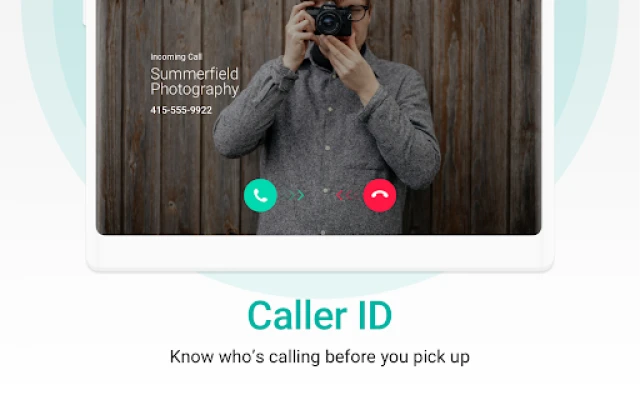
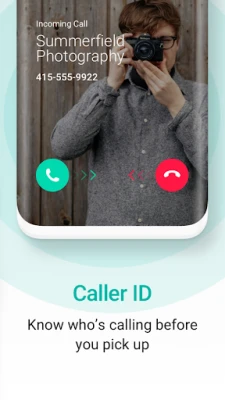
2ndLine is a free Android app that lets you create a second telephone number that works over Wi‑Fi or data connections. The number is based in the United States, letting you send and receive calls and text messages without needing a physical SIM card.
Main Features
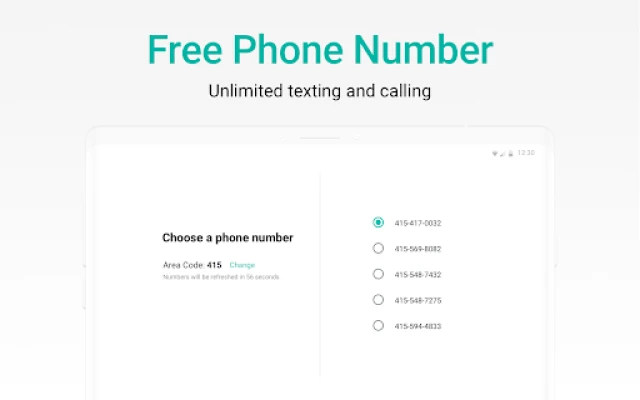
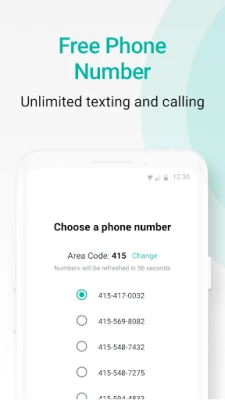
- Free US number – Choose an area code from major US cities and start using the line immediately.
- Unlimited texting – Send and receive SMS to any US or Canadian mobile or landline at no cost.
- Wi‑Fi calling – Make voice calls over an internet connection, which is useful when cellular coverage is weak.
- Customizable tones – Set distinct ringtones, notification sounds, and vibration patterns for the second line.
- Quick replies – Pre‑written responses speed up texting.
- Widget support – A home‑screen widget provides one‑tap access to the dialer and recent messages.
- Ad‑supported free model – The app is free to use; ads are displayed in a non‑intrusive way. A subscription option removes ads for a cleaner experience.
How It Works
After installing the app, you select an available US area code and the service assigns a virtual number. The app registers this number with the provider’s network, enabling it to route calls and texts through the internet. Because the connection is data‑based, you can use the second line anywhere you have Wi‑Fi or mobile data, regardless of your carrier.
Practical Uses
- Separate work and personal life – Keep business calls and messages on a distinct line without buying a second device.
- Online marketplaces – Use the extra number for buying or selling items, protecting your primary number from spam.
- Travel – When abroad, stay reachable on a US number without incurring roaming charges, as calls are routed over the internet.
- Privacy – Share the secondary number for sign‑ups, dating apps, or any situation where you prefer not to disclose your main contact.
Installation Information
The app is available through the Google Play Store. Search for the package name com.enflick.android.tn2ndLine or the app title, then tap Install. The download size is modest, and the app does not require special permissions beyond standard network access and the ability to read contacts if you choose to integrate the second line with your device’s dialer.
Things to Know Before Installing
- Internet connection is required for both initial setup and ongoing use.
- The free version includes advertisements; a paid subscription removes them.
- Calls to numbers outside the US and Canada are billed at low rates, which are displayed before you place the call.
- Because the number is virtual, emergency services (e.g., 911) may not be reachable through the app.
Who May Find 2ndLine Useful?
Freelancers, small‑business owners, students, and anyone who wants a clear separation between different communication channels will benefit from a second line that doesn’t require extra hardware.
Frequently Asked Questions
Is the app really free?
Yes, the core calling and texting features are free. Ads support the service, and an optional subscription removes them.
Can I keep the same number if I reinstall?
The assigned number is tied to your account. After reinstalling and signing back in, you retain the same virtual number.
Do I need a SIM card for the second line?
No. All communication runs over Wi‑Fi or mobile data, so a physical SIM is not required.
Are there any hidden fees?
Domestic calls and texts to the US and Canada are free. International calls incur a per‑minute charge that is shown before dialing.
Rate the App
User Reviews















Popular Apps










 Games
Games Entertainment
 Communication
 E-mail
 Security
 Tools
Tools Media
Media Internet
 Finance
 Design
 Education
 Android Firmwares
 Travel & Local
 Android
 Windows
 Linux
Linux