

Latest Version
September 17, 2026
2nd SIM
Communication
Android
8
Free
com.secondphone.virtualnumber
Report a Problem
More About 2nd SIM – Second Phone Number
What is 2nd SIM?
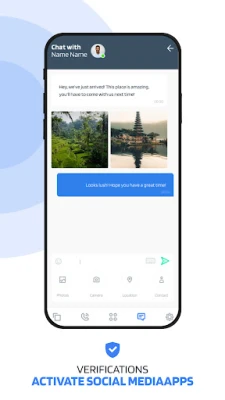
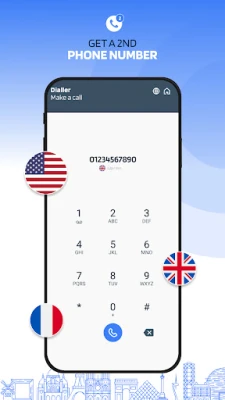
2nd SIM – Second Phone Number is a free Android app that lets you create a virtual phone line without needing an extra SIM card. The app provides a separate number that can send and receive calls and SMS messages over an internet connection, helping you keep personal and professional conversations distinct.
Main features
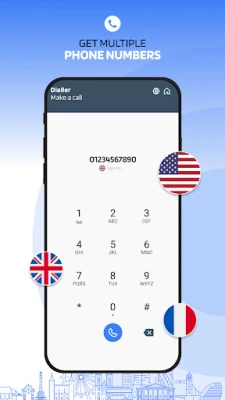
- Separate number: Choose a new phone number from the list of supported regions and use it alongside your primary mobile line.
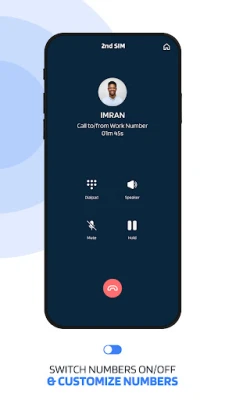
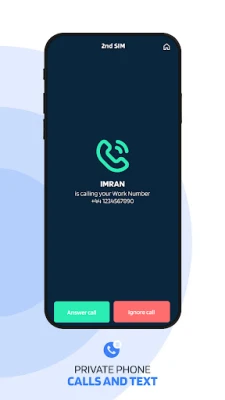
- Call and text support: Make voice calls and exchange SMS/MMS messages through the virtual line.
- Wi‑Fi or data operation: The service works over Wi‑Fi, LTE or any mobile data connection, eliminating the need for additional carrier plans.
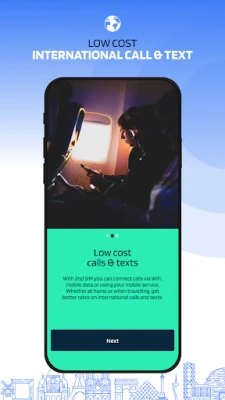
- International reach: Numbers are available from multiple countries, which can be useful for travelers or people who need a local presence abroad.
- Privacy control: Your real mobile number stays hidden when you use the virtual line for online listings, dating apps, or temporary projects.
How it works
After installing the app, you create an account and select a country and area code for the virtual number you want. The app assigns a number that is linked to your account. All inbound and outbound communication is routed through the app’s servers, using your internet connection. You can answer calls, send replies, and manage messages directly within the app’s interface.
Practical uses
- Business separation: Keep client calls and messages on a dedicated line without mixing them with personal contacts.
- Online marketplaces: Share a disposable number when buying or selling items on classified sites to protect your primary number.
- Travel: Use a local virtual number while abroad to avoid roaming charges and stay reachable to contacts in that region.
- Dating and social apps: Preserve privacy by communicating through a secondary number.
Installation information
Search for "2nd SIM – Second Phone Number" in the Google Play Store, tap Install, and grant the permissions required for phone and messaging functions. Once installed, open the app, follow the onboarding steps to select a number, and you’re ready to start using the second line.
Things to know before installing
- The app requires an active internet connection for all calls and messages.
- Availability of numbers may vary by country; not every region is guaranteed to have a number at all times.
- Standard carrier rates may apply for data usage if you are not on Wi‑Fi.
Who may find it useful?
Freelancers, small‑business owners, remote workers, travelers, and anyone who wants to keep a clear boundary between personal and professional communication can benefit from a virtual second number.
Frequently asked questions
Do I need a second SIM card?
No. The app creates a virtual line that works over your existing internet connection.
Can I receive calls when the app is closed?
Incoming calls are delivered as notifications; you can answer them when you reopen the app.
Is the virtual number tied to my Google account?
The app uses its own account system; you can sign in with an email address or other supported method.
Are there any hidden fees?
The core functionality is free. Any additional services, such as premium international calling rates, would be shown clearly within the app before use.
Rate the App
User Reviews






![[US] Social Network – Real‑time local connections](https://www.appitika.com/images/17896840845838641.webp)








Popular Apps










 Games
Games Entertainment
 Communication
 E-mail
 Security
 Tools
Tools Media
Media Internet
 Finance
 Design
 Education
 IT Tools
 Travel & Local
 Android
 Windows
 Linux
Linux