

Latest Version
Latest
August 26, 2026
Dingtone Communications Ltd
Communication
Android
96
Free
me.number.app.im
Report a Problem
More About 2nd Line – Add a Second Phone Number on Android
What is 2nd Line?
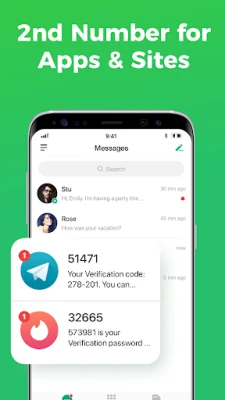
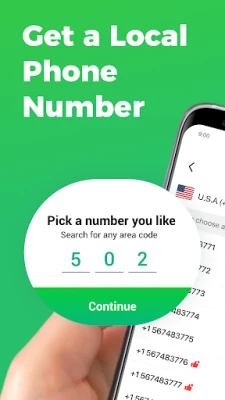
2nd Line is a free Android app that lets you obtain an additional phone number that works over Wi‑Fi or mobile data. The extra number can be used for voice calls and SMS without needing a second SIM card, giving you a simple way to separate different aspects of your life.
Main Features
- Separate Number: Get a dedicated local number that you can share with contacts, businesses, or online services.
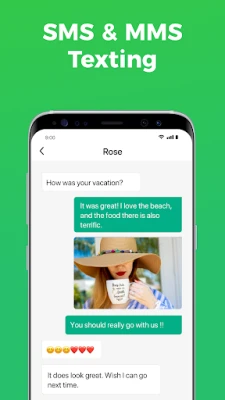
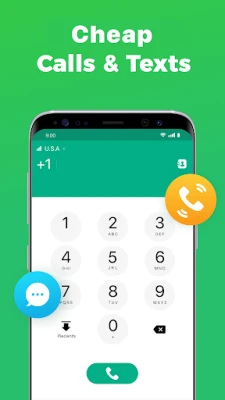
- Calls and Texts: Make and receive calls and send SMS messages using the new number, all within the app.
- Wi‑Fi Calling: Calls are routed over an internet connection, which can be useful when cellular coverage is limited.
- Custom Voicemail: Record a personal greeting for the secondary line.
- Spam Management: Block unwanted callers and filter spam messages.
- Call Forwarding & Recording: Forward calls to another number and optionally record conversations for later reference.
How It Works
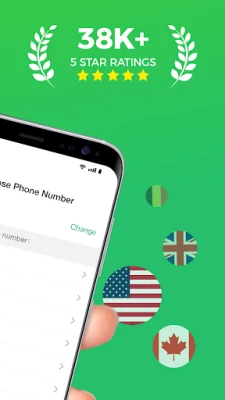
After installing the app, you create an account and choose a local area code. The service assigns a virtual number that is linked to your Google Play account. All inbound and outbound traffic is handled through the app’s servers, so you can communicate even if you do not have a cellular signal, as long as you have an internet connection.
Practical Uses
- Privacy: Use the secondary number when signing up for online marketplaces, dating apps, or any service where you prefer not to share your primary number.
- Work‑Life Balance: Keep business calls separate from personal calls, making it easier to manage notifications and avoid mixing contexts.
- Travel: When traveling abroad, you can keep a local number for contacts in the destination country without incurring roaming charges.
- Temporary Projects: Create a number for short‑term projects, events, or campaigns and discard it when it’s no longer needed.
Installation Information
The app is available through the Google Play Store. Search for "2nd Line - Second Phone Number" or use the package name me.number.app.im. Tap Install, grant the requested permissions (such as microphone and contacts), and follow the on‑screen setup to choose your new number.
Things to Know Before Installing
- The app requires an internet connection for registration and ongoing use.
- Some features, like call forwarding or voicemail customization, may depend on regional availability.
- While the core functionality is free, certain premium options could be offered as in‑app purchases.
Who May Find It Useful?
Freelancers, small‑business owners, job seekers, frequent online sellers, and anyone who wants to keep their personal number private will benefit from a second line. It is also handy for families that want a shared number for kids or temporary use.
Frequently Asked Questions
Do I need a second SIM card?
No. The number is virtual and works through the app over data or Wi‑Fi.
Can I receive calls when I’m offline?
Calls are delivered to the app’s server. If the app is not running or the device is offline, you will receive a missed‑call notification when you reconnect.
Is my data secure?
The app follows standard Android security practices. Your communications are transmitted over encrypted channels, but you should review the privacy policy for details on data handling.
Can I keep the number permanently?
The number remains active as long as you maintain the account and comply with any usage terms. Some regions may require periodic verification.
Rate the App
User Reviews















Popular Apps










 Games
 Entertainment
 Communication
 E-mail
 Security
 Tools
 Media
 Internet
 Finance
 Design
 Education
 Android Firmwares
 Travel & Local
 Android
 Windows
 Linux