

Latest Version
Latest
September 06, 2026
RI Casual Offline Games
Games
Android
10
Free
com.renderedideas.jungleadventuresrun.tv
Report a Problem
More About Jungle Adventures Run – TV Edition
What is Jungle Adventures Run – TV?
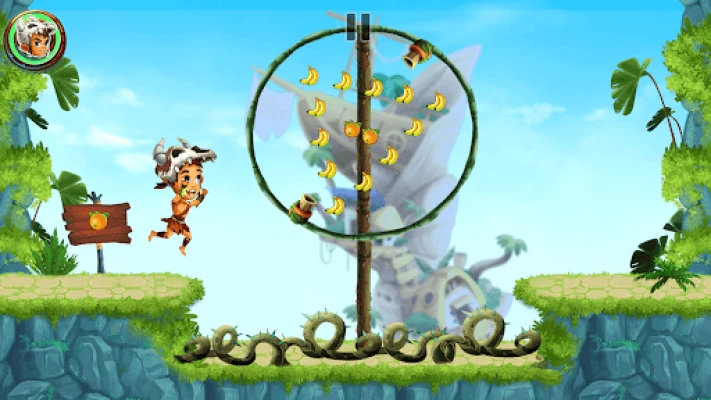
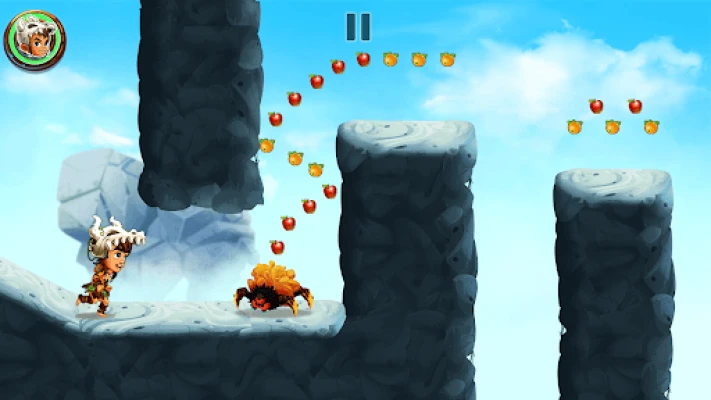
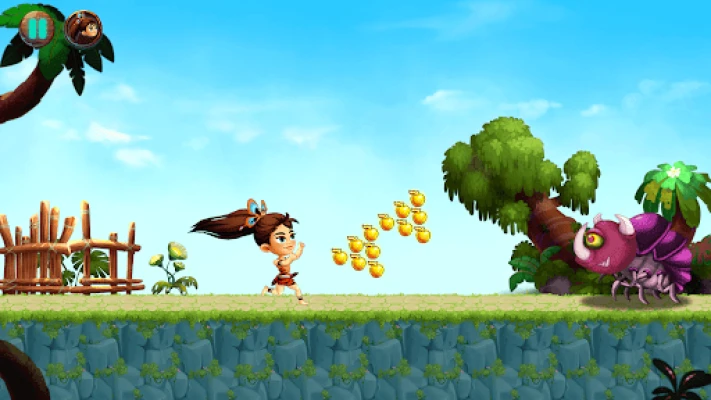
Jungle Adventures Run – TV is a side‑scrolling platform game designed for Android TV devices. Players control Addu, a charismatic explorer, as he dashes through a stylized jungle, collects fruit, avoids obstacles and confronts larger enemies in boss encounters. The game emphasizes simple, responsive controls that work well with a TV remote or gamepad, making it accessible for both casual players and younger audiences.
Main features
- TV‑optimized controls: Navigate with the directional pad and a single action button, allowing smooth movement without the need for a touchscreen.
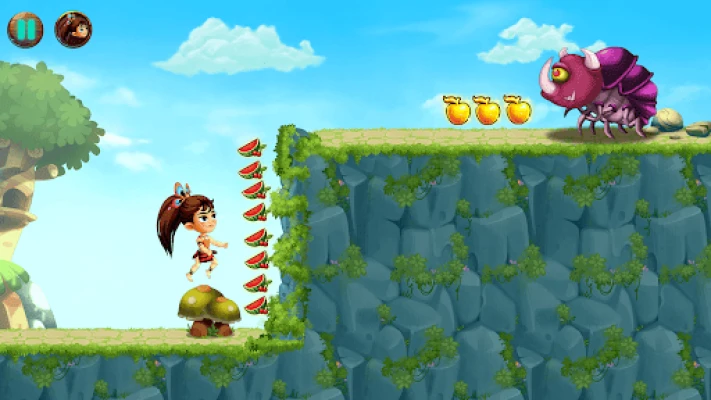
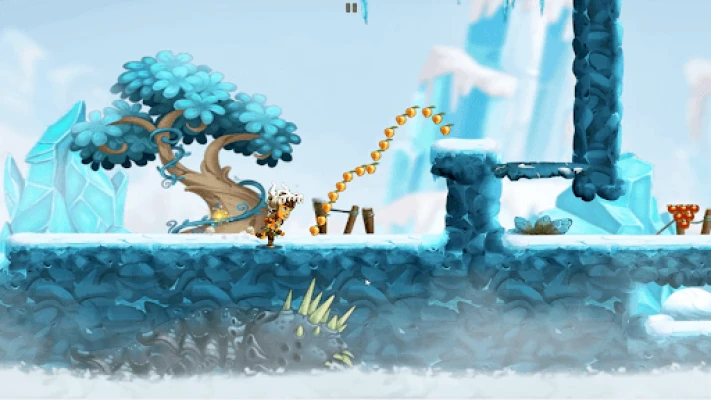
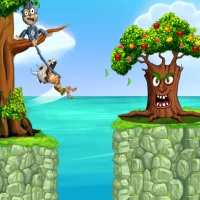
- Colorful jungle environments: Each level presents a distinct visual theme, from dense foliage to riverbanks, with attention to detail in background art.
- Boss battles: Periodic encounters with larger foes introduce timing‑based challenges that break the rhythm of the run.
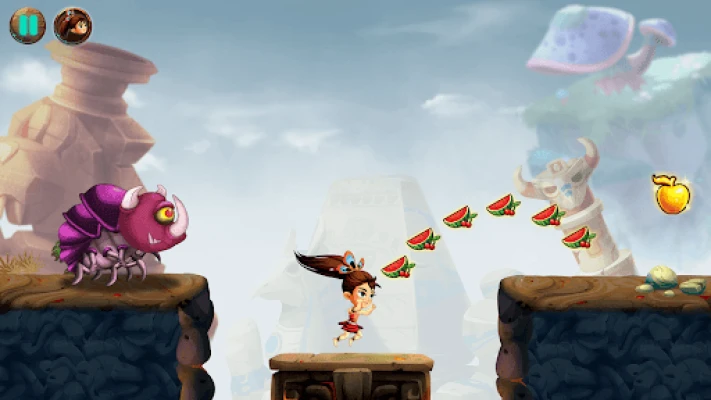
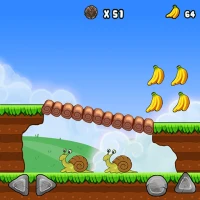
- Collectibles: Fruit and other items appear throughout the stages, encouraging exploration and providing a sense of progression.
- Multiple characters: In addition to Addu, the game offers a few alternate avatars, each with a slightly different visual style.
- Audio design: A lively soundtrack and sound effects complement the on‑screen action without overwhelming the TV listening environment.
How it works
When you launch the game, you are presented with a brief tutorial that explains the basic controls: use the left/right arrows to move, the up arrow to jump, and the select button for special actions such as a short dash. Levels automatically scroll forward, so the player must keep pace, timing jumps to clear gaps, sliding under low obstacles, and reacting to enemy patterns. At the end of each segment, a boss appears; defeating it typically requires a combination of precise jumps and well‑timed attacks.
Practical uses
The game serves as a light‑hearted entertainment option for family rooms, especially when a TV remote is the primary input device. Its short, self‑contained levels make it suitable for quick play sessions between other activities, while the progressive difficulty offers a modest challenge for more dedicated players.
Installation information
Jungle Adventures Run – TV is offered as a free download from the Google Play Store. To install, locate the app using the TV’s app store interface, select it, and follow the on‑screen prompts. The installation process follows the standard Android TV workflow, requiring only a stable internet connection.
Things to know before installing
- The app does not list specific size or Android version requirements; however, it is built for Android TV platforms, so devices running recent versions of Android TV should be compatible.
- No in‑app purchases or ads are mentioned, but users should review the Play Store listing for any updates regarding monetisation.
- Because the game relies on remote or gamepad input, it may not be optimal for devices lacking these controls.
Who may find it useful?
Parents looking for a kid‑friendly game that can be played from the couch, casual gamers who enjoy short platforming sessions, and anyone who appreciates colorful, themed adventures on a large screen will likely enjoy Jungle Adventures Run – TV.
Frequently asked questions
- Do I need a game controller? A standard TV remote works, but a gamepad can provide more precise input.
- Is the game suitable for young children? Yes, the visual style and difficulty curve are designed to be approachable for a wide age range.
- Can I save progress? The game includes an automatic checkpoint system that records progress between levels.
Rate the App
User Reviews












Popular Apps










 Games
Games Entertainment
 Communication
 E-mail
 Security
 Tools
Tools Media
Media Internet
 Finance
 Design
 Education
 IT Tools
 Travel & Local
 Android
 Windows
 Linux
Linux