
Latest Version
Latest
September 19, 2026
codeSpark
Games
Android
157
Free
org.codespark.thefoos
Report a Problem
More About codeSpark – Coding for Kids (Ages 3‑10)
What codeSpark Provides
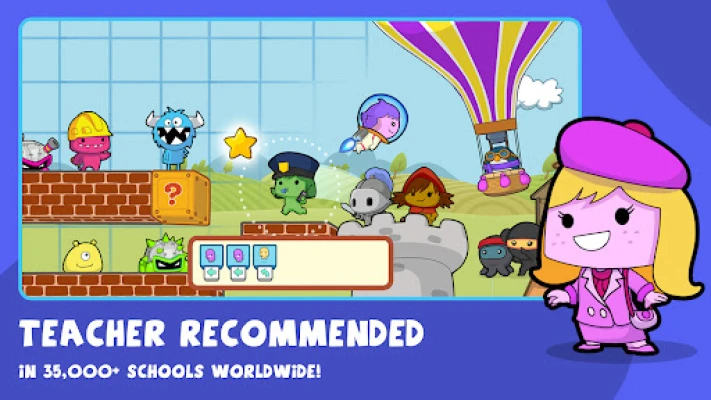
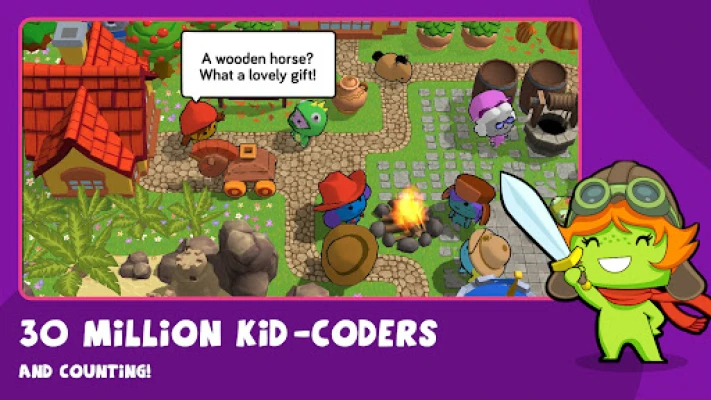
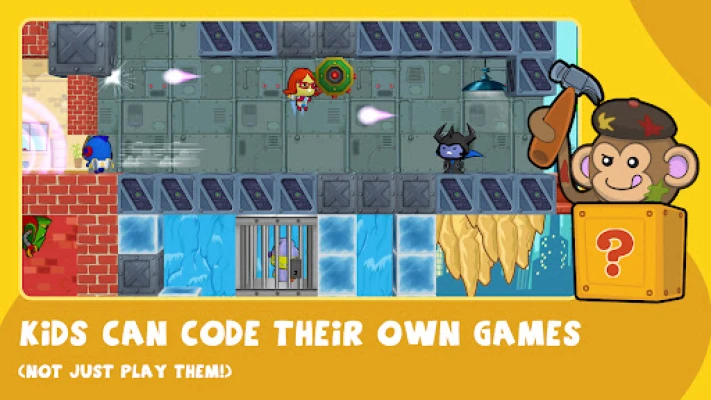
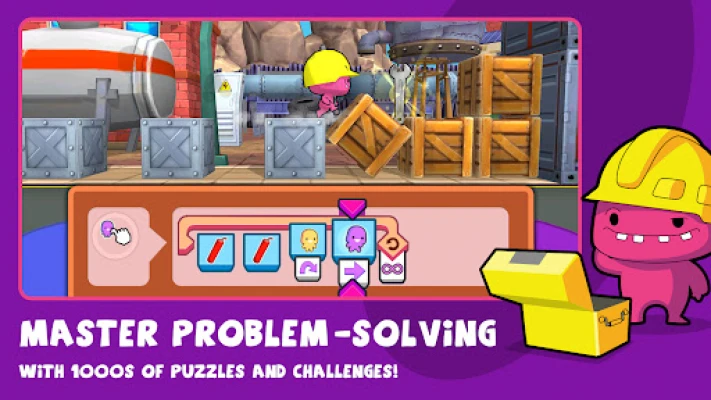
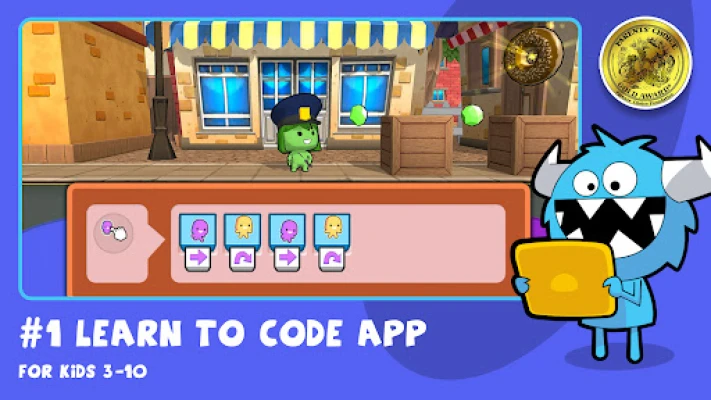
codeSpark is a free Android app that introduces core computer‑science ideas through interactive puzzles, storytelling and creation tools. The experience is designed for children as young as three, so reading is not required. As learners progress, they can design their own games, publish them, and participate in monthly coding contests.
Key Features
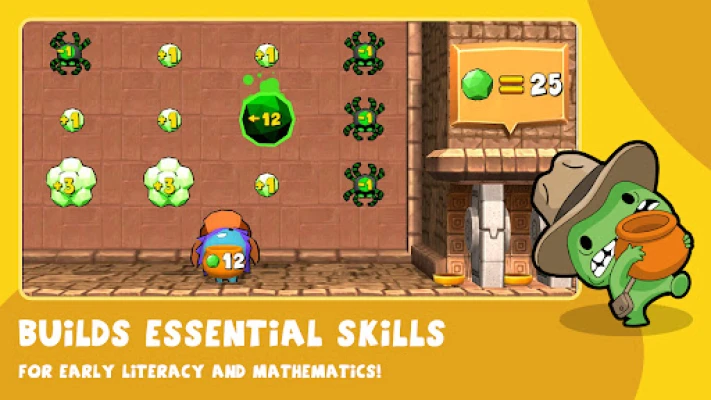
- Puzzle‑based learning – step‑by‑step challenges teach sequencing, loops, conditionals and debugging.
- Creative studio – kids can build interactive stories and games without writing text.
- Multiplayer mode – a water‑balloon‑fight game lets friends practice logic together.
- Community showcase – user‑generated projects are reviewed and shared safely.
- Parent dashboard – monitors progress and manages child profiles.
Safety and Accessibility
The app is ad‑free and contains no micro‑transactions. All user‑submitted content is vetted before it becomes visible, providing a controlled environment for independent learning.
Installation & Compatibility
The package name org.codespark.thefoos identifies the app on the Play Store. It is published by codeSpark and distributed under a free license. Specific Android version requirements are not listed, so users should check device compatibility in the store before installing.
Things to Know Before Installing
- Full access to the library of games and creation tools requires a subscription; a 7‑day trial is offered without a credit‑card.
- Annual subscribers can create up to five child profiles, making the app suitable for families with multiple learners.
- The app targets ages 3‑10; younger children will benefit from the visual, word‑free interface.
Frequently Asked Questions
Is codeSpark really free?
The base app is free to install. Advanced content and multi‑profile support are available through a paid subscription.
Do I need to read to use the app?
No. The early‑stage activities are designed for pre‑readers, using visual cues and audio instructions.
Can my child share creations with others?
Yes. After a review process, projects can be published to the community where other kids can explore them.
Is the app safe for children?
All games and stories are manually reviewed, and the platform contains no ads or in‑app purchases, providing a controlled environment for kids.
Rate the App
User Reviews
Other Apps in This Category









Popular Apps










 Games
Games Entertainment
 Communication
 E-mail
 Security
 Tools
Tools Media
Media Internet
 Finance
 Design
 Education
 Android Firmwares
 Travel & Local
 Android
 Windows
 Linux
Linux