

Latest Version
Latest
September 13, 2026
Nintendo Co., Ltd.
Games
Android
1
Free
com.nintendo.zaya
Report a Problem
More About Hello, Yoshi! – Playful Face‑Stretching Fun for Kids
What is Hello, Yoshi!?
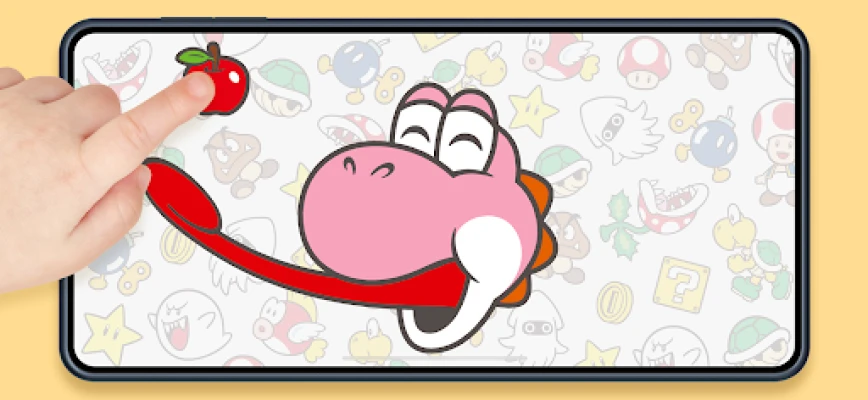
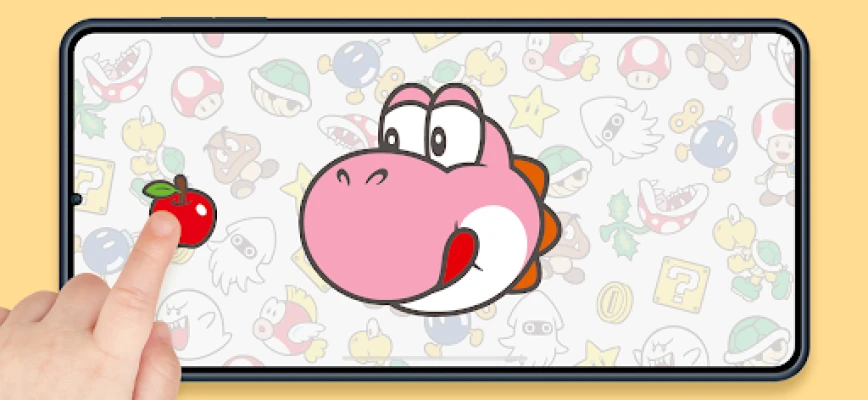
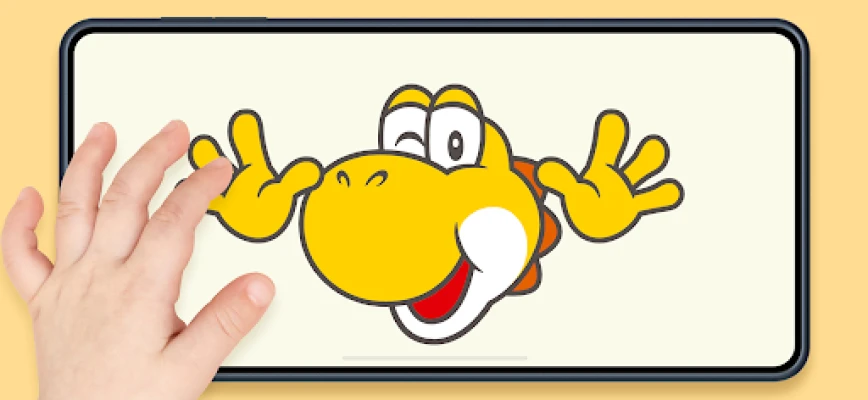
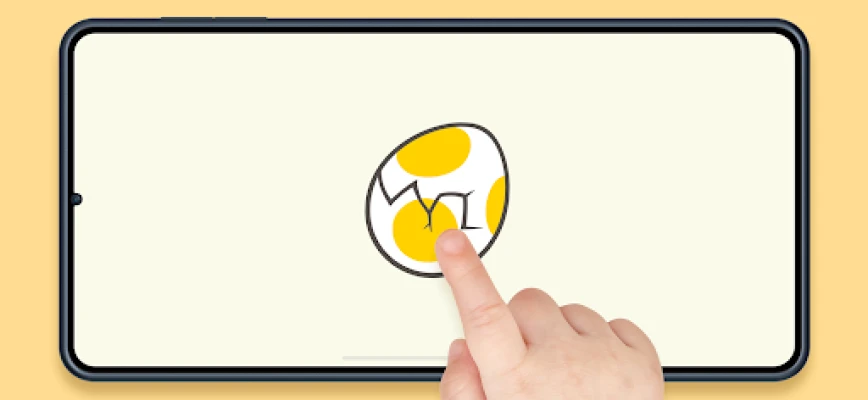
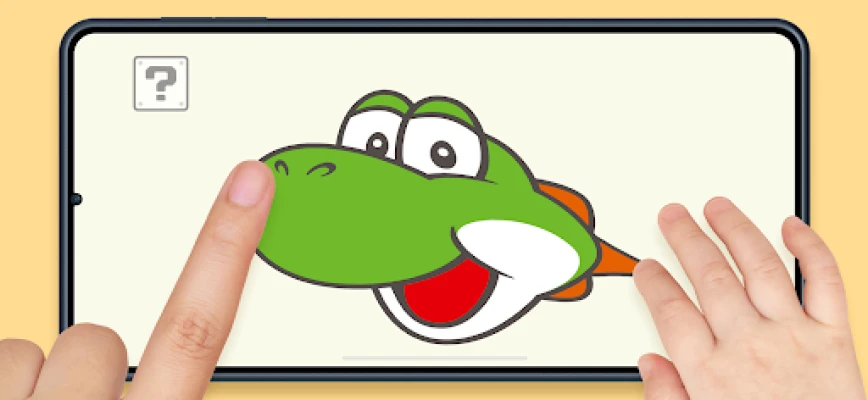
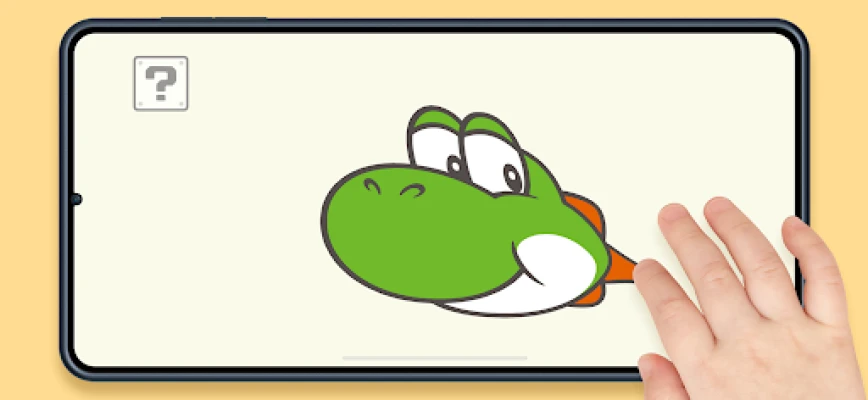
Hello, Yoshi! is a free Android app from Nintendo Co., Ltd. that invites kids to explore Yoshi’s animated face. The app focuses on simple touch interactions, letting children pull, stretch, and spin Yoshi’s features to discover a range of funny expressions.
Main Features
- Interactive face manipulation – Tap, drag, and pinch to change Yoshi’s mouth, eyes, and other facial elements.
- Item and character pop‑ups – A menu provides icons that add familiar Mario‑world items such as mushrooms, stars, and pipes, as well as occasional guest characters.
- Peekaboo mode – A dedicated button triggers a playful peekaboo animation, sometimes featuring a friendly Boo.
- Automatic rest periods – After a set amount of play, Yoshi gently falls asleep, encouraging a natural pause for parents.
- Offline play – All interactions work without an internet connection once the app is installed.
How It Works
When the app launches, Yoshi appears centered on the screen. The ? Block in the top‑left corner opens a simple toolbar. Each icon in the toolbar represents an action:
- Select an item icon to place a Super Mushroom, Super Star, pipe, or similar object beside Yoshi.
- Tap the leftmost icon to start a peekaboo sequence, where Yoshi hides and reappears.
- Use the gear icon in the top‑right corner to adjust settings, including the automatic sleep timer.
Touch gestures directly affect Yoshi’s face: pulling a corner stretches the mouth, pinching the eyes makes them widen, and rotating gestures spin his head. The app’s response is immediate, providing visual feedback that keeps young users engaged.
Practical Uses
The design encourages short, purposeful play sessions. Parents can let children explore the app for a few minutes, then rely on the built‑in sleep feature to prompt a break. Because the app runs offline, it’s suitable for travel, waiting rooms, or any environment where Wi‑Fi isn’t available.
Installation Information
Download Hello, Yoshi! from the Google Play Store. The app is listed as free and does not require additional purchases. After installation, launch the app to begin interacting with Yoshi right away.
Things to Know Before Installing
- The app does not collect personal data beyond what is required for basic functionality.
- Performance may vary on devices with limited processing power; the experience is optimized for typical Android smartphones and tablets.
- Screen‑time limits can be managed through the built‑in sleep timer or by using Android’s parental‑control settings.
Who May Find It Useful?
Hello, Yoshi! is designed for young children who enjoy simple, tactile games. It also serves parents looking for a low‑stress, offline activity that can be paused easily. Educators may use it as a brief classroom break tool, offering a quick, interactive distraction.
Frequently Asked Questions
Do I need an internet connection?
No. All features work offline after the app is installed.
Can I turn off the automatic sleep feature?
Yes. Tap the gear icon in the top‑right corner and disable the sleep timer.
Is the app safe for children?
The app contains no ads, in‑app purchases, or external links, making it a straightforward experience for kids.
What age group is it best for?
It is suitable for preschool‑aged children and early elementary students who enjoy simple touch‑based interaction.
Rate the App
User Reviews














Popular Apps










 Games
Games Entertainment
 Communication
 E-mail
 Security
 Tools
Tools Media
Media Internet
 Finance
 Design
 Education
 IT Tools
 Travel & Local
 Android
 Windows
 Linux
Linux