

Latest Version
Latest
September 05, 2026
Nintendo Co., Ltd.
Games
Android
34
Free
com.nintendo.zata
Report a Problem
More About Hello, Mario! – Playful Face‑Stretching Fun for Kids
What is Hello, Mario!?
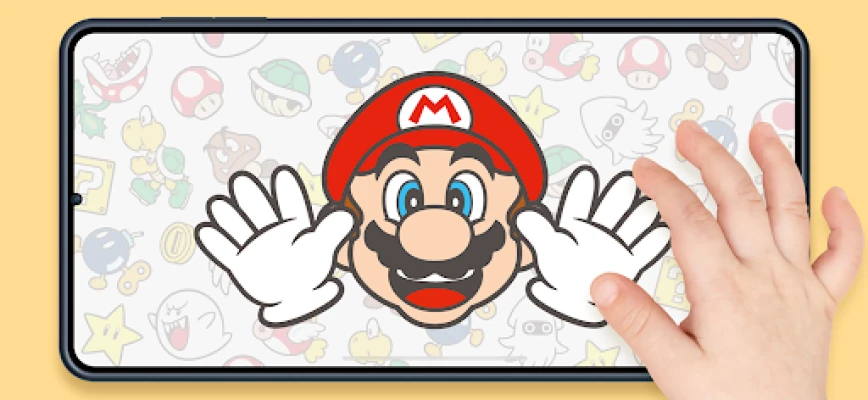
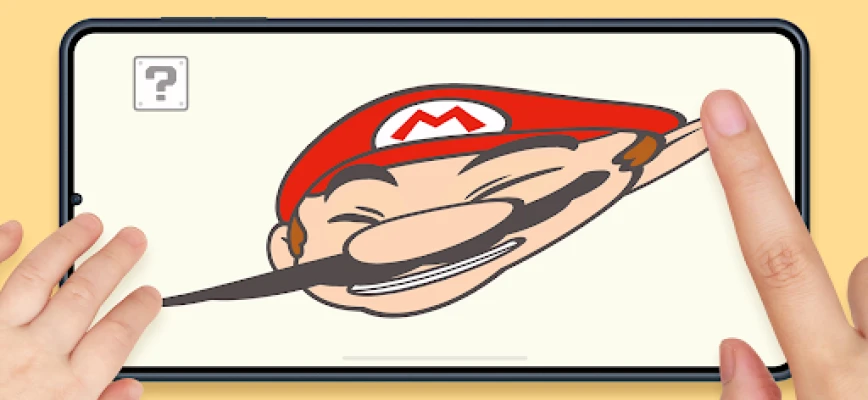
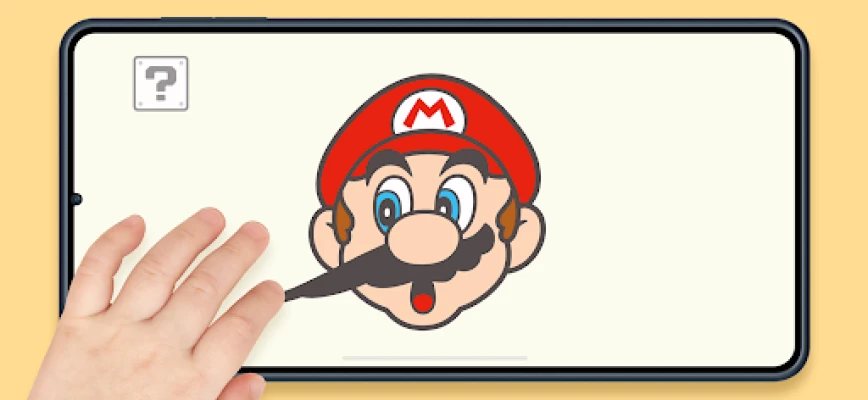
Hello, Mario! is a free Android app from Nintendo Co., Ltd. that invites young players to explore Mario’s animated face. The app focuses on simple touch interactions, letting kids pull, stretch, and spin Mario’s features while adding familiar game elements such as mushrooms and stars.
Main features
- Interactive facial animation – Tap and drag to change Mario’s expression, creating funny faces that respond to each touch.
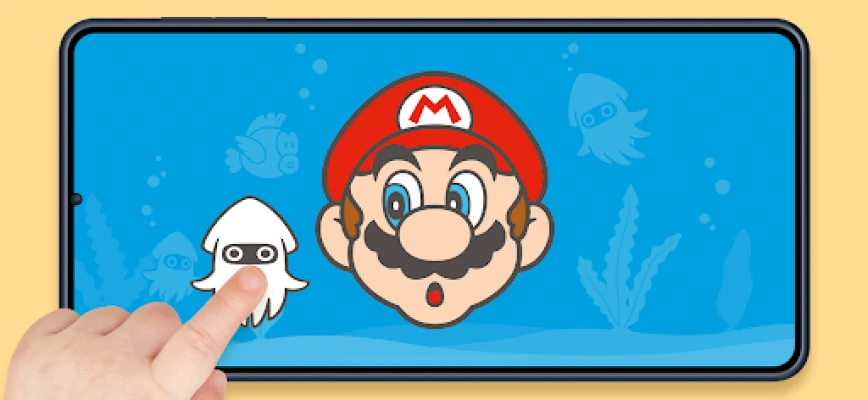
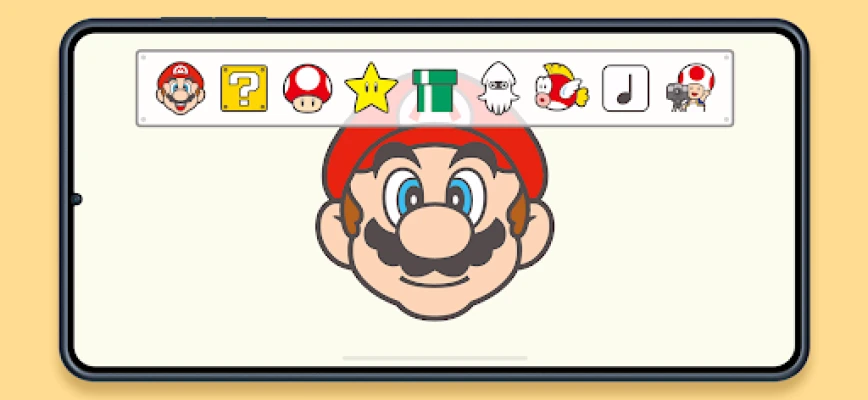
- Item and character icons – A menu in the top‑left corner provides icons for classic Mario items (Super Mushroom, Super Star) and occasional guests like Boo.
- Peek‑aboo mode – A dedicated button triggers a peek‑aboo game, encouraging turn‑taking and surprise.
- Automatic rest periods – After a set playtime, Mario gently falls asleep, prompting a natural pause for parents.
- Offline play – No internet connection is required after the app is installed.
How it works
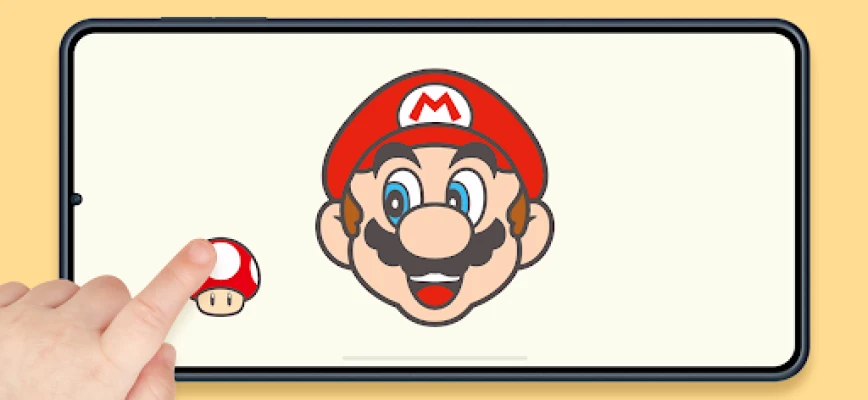
When the app launches, Mario appears centered on the screen. Touch gestures such as pulling a corner or tapping his nose cause his facial features to stretch or wobble. The “? Block” menu in the upper‑left corner opens a palette of icons; selecting an icon places the corresponding item next to Mario. For example, tapping the Super Mushroom icon adds a mushroom that can be moved around.
The leftmost icon in the same menu activates peek‑aboo. Tapping it makes Mario cover his eyes, then reveal them after a short delay, often accompanied by a friendly Boo appearance.
Practical uses
The app is designed for short, supervised sessions that encourage fine‑motor interaction and shared play between a child and an adult. The built‑in sleep timer serves as a gentle reminder to limit continuous screen exposure, making it a useful tool for parents who want to balance fun with healthy habits.
Installation information
Download Hello, Mario! from the Google Play Store using the package name com.nintendo.zata. The app is free to install and does not require additional purchases. After installation, launch the app to begin exploring Mario’s expressive world.
Things to know before installing
- Because the app runs offline, it does not collect data from an internet connection after the initial download.
- The automatic sleep feature can be disabled in the settings accessed via the gear icon in the top‑right corner.
- Performance may vary on devices with limited processing power; the app is optimized for typical Android smartphones and tablets.
Who may find it useful?
Parents looking for a light‑hearted, non‑competitive activity for toddlers or preschoolers will appreciate the simple controls and familiar Mario branding. Educators who incorporate short digital breaks into classroom routines may also find the app’s quick‑reset nature convenient.
Frequently asked questions
- Do I need an internet connection to play? No. After the initial download, the app works entirely offline.
- Can I turn off the automatic sleep timer? Yes. Open the settings menu (gear icon) and toggle the sleep feature.
- Is there any in‑app purchase? The app is free and does not contain in‑app purchases.
- What age group is the app suitable for? It is designed for young children, typically ages 3 and up, with parental supervision.
Rate the App
User Reviews
Other Apps in This Category











Popular Apps










 Games
Games Entertainment
 Communication
 E-mail
 Security
 Tools
Tools Media
Media Internet
 Finance
 Design
 Education
 Android Firmwares
 Travel & Local
 Android
 Windows
 Linux
Linux