





Latest Version
Latest
June 24, 2026
KONAMI
Games
Android
623
Free
jp.konami.pesam
Report a Problem
More About eFootball™ – Free Soccer Action Game
What is eFootball™?
eFootball™ is Konami’s free-to-play soccer simulation for Android devices. It replaces the classic PES brand with a modern engine that focuses on realistic ball physics, player movement and a live‑service model that keeps the game aligned with real‑world football.
Key features
- Build your squad – Choose from clubs and national teams worldwide, sign current stars or legendary players, and customize line‑ups.
- Smart Assist – An optional assistance layer that simplifies dribbling, passing and shooting, letting newcomers enjoy the game without mastering complex controls.
- Weekly Live Updates – Player transfers, form changes and special events are refreshed each week to reflect the actual football calendar.
- Stadium customization – Add tifos, giant props and colour schemes to make your home ground feel personal.
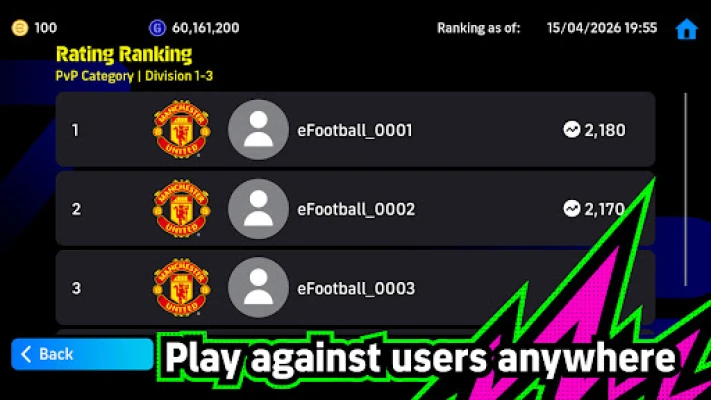
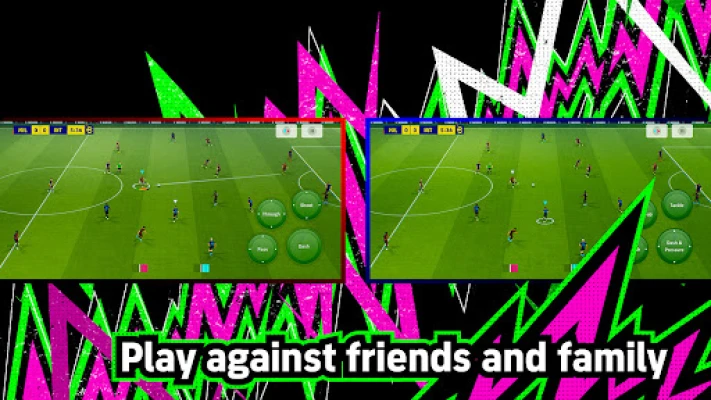
- Online and offline modes – Play a tutorial, test against AI, or join ranked online matches against players around the globe.
- Player development – Earn progression points from matches, then allocate them manually or use the recommended auto‑allocation to improve attributes.
How the game works
After installing, the app launches a step‑by‑step tutorial that introduces basic controls. Completing the tutorial rewards you with a special player card, often a high‑profile star such as Lionel Messi.
Once you finish the tutorial, you can start a career mode by selecting a team. Use the transfer market to sign players, manage contracts and balance your budget. Matches are played in real‑time; you control the ball carrier, switch players, and execute set‑pieces. The Smart Assist option can be toggled on for assisted passes and shots, which is helpful for casual play.
Progression points are awarded based on match performance. These points can be spent to raise a player’s speed, shooting, defending or other attributes. If you prefer a hands‑off approach, the “Recommended” button distributes points according to the player’s natural role.
Installation information
The game requires approximately 2.9 GB of free storage. A stable Wi‑Fi connection is recommended for the initial download and for receiving weekly live updates, which can be several hundred megabytes each.
Compatibility
eFootball™ runs on Android 5.0 (Lollipop) and newer. Devices should have at least 2 GB of RAM for smooth performance, though higher‑end phones will deliver a more fluid experience, especially in online matches.
Things to know before installing
- An active internet connection is required for online play, live updates and most in‑game transactions.
- Some regions restrict access to loot‑box style purchases; players in Belgium, Brazil (under 18) and a few other jurisdictions will not see those options.
- The game follows a free‑to‑play model with optional in‑app purchases for cosmetic items, stadium upgrades and premium player packs.
- Regular updates introduce new modes, events and balance tweaks, so keeping the app up to date ensures the best experience.
Frequently asked questions
Do I need a Google account? Yes, a Google Play account is required to download and receive updates.
Can I play offline? The tutorial and AI matches are available offline, but online features and live updates need an internet connection.
Is there a way to earn in‑game currency without spending real money? Yes, you earn coins and progression points by playing matches, completing challenges and participating in weekly events.
Rate the App
User Reviews
Other Apps in This Category















Popular Apps










 Games
Games Entertainment
 Communication
 E-mail
 Security
 Tools
Tools Media
Media Internet
 Finance
 Design
 Education
 Android Firmwares
 Travel & Local
 Android
 Windows
 Linux
Linux