

Latest Version
Latest
September 02, 2026
Gameloft SE
Games
Android
7
Free
com.gameloft.android.ANMP.GloftDYHM
Report a Problem
More About Disney Magic Kingdoms – Build Your Own Disney Park
What is Disney Magic Kingdoms?
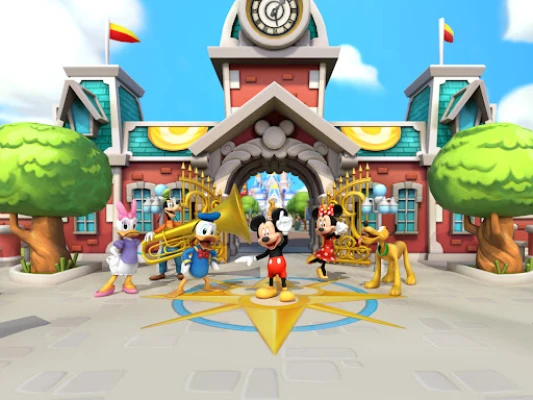
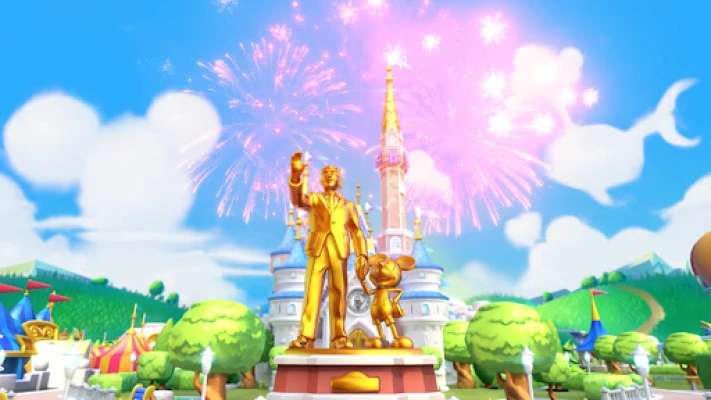
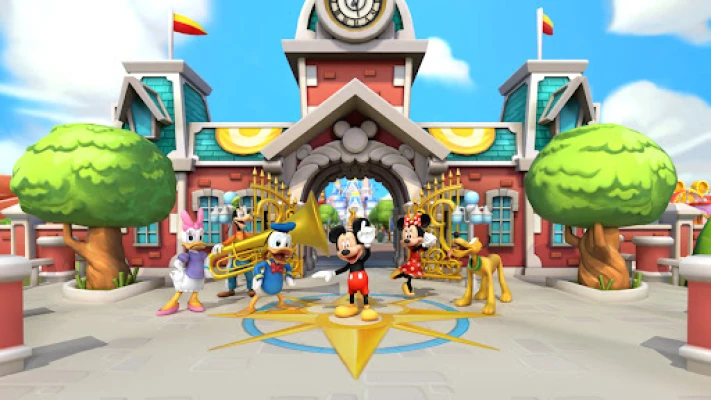
Disney Magic Kingdoms is a free mobile simulation game that lets you design a Disney-themed amusement park. Developed by Gameloft SE, the app combines park‑building mechanics with character collection and story‑driven quests, offering a playful way to explore Disney, Pixar and Star Wars worlds on your Android device.
Main Features
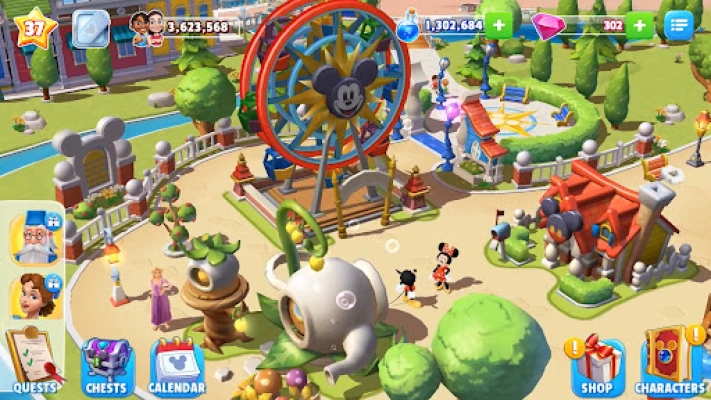
- Park construction – Place iconic attractions such as Space Mountain, Haunted Mansion, and classic parade floats. Customize layouts, decorations, and scenery to match your vision.
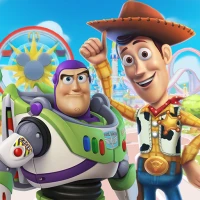
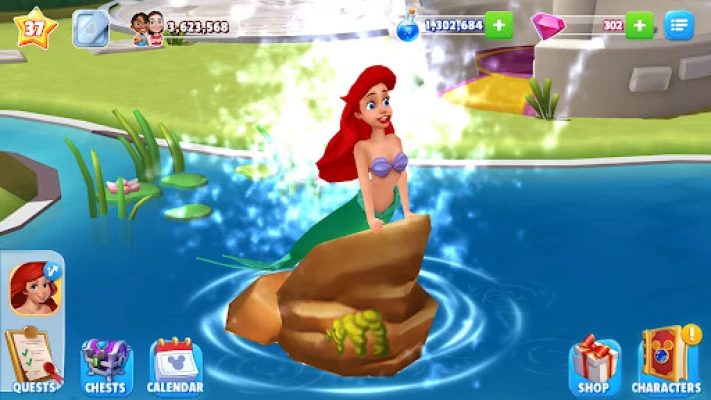
- Character collection – Gather a wide range of Disney, Pixar and Star Wars personalities, from classic heroes to newer favorites. Each character brings unique dialogue and occasional bonuses.
- Story quests – Follow narrative missions that guide you through building milestones, character introductions, and special events.
- Regular updates – New characters, attractions and limited‑time events are added periodically, keeping the experience fresh.
- Offline play – The core park‑building and many quests can be enjoyed without an active internet connection.
How It Works
After installing the game, you start with a small plot of land. Using in‑game currency earned through quests and daily activities, you can purchase and place attractions, pathways, and decorative items. As you expand the park, new characters become available, often tied to specific quests or events. Completing quests unlocks additional building options and story chapters.
The game includes a virtual currency system. You can earn coins and gems by completing tasks, watching optional ads, or making in‑app purchases. These currencies are used to speed up construction, acquire premium items, or obtain special characters.
Practical Uses
- Creative outlet for fans who enjoy designing themed spaces.
- Light‑hearted way to revisit favorite Disney stories through interactive quests.
- Family‑friendly entertainment that can be played in short sessions.
Installation Information
Search for "Disney Magic Kingdoms" in the Google Play Store and tap Install. The app requires a standard Android device with sufficient storage and an internet connection for the initial download and for periodic content updates.
Things to Know Before Installing
- The game includes optional advertisements and offers in‑app purchases for virtual currency.
- Progress is saved to your Google Play Games account, allowing you to continue on multiple devices.
- Some events and characters are time‑limited, encouraging regular play to capture all content.
Who May Find It Useful?
Fans of Disney, Pixar or Star Wars who enjoy simulation and building games will likely appreciate the blend of park design and character interaction. The game’s casual pace also makes it suitable for players looking for a low‑pressure, creative pastime.
Frequently Asked Questions
Do I need an internet connection to play?
While the core building and many quests work offline, an internet connection is required for downloading updates, accessing new events, and syncing progress.
Can I play without spending money?
Yes. All core features are accessible through gameplay, though in‑app purchases can accelerate progress or provide cosmetic items.
Is my progress saved?
Progress is linked to your Google Play Games account, allowing you to resume on another device as long as you sign in with the same account.
Rate the App
User Reviews











Popular Apps










 Games
Games Entertainment
 Communication
 E-mail
 Security
 Tools
Tools Media
Media Internet
 Finance
 Design
 Education
 IT Tools
 Travel & Local
 Android
 Windows
 Linux
Linux