

Latest Version
September 15, 2026
SimulationCraft Studios
Games
Android
10
Free
com.blockcraft.worldsandbox
Report a Problem
More About Craft World Sandbox – Free Block‑Building Adventure
What is Craft World Sandbox?
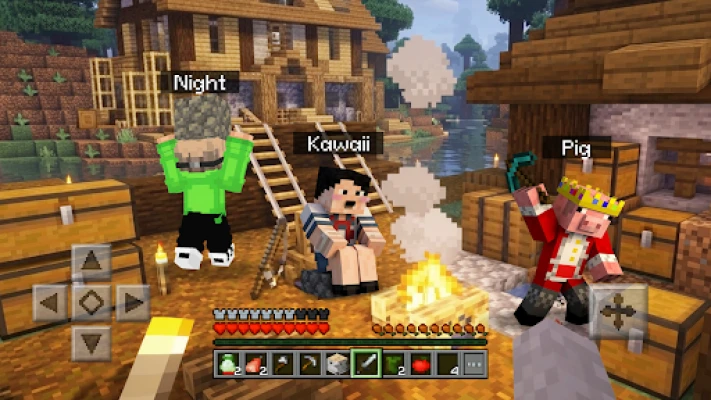
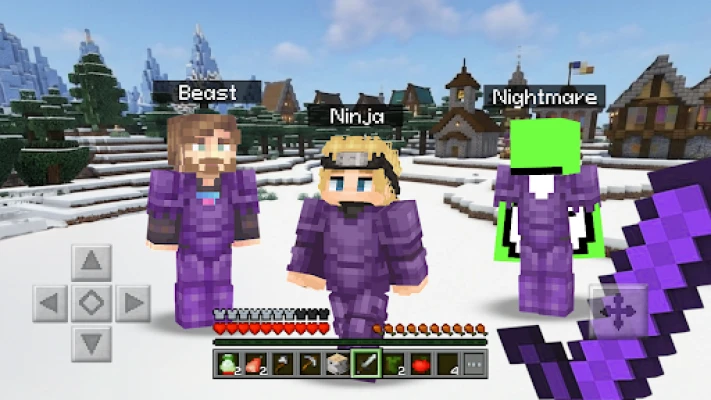
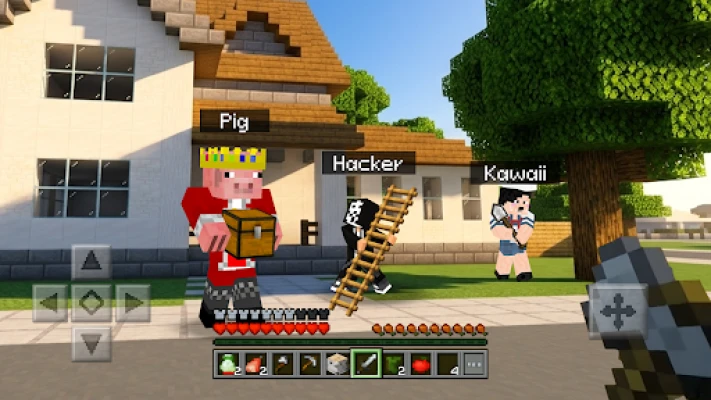
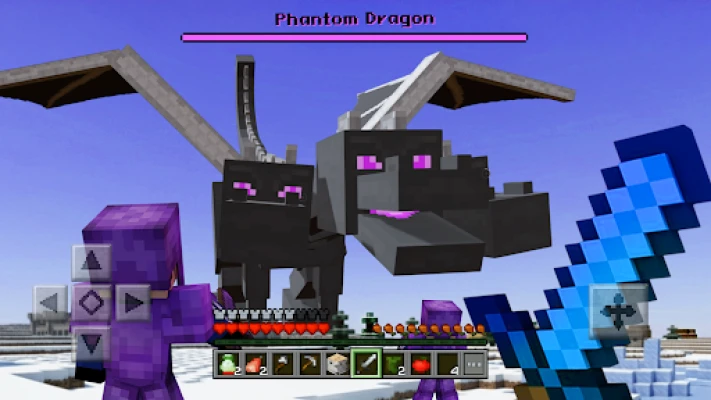
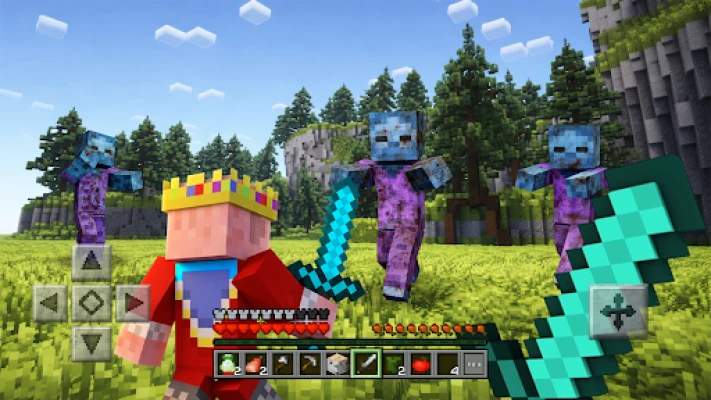
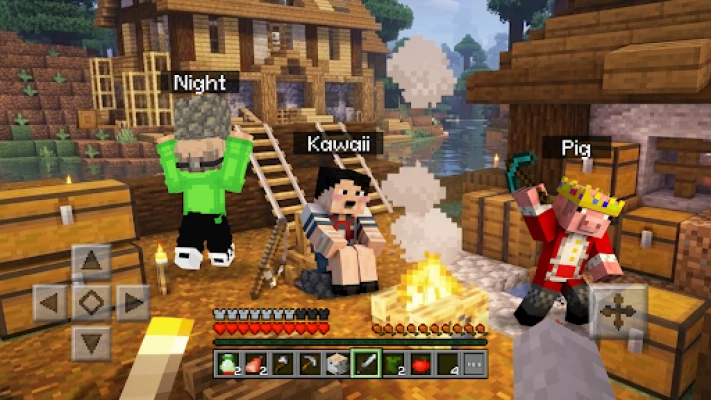
Craft World Sandbox is a free Android game from SimulationCraft Studios that puts you in a procedurally generated block world. The core idea is simple: you gather resources, craft tools, and build structures in an environment that expands as you explore. The game offers both a creative mode for unrestricted building and a survival mode that adds resource management and environmental challenges.
Main Features
- Open‑world exploration – Wander through forests, mountains, deserts, and underground caves that are generated uniquely for each playthrough.
- Resource gathering – Mine a variety of blocks and ores to obtain the materials needed for crafting.
- Crafting system – Combine gathered resources to create tools, building blocks, and decorative items.
- Dual gameplay modes – Switch between creative mode, where you have unlimited resources, and survival mode, which introduces health, hunger, and limited supplies.
- Block‑style graphics – A colorful, low‑poly aesthetic that keeps the focus on building and exploration.
How It Works
When you launch the game, you start in a small spawn area surrounded by a vast landscape. Using the touch controls, you can break blocks to collect them, then open the crafting menu to combine items into new tools or building components. In creative mode, the inventory is pre‑filled, allowing you to place blocks instantly. In survival mode, you must manage your inventory, monitor health, and protect yourself from environmental hazards.
Practical Uses
Beyond entertainment, Craft World Sandbox can serve as a low‑pressure space for planning architectural ideas, experimenting with spatial layouts, or simply relaxing while constructing virtual scenery. Because the world is sandbox‑style, there are no set objectives, so you can set your own goals—whether that’s constructing a single house, a sprawling city, or a hidden underground base.
Installation Information
The app is available for free on the Google Play Store. Search for the package name com.blockcraft.worldsandbox or the title “Craft World Sandbox” to locate the correct listing. Installation follows the standard Android process: tap Install, wait for the download, and then open the app from your home screen.
Things to Know Before Installing
- The game does not require an internet connection for core gameplay, though updates and optional online features may need connectivity.
- Because the world is generated on the device, storage usage will grow as you explore and build.
- Battery consumption can increase during extended exploration or when rendering large structures.
Who May Find It Useful?
Craft World Sandbox appeals to players who enjoy open‑ended creativity, fans of block‑building games, and anyone looking for a casual yet engaging sandbox experience on mobile. It is also suitable for younger audiences who appreciate intuitive controls and a non‑violent setting.
Frequently Asked Questions
Do I need an account to play?
No. The game can be played offline without creating an account.
Can I transfer my world to another device?
World data is stored locally. To move a world, you would need to back up the app’s data manually and restore it on the new device.
Is there in‑app purchasing?
The base game is free. Any optional purchases are limited to cosmetic items and do not affect core gameplay.
What Android versions are supported?
Specific version requirements are not listed, but the app runs on most modern Android devices that support the Google Play Store.
Rate the App
User Reviews












Popular Apps










 Games
Games Entertainment
 Communication
 E-mail
 Security
 Tools
Tools Media
Media Internet
 Finance
 Design
 Education
 IT Tools
 Travel & Local
 Android
 Windows
 Linux
Linux