
Latest Version
Latest
September 14, 2026
Patane Global
Games
Android
7
Free
com.good.boy.education.craft.best.building.sun
Report a Problem
More About Craft World Block Building 3D – Free Creative Sandbox
What is Craft World Block Building 3D?
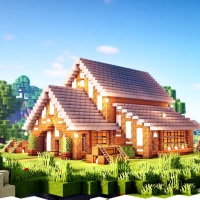
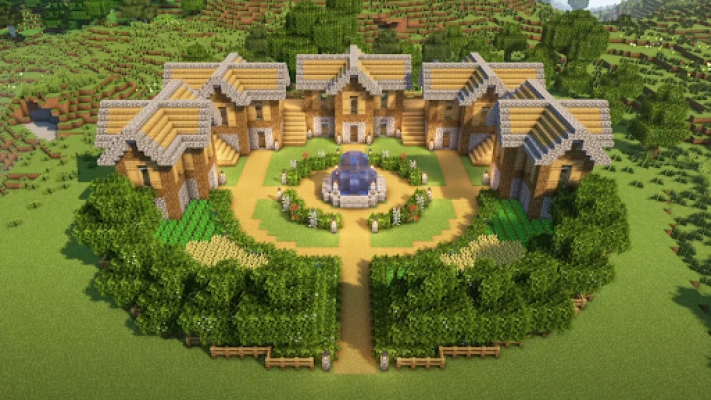
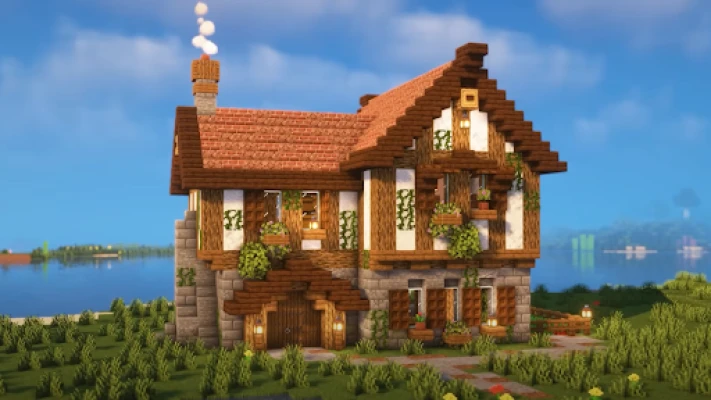
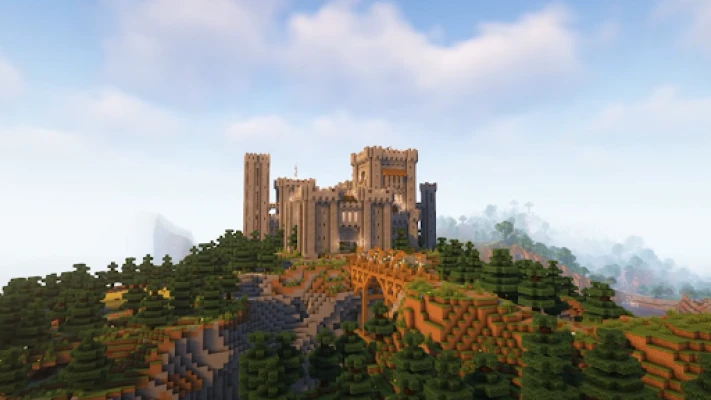
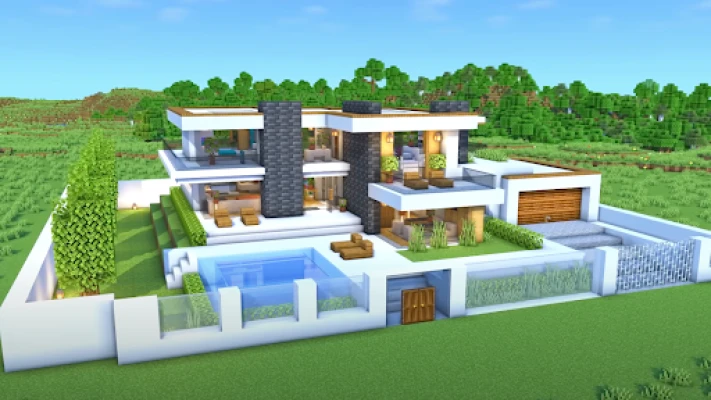
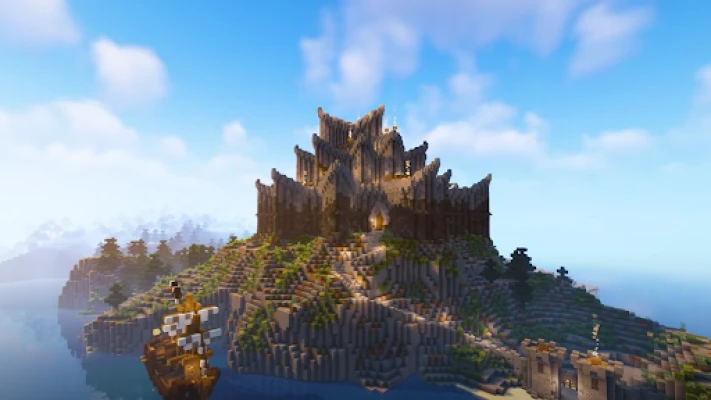
Craft World Block Building 3D is a free sandbox app that lets you place and arrange 3‑D blocks to create your own virtual environments. The focus is on creativity rather than missions or scores, giving you a blank canvas to experiment with building techniques and design ideas.
Main features
- Intuitive block placement – Tap to select a block type, then drag to position it in the 3‑D space.
- Variety of block textures – A selection of basic materials such as stone, wood, and metal lets you differentiate structures.
- Zoom and rotate view – Pinch gestures let you zoom in for detail work or pull back to see the whole scene.
- Save and load creations – Your builds are stored locally so you can return to them later.
- Simple pixel‑style graphics – The low‑poly aesthetic keeps the app lightweight and easy to run on most devices.
How it works
When you launch the app, you start in an empty grid. A toolbar at the bottom provides access to the available block types. Select a block, then tap on the grid to place it. You can rotate the camera by swiping the screen, and you can undo the last action with a dedicated button. The interface is designed for one‑hand operation, making it suitable for quick sessions or longer building marathons.
Practical uses
The app can serve several purposes beyond casual play:
- Concept sketching – Quickly prototype architectural ideas or game level layouts.
- Educational tool – Teachers can use the block system to illustrate basic geometry, volume, and spatial reasoning.
- Stress relief – The repetitive act of placing and arranging blocks can be calming for users who enjoy low‑pressure creativity.
Installation information
Craft World Block Building 3D is distributed as a free download from the Appitika store. Tap the install button, accept the standard Android permissions, and the app will be added to your device. No additional setup steps are required.
Compatibility
The app targets Android devices that support the standard Google Play Services framework. Because the graphics are intentionally simple, it runs comfortably on a wide range of smartphones and tablets, including older models with limited processing power.
Things to know before installing
- The app stores your creations locally; there is no cloud sync feature.
- It does not contain in‑app purchases or ads, keeping the experience uninterrupted.
- All block assets are built into the package, so no extra downloads are needed after installation.
Who may find it useful?
Anyone who enjoys building, designing, or simply experimenting with 3‑D space will appreciate this app. It is especially suitable for:
- Students learning basic geometry.
- Hobbyists looking for a quick way to prototype ideas.
- Players who prefer sandbox experiences without combat or quests.
Frequently asked questions
Do I need an internet connection to use the app?
No. All features work offline after the initial download.
Can I share my creations with friends?
Currently the app saves builds only on the local device. You can export screenshots manually if you wish to share a visual of your work.
Is there a limit to how many blocks I can place?
The app imposes a practical limit based on device memory, but most users will not encounter restrictions during typical sessions.
Rate the App
User Reviews







Popular Apps










 Games
Games Entertainment
 Communication
 E-mail
 Security
 Tools
Tools Media
Media Internet
 Finance
 Design
 Education
 IT Tools
 Travel & Local
 Android
 Windows
 Linux
Linux