

Latest Version
Latest
September 10, 2026
Take Top Entertainment
Games
Android
5
Free
com.doubleagames.obby.sample
Report a Problem
More About Craft Sandbox: Build it All – Free Creative Building Game
What is Craft Sandbox: Build it All?
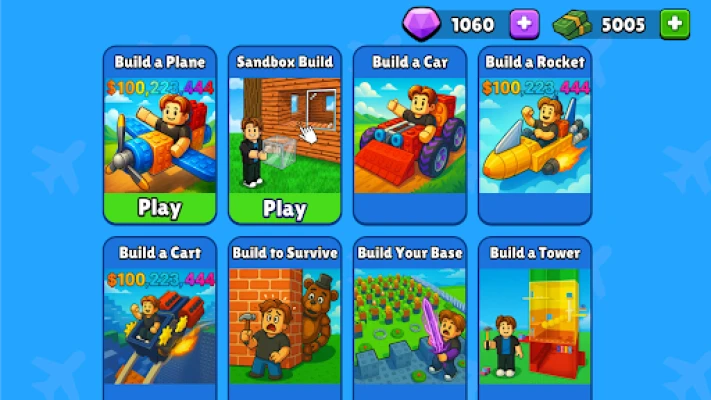
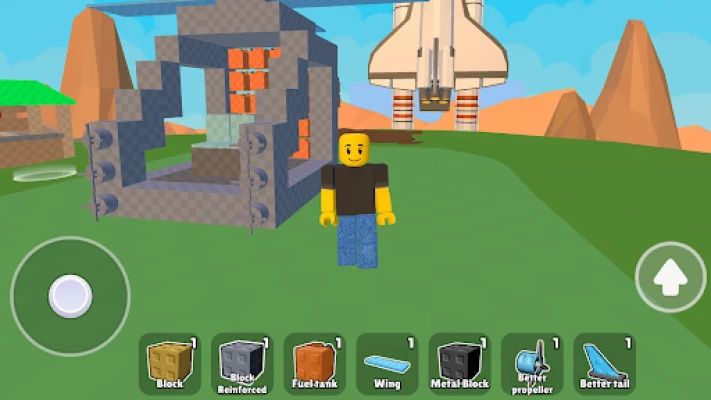
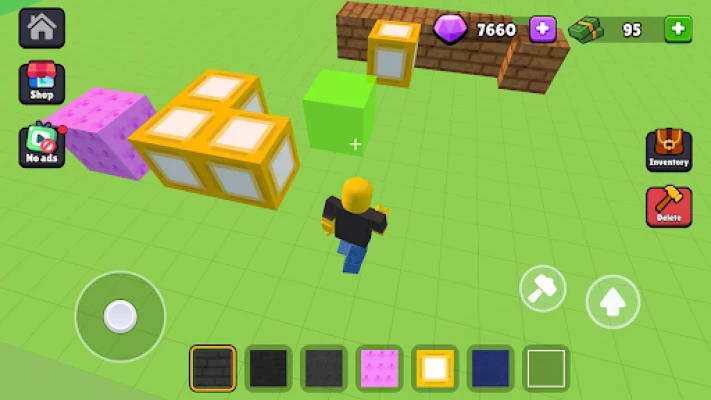
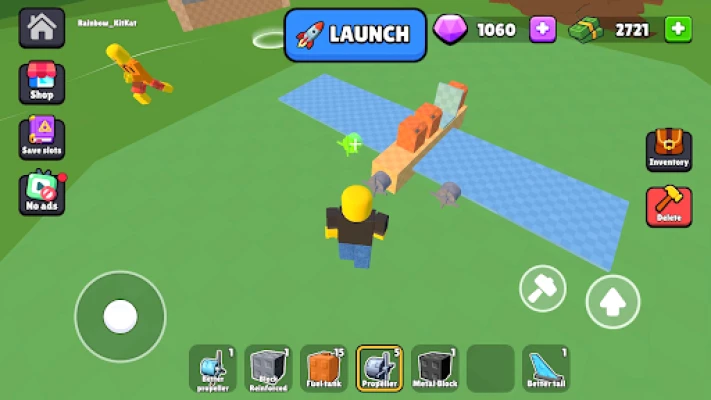
Craft Sandbox: Build it All is a free Android game that puts creativity and engineering at the forefront. Players are given a vast, open‑world environment populated with islands, mountains and hidden tracks. Within this space you can assemble anything—from simple gadgets to complex vehicles—using a collection of blocks, engines, wheels, wings and other components.
Main Features
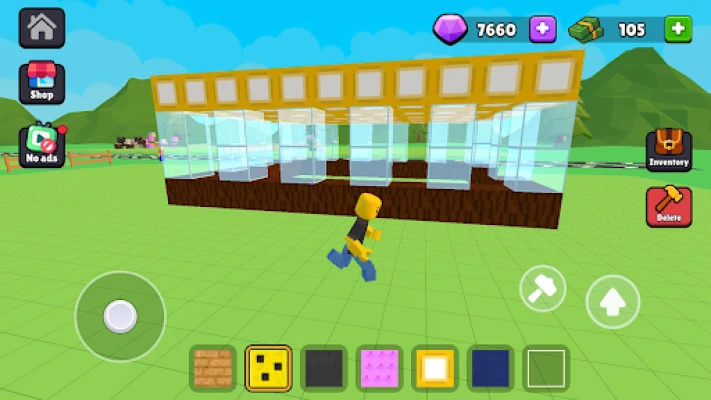
- Open‑ended building system: Combine basic building blocks with functional parts to create cars, planes, boats, or entirely new machines.
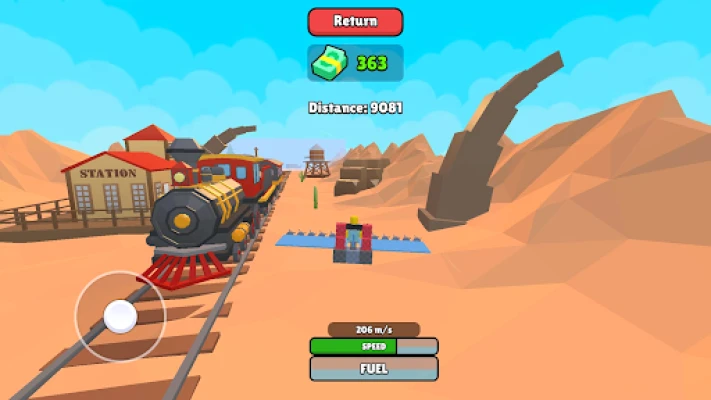
- Real‑time physics simulation: Every construction reacts to gravity, momentum and collisions, letting you see how design choices affect performance.
- Customization and upgrades: Adjust engine power, tweak wheel size, balance weight distribution, and fine‑tune aerodynamics to improve speed, stability or handling.
- Exploration: Travel across diverse terrain to discover resources, test your creations on challenging tracks, and gather inspiration for new builds.
- Blueprint saving: Preserve successful designs for later use or further modification.
How It Works
The game starts with a basic set of building elements. Using an intuitive drag‑and‑drop interface, you place blocks on a grid, attach functional parts, and connect them with simple tools. Once a vehicle or structure is assembled, you can switch to a test mode where the physics engine takes over. Observe how the model behaves, note any instability, and return to the building screen to make adjustments. This iterative loop encourages experimentation and learning about basic engineering principles.
Practical Uses
Beyond entertainment, Craft Sandbox can serve as a low‑barrier introduction to concepts such as weight distribution, torque and aerodynamics. Educators may use it as a supplemental activity for students interested in physics or design. Hobbyists who enjoy tinkering with virtual prototypes will find the upgrade system satisfying, while casual players can simply enjoy the freedom to create whimsical machines.
Installation Information
The application is distributed as a free download from the Appitika store. Installation follows the standard Android process: tap the install button, grant any required permissions, and launch the app from your home screen. No additional setup steps are needed.
Things to Know Before Installing
- The game does not require an internet connection for core building and testing features, though online access may be needed to download updates.
- Because the physics engine runs in real time, devices with modest processing power may experience lower frame rates when testing large or complex constructions.
- All content is generated by the player; there are no mandatory in‑app purchases to access basic building tools.
Who May Find It Useful?
Anyone who enjoys sandbox experiences, vehicle design, or hands‑on experimentation will likely appreciate Craft Sandbox. The game appeals to:
- Students and teachers looking for an interactive way to explore basic physics.
- Fans of construction and engineering games who want a mobile alternative.
- Creative players who enjoy sharing blueprints with a community.
Frequently Asked Questions
- Do I need an internet connection to play? Core building and testing work offline; an internet connection is only required for updates.
- Can I save multiple designs? Yes, the app allows you to save and load several blueprints.
- Is there a limit to the size of a construction? Large builds may affect performance on lower‑end devices, but there is no hard size limit imposed by the game.
Rate the App
User Reviews














Popular Apps










 Games
Games Entertainment
 Communication
 E-mail
 Security
 Tools
Tools Media
Media Internet
 Finance
 Design
 Education
 IT Tools
 Travel & Local
 Android
 Windows
 Linux
Linux