

Latest Version
Latest
September 07, 2026
Coup Coup LTD
Games
Android
1
Free
com.novas.craft.builder.block.world
Report a Problem
More About Craft Builder: 3D Block World – Free Sandbox Building Game
What is Craft Builder: 3D Block World?
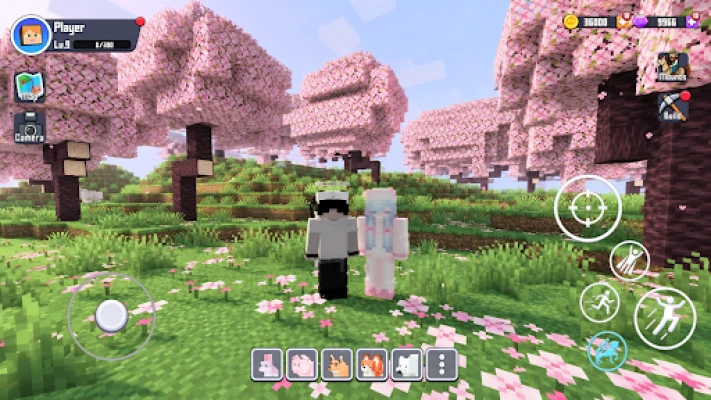
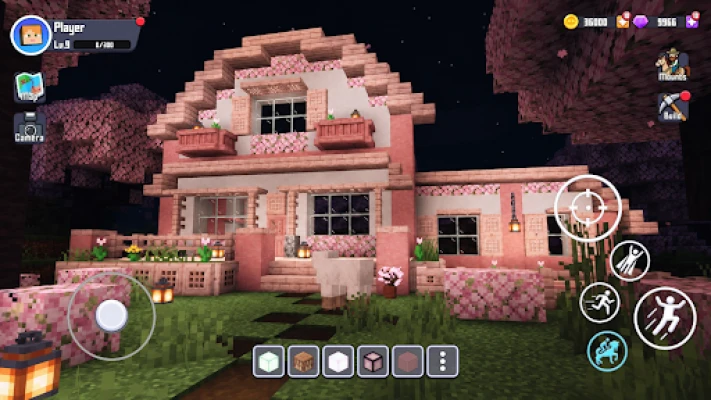
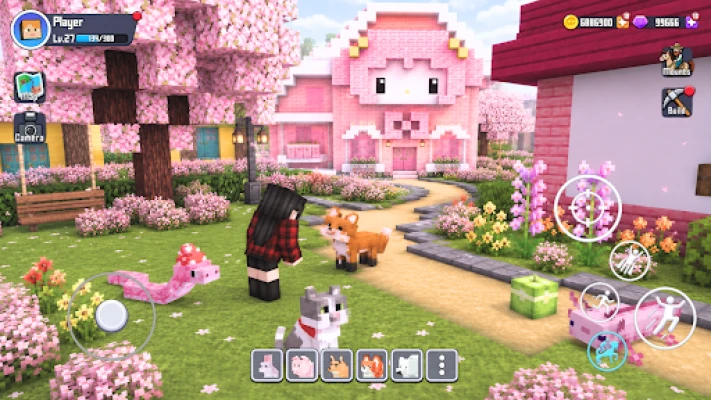
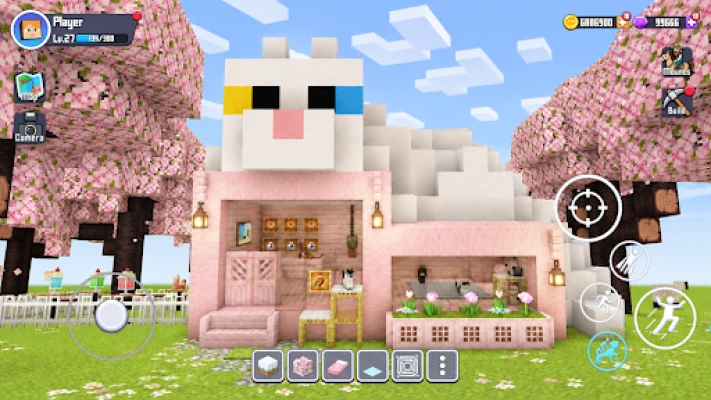
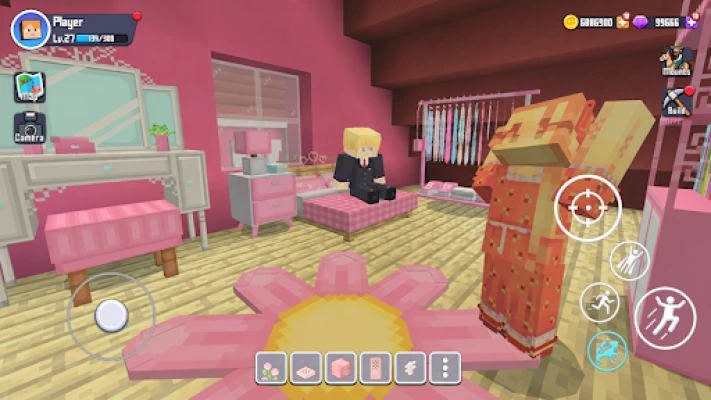
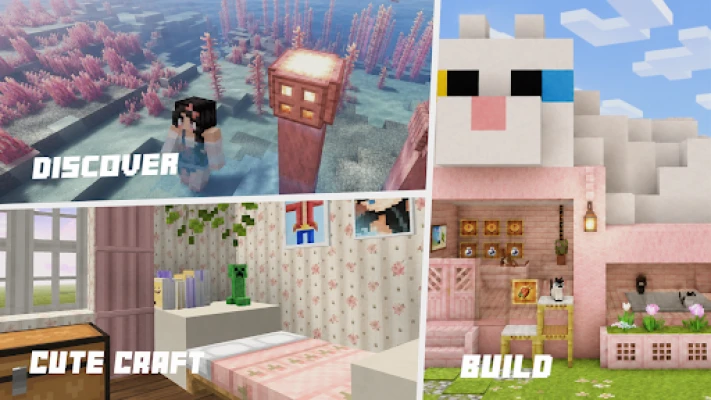
Craft Builder: 3D Block World is a free sandbox game for Android that lets players create and explore a block‑based environment. Developed by Coup Coup LTD, the app offers an open‑ended space where you can place, remove, and modify blocks to build anything from simple houses to sprawling villages.
Main Features
- Open‑world building: A large, procedurally generated terrain gives you plenty of space to experiment with designs.
- Intuitive block mechanics: Tap‑to‑place and drag‑to‑remove controls make construction straightforward, even on small screens.
- Creative freedom: No preset objectives force you to focus on imagination—build, reshape, or demolish at will.
- Exploration elements: The world includes varied biomes such as forests, rivers, and caves, encouraging players to wander and discover new building sites.
- Mini‑games and challenges: Optional puzzles and small activities add a light gameplay loop for those who enjoy a bit of structure.
How It Works
When you launch the game, you start in a basic landscape populated with a handful of starter blocks. Using the on‑screen toolbar, you select the type of block you want to place—stone, wood, glass, and many others appear as you progress. The game saves your world locally, so you can return later to continue building where you left off.
Navigation relies on familiar touch gestures: pinch to zoom, swipe to rotate the camera, and double‑tap to focus on a specific area. The interface is designed for quick access, keeping the building tools visible while allowing you to explore the surroundings without interruption.
Practical Uses
- Creative practice: If you enjoy architectural design or pixel‑art concepts, the block system provides a low‑pressure canvas.
- Learning basic spatial reasoning: Arranging blocks in three dimensions can help develop an intuitive sense of volume and proportion.
- Relaxation: The sandbox nature encourages a meditative play style—no timers, no scores, just the satisfaction of shaping a world.
Installation Information
The app is listed as free on the Google Play Store. Installation follows the standard Android process: tap “Install,” wait for the download, and open the app from your app drawer. No additional permissions beyond basic storage access are required for saving your world data.
Things to Know Before Installing
- The game does not require an internet connection after installation, making it suitable for offline play.
- Because the world is stored locally, clearing app data will erase any progress.
- Performance may vary on older devices; the game runs best on devices with at least 2 GB of RAM.
Who May Find It Useful?
Anyone who enjoys sandbox creation, casual building games, or simply wants a portable creative outlet will appreciate Craft Builder: 3D Block World. It’s particularly appealing to younger players learning basic construction concepts, as well as adults looking for a quick, stress‑free way to experiment with design ideas.
Frequently Asked Questions
Do I need an account to play?
No. The game stores progress locally, so you can start building immediately after installation.
Can I share my creations with friends?
The current version does not include built‑in sharing features, but you can capture screenshots using Android’s native screenshot function.
Is there any in‑app purchase?
The app is free and does not contain mandatory purchases. Optional cosmetic items may be offered, but they do not affect core gameplay.
Rate the App
User Reviews














Popular Apps










 Games
Games Entertainment
 Communication
 E-mail
 Security
 Tools
Tools Media
Media Internet
 Finance
 Design
 Education
 IT Tools
 Travel & Local
 Android
 Windows
 Linux
Linux