
Latest Version
Latest
September 13, 2026
FREEDOM WAREHOUSING & SOLUTIONS LLC
Games
Android
10
Free
com.mini.box.blockcraft.block.lucky.crazy.dragon.rain.education
Report a Problem
More About Craft Block 3D: Building World – Creative Sandbox for Android
What is Craft Block 3D: Building World?
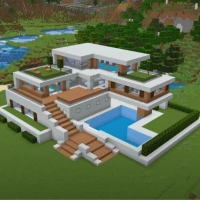
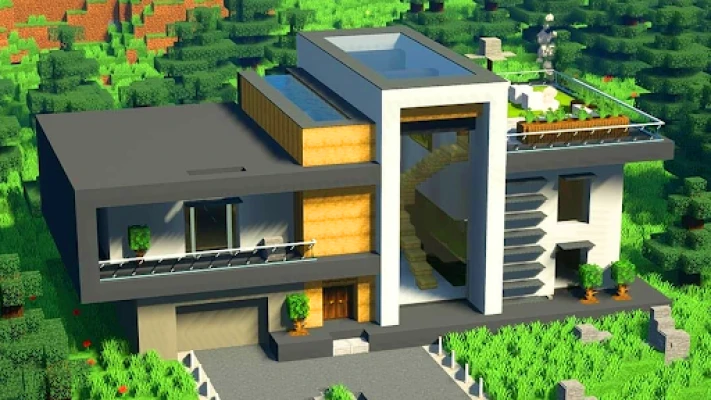
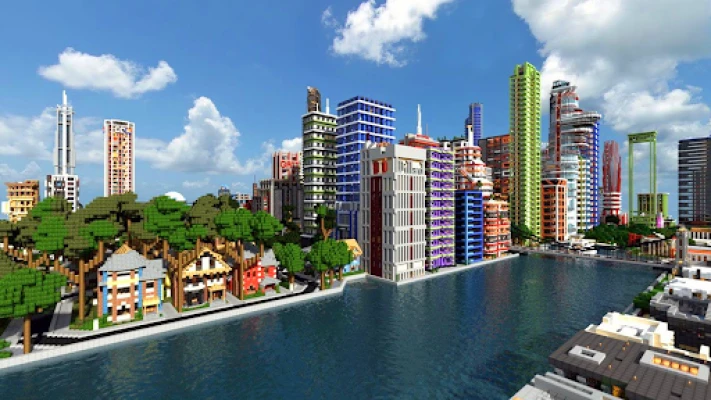
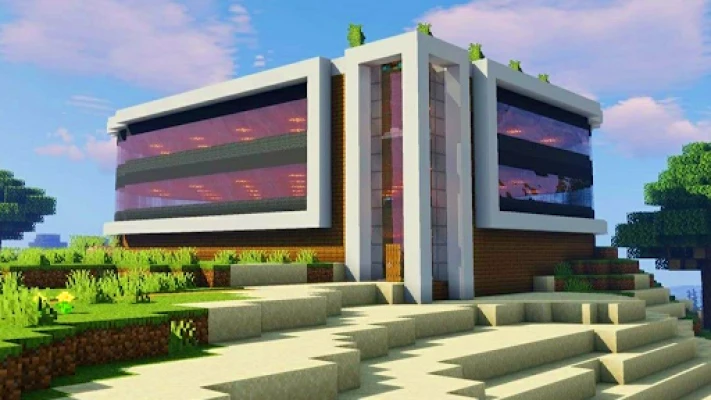
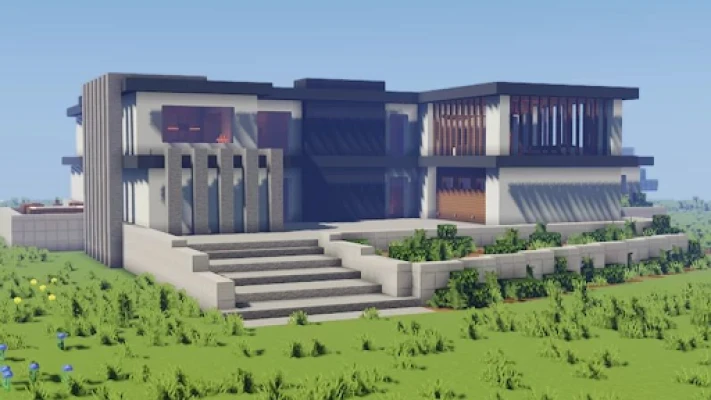
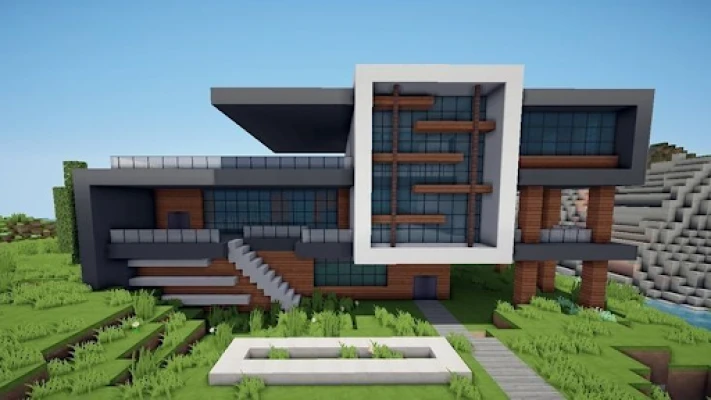
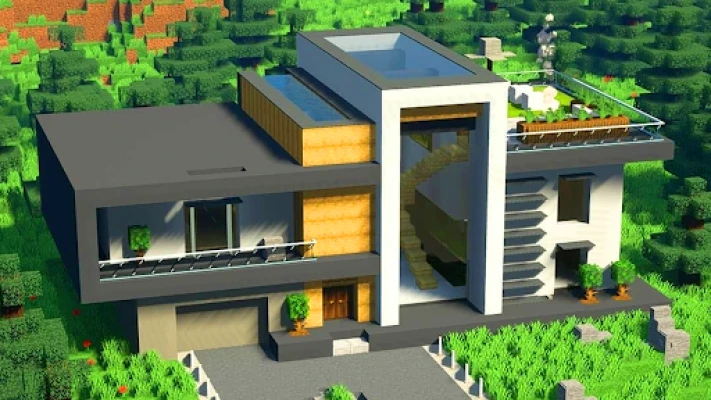
Craft Block 3D: Building World is a sandbox‑style game that lets players shape a cubic world using blocks. Whether you prefer constructing elaborate structures or exploring a terrain filled with challenges, the app offers two primary play styles: a limitless creative mode and a resource‑driven survival mode.
Main features
- Creative mode – Unlimited blocks and tools let you focus on design without worrying about resources.
- Survival mode – Gather materials, craft tools, and defend against hostile entities while you build.
- Varied building blocks – A selection of textures and block types supports a wide range of architectural styles.
- Explorable environments – Generate new landscapes each session, providing fresh terrain for construction or adventure.
- Basic crafting system – Combine resources to create tools, weapons and decorative items.
How it works
When you launch the game, you can choose between creative and survival modes. In creative mode, a full inventory of blocks is instantly available, allowing you to place and remove pieces with simple taps. Survival mode starts you with minimal equipment; you must mine blocks, collect resources, and craft items before expanding your builds. The interface uses familiar touch controls: tap to select a block, drag to place, and pinch to adjust the camera view.
Practical uses
The game serves as a low‑pressure environment for experimenting with architectural ideas, teaching basic spatial reasoning, or simply relaxing through open‑ended play. Because the world is generated procedurally, each session offers a new canvas, making it suitable for short bursts of creativity or longer building projects.
Installation information
The app is distributed as a free download from the Appitika store. Installation follows the standard Android process: tap the install button, grant any required permissions, and launch the app from your home screen once the download completes.
Things to know before installing
- The app does not require a specific Android version listed in the store; it will run on devices that meet the minimum system requirements for most modern Android games.
- Storage space needed is modest, but additional space may be required for saved worlds.
- Because the game includes both creative and survival elements, younger players may benefit from parental guidance when encountering hostile mobs in survival mode.
Who may find it useful?
Anyone who enjoys building, exploring, or experimenting with block‑based worlds will feel at home. The game is particularly appealing to:
- Kids and teens looking for a sandbox experience without competitive pressure.
- Adults who enjoy casual world‑building as a creative outlet.
- Educators seeking a simple tool to illustrate concepts of geometry and resource management.
Frequently asked questions
- Do I need an internet connection to play? After the initial download, the game can be played offline.
- Can I save multiple worlds? Yes, the app allows you to create and switch between several saved worlds.
- Is there in‑app purchasing? The current version is free and does not contain mandatory purchases.
- How are updates handled? Updates are delivered through the Appitika store; simply install the new version when prompted.
Rate the App
User Reviews








Popular Apps










 Games
Games Entertainment
 Communication
 E-mail
 Security
 Tools
Tools Media
Media Internet
 Finance
 Design
 Education
 IT Tools
 Travel & Local
 Android
 Windows
 Linux
Linux