


Latest Version
Latest
September 17, 2026
Budge Studios
Games
Android
8
Free
com.budgestudios.googleplay.BlueyBLU
Report a Problem
More About Bluey: Let’s Play! – Interactive Home Adventure for Kids
What is Bluey: Let’s Play!?
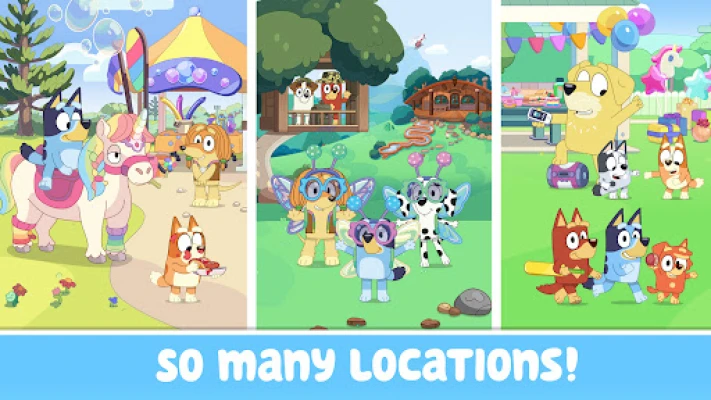
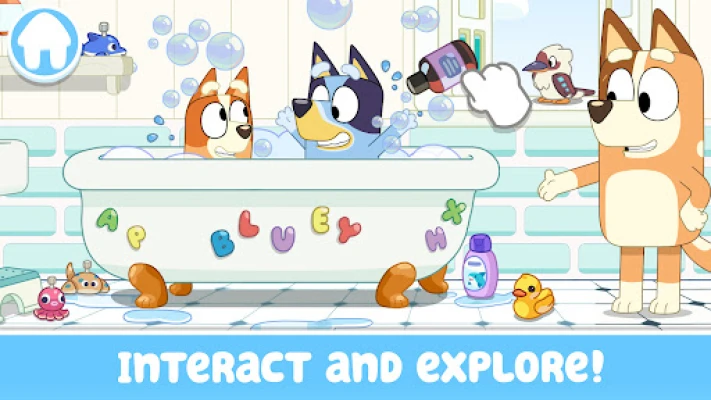
Bluey: Let’s Play! is a free Android app from Budge Studios that brings the world of the beloved Australian‑made series Bluey into an interactive, sandbox‑style environment. Children can roam through the Heeler family home, discover hidden surprises, and engage in a variety of playful activities that mirror the imaginative spirit of the TV show.
Main Features
- Exploration: Tap through each room of the Heeler house, from the kitchen to the backyard, and uncover interactive objects.
- Imaginative Play: The app encourages kids to invent their own stories, using familiar characters like Bluey, Bingo, Bandit, and Chili as prompts.
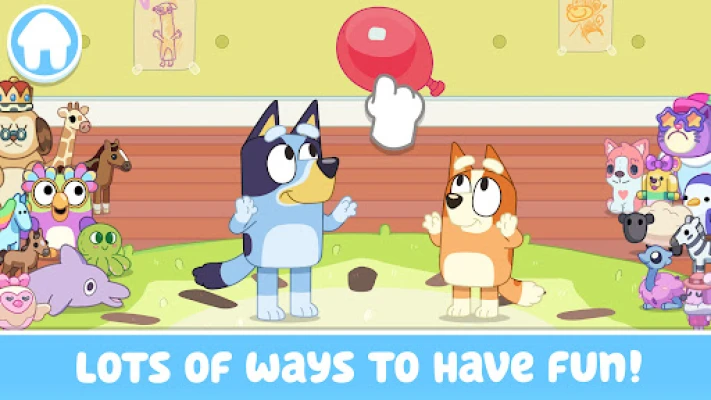
- Mini‑Games: Simple, age‑appropriate games such as a pop‑up croc challenge, bubble‑splashing, and a keep‑y‑uppy activity keep the experience lively.
- Creative Activities: Children can “cook” in the kitchen, build a pretend pizza oven, or host a tea party, all through drag‑and‑tap interactions.
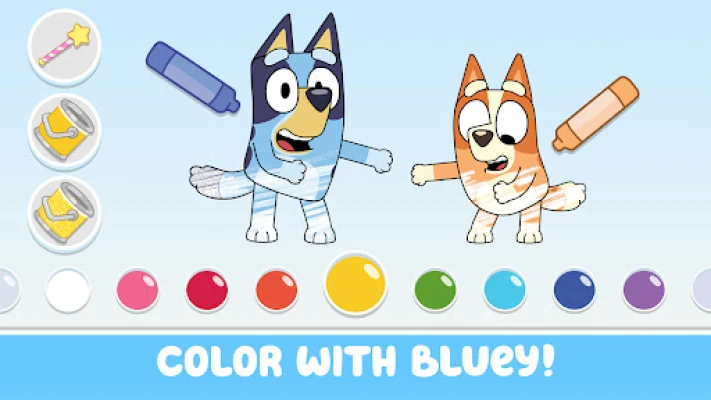
- Coloring Pages: A selection of coloring screens lets kids add colour to favorite scenes and characters.
How It Works
The interface is designed for young hands. Tapping on objects triggers animations or sound effects, while dragging items lets kids rearrange elements within a scene. No complex menus or text input are required, making the app accessible to preschoolers and early elementary children.
Practical Uses
- Family Playtime: Parents can join their children, guiding them through the house and suggesting story ideas.
- Learning Through Play: The app subtly promotes fine‑motor skills, colour recognition, and basic problem‑solving as kids interact with the environment.
- Screen Time Balance: Short, self‑contained activities provide a controlled digital experience that can complement offline play.
Installation Information
Bluey: Let’s Play! is available for free on the Google Play Store. Search for the package name com.budgestudios.googleplay.BlueyBLU or the app title, then tap “Install.” The download size is not listed, but the app requires typical Android storage for a lightweight game.
Compatibility
The developer has not specified a minimum Android version, but the app runs on most modern devices that support the Google Play Store. Users should ensure their device meets the standard requirements for installing free Android games.
Things to Know Before Installing
- There are no in‑app purchases or ads reported, offering an uninterrupted experience.
- The app is intended for children aged roughly 2‑9, though older fans of the series may also enjoy the nostalgic setting.
- As a free download, the app may request basic permissions to access storage for saving progress.
Who May Find It Useful?
Parents looking for a gentle, themed digital activity for toddlers and preschoolers will appreciate the familiar characters and safe design. Early elementary teachers could use the app as a short classroom break activity that encourages imagination. Fans of the Bluey series who want a simple way to extend the show's world into interactive play will also enjoy it.
Frequently Asked Questions
Do I need an internet connection?
After the initial download, the app can be used offline. No ongoing connection is required for the core activities.
Is there any advertising?
Current information indicates the app does not display ads, keeping the focus on play.
Can I save my progress?
The app remembers the last room visited, but it does not store detailed progress or user‑generated content.
Is the content appropriate for all ages?
Yes, the design targets young children and avoids mature themes, making it suitable for the intended age range.
Rate the App
User Reviews














Popular Apps










 Games
Games Entertainment
 Communication
 E-mail
 Security
 Tools
Tools Media
Media Internet
 Finance
 Design
 Education
 IT Tools
 Travel & Local
 Android
 Windows
 Linux
Linux