
Latest Version
Latest
August 14, 2026
Wildlife Studios
Games
Android
292
Free
com.fungames.blockcraft
Report a Problem
More About Block Craft 3D: Building Game – Free Sandbox Builder
What is Block Craft 3D?
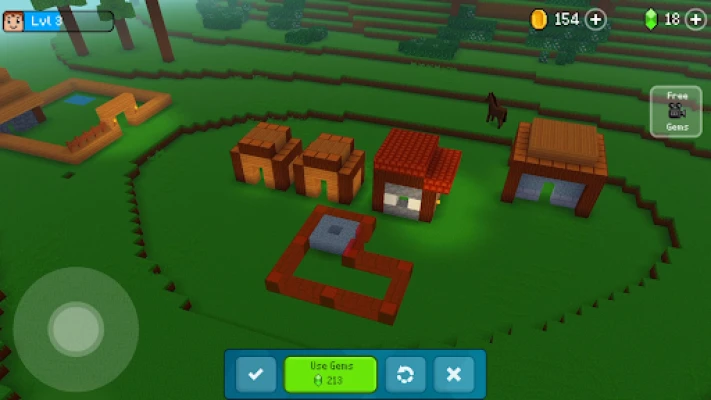
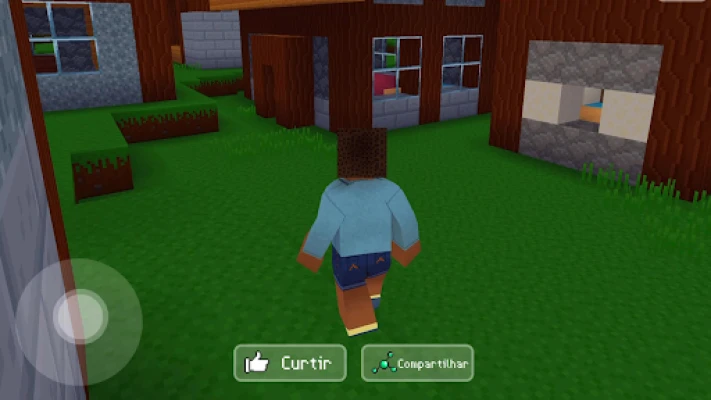
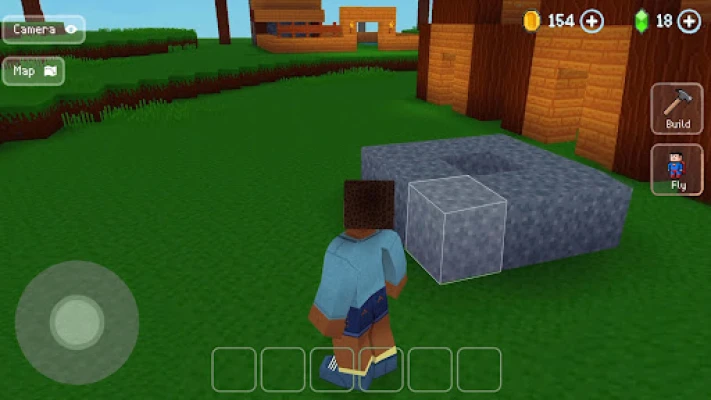
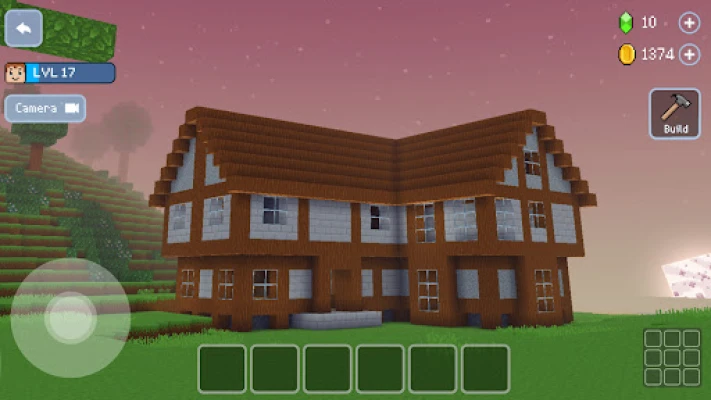
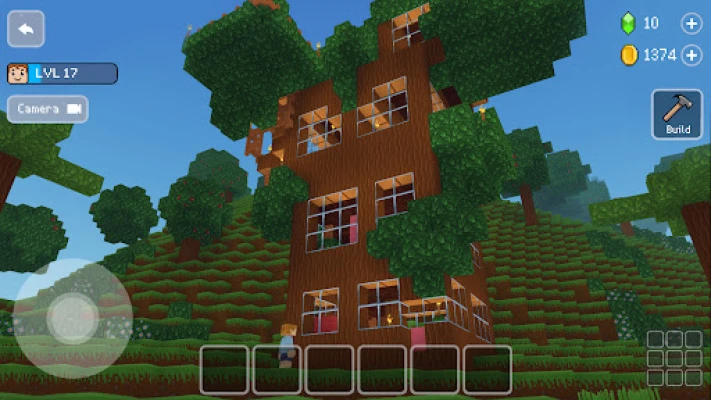
Block Craft 3D is a sandbox‑style building game that lets you create and customize a virtual village using block‑based construction tools. Developed by Wildlife Studios, the game offers an open‑ended environment where you can design anything from simple homes to elaborate landmarks, all rendered in a distinctive pixel‑art style.
Main features
- Unlimited building space – The game provides a sprawling world without preset boundaries, allowing you to expand your creations as far as you like.
- Diverse construction options – Choose from a variety of block types, decorative items, and furniture to shape houses, castles, farms, or even futuristic structures.
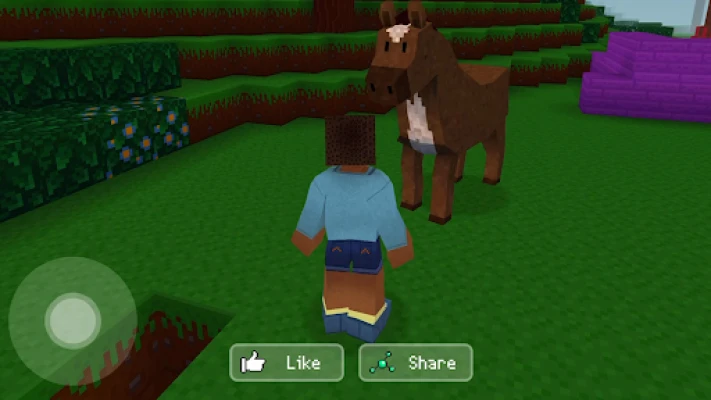
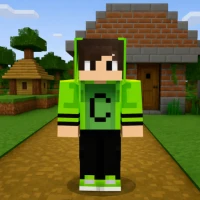
- Character selection – Pick a avatar that represents you while you explore and build.
- Pet adoption – Add companion animals such as dogs, cats, or larger creatures to your village for a more lively atmosphere.
- Multiplayer visits – Visit the villages of other players, view their designs, and draw inspiration for your own projects.
- Blueprints and guides – Access in‑game templates that help you replicate famous landmarks or start new building ideas.
How it works
When you launch Block Craft 3D, you start with a basic plot of land. Using the on‑screen toolbar, you select block types and place them in the world by tapping the desired location. The interface supports rotation and scaling, making it easy to align pieces precisely. As you gather resources, you can unlock additional building elements and decorative items. The game’s navigation system lets you fly or walk across the terrain, giving you a clear view of large‑scale projects.
Practical uses
Beyond casual play, Block Craft 3D can serve as a creative outlet for players who enjoy architecture, urban planning, or simple world‑building. Teachers can use the sandbox to illustrate basic concepts of spatial design, while hobbyists may experiment with recreating real‑world structures in a low‑pressure environment.
Installation information
The app is distributed as a free download from the Google Play Store. Installation follows the standard Android process: tap “Install,” allow the required permissions, and launch the game from your app drawer once the download completes.
Things to know before installing
- The game requires an internet connection for multiplayer features and to sync your progress across devices.
- In‑app purchases are available for cosmetic items and optional resource packs.
- Performance may vary on older devices; a device with at least 2 GB of RAM is recommended for smooth gameplay.
Who may find it useful?
Block Craft 3D appeals to players who enjoy creative construction, casual sandbox experiences, and community interaction. It is suitable for children and adults alike, especially those who appreciate a pixel‑styled aesthetic.
Frequently asked questions
- Do I need an account to play? An account is optional for single‑player mode, but it is required to access multiplayer visits and cloud saves.
- Can I play offline? Core building tools work offline, but multiplayer visits and cloud synchronization need an internet connection.
- Is there a limit to how many blocks I can place? The game does not impose a hard limit; however, extremely large constructions may affect performance on low‑end devices.
Rate the App
User Reviews
Other Apps in This Category






Popular Apps










 Games
Games Entertainment
 Communication
 E-mail
 Security
 Tools
Tools Media
Media Internet
 Finance
 Design
 Education
 Android Firmwares
 Travel & Local
 Android
 Windows
 Linux
Linux