
Latest Version
Latest
September 13, 2026
Microsoft Corporation
Games
Android
2
Free
com.InteriorNight.WildcatClientAndroid
Report a Problem
More About As Dusk Falls Companion App – Play Choices on Your Phone
What is the As Dusk Falls Companion App?
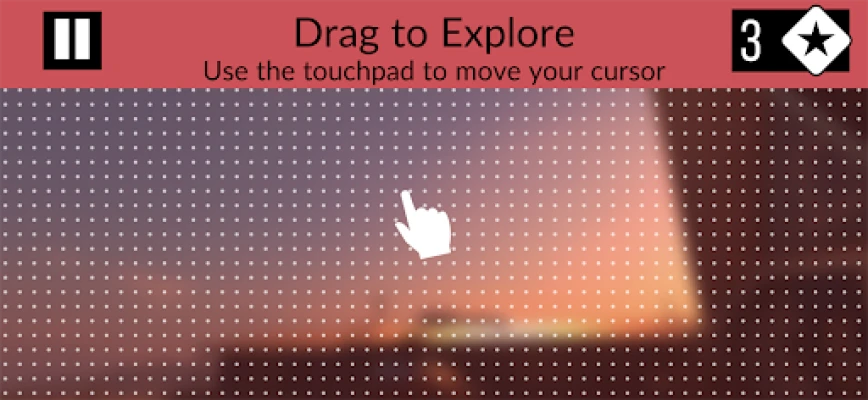
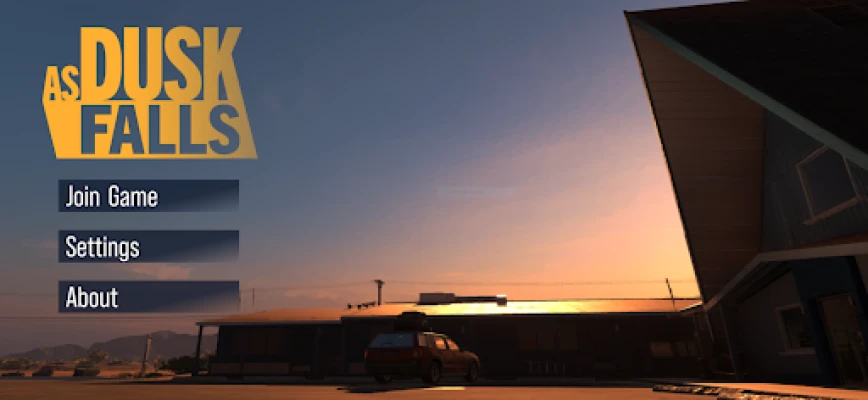
The Companion App is a free Android utility that lets you interact with the narrative‑driven game As Dusk Falls using a smartphone or tablet. Instead of relying on a controller or keyboard, you can cast votes, respond to timed prompts, and participate in multiplayer decision‑making directly from your mobile device.
Main Features
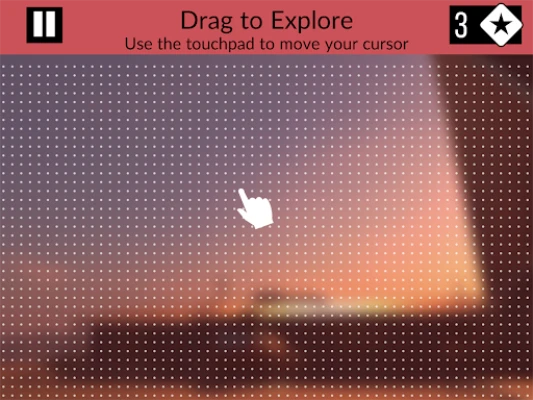
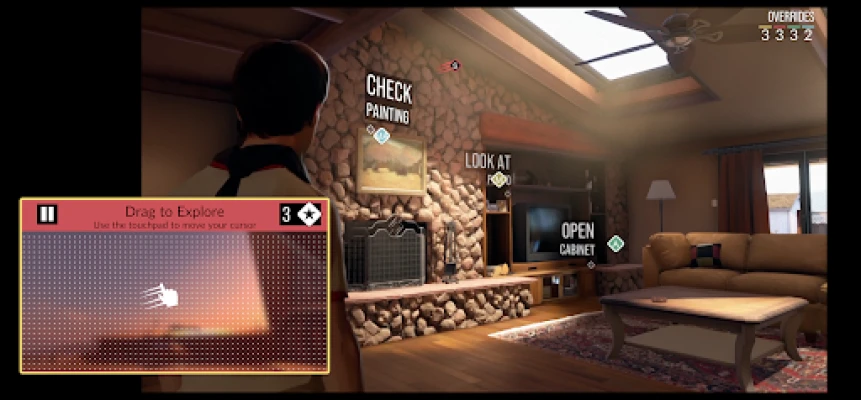
- Remote voting: When the game presents a choice, the app displays the options so each player can tap their preferred answer.
- Quick‑time actions: Certain scenes require fast input; the app translates a tap into the required in‑game action.
- Multiplayer support: Up to eight participants can join a session, each using their own phone as an input device.
- Simple interface: The layout is designed for quick reading and easy selection, even for players unfamiliar with gaming controls.
How It Works
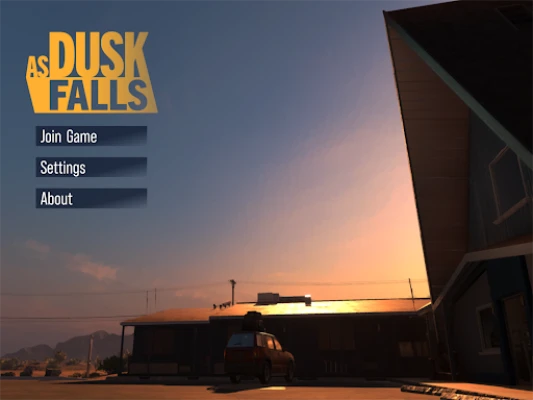
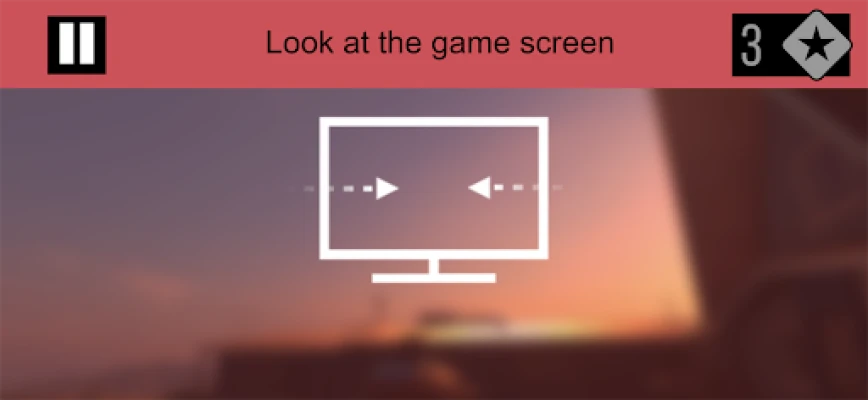
To use the app, you need a copy of As Dusk Falls running on a console or PC that is connected to the same Wi‑Fi network as your Android device. The game detects the app automatically, and you can select the phone icon on the game’s “Change Input Device” screen. Once paired, any decision prompt that appears in the game will also appear on the app, allowing you to vote or act with a tap.
Practical Uses
- Group play: Invite friends to sit around a TV or monitor while each uses a phone to make choices, turning a single‑player narrative into a shared experience.
- Accessibility: Players who find traditional controllers difficult can use the touch interface, which offers larger buttons and clear text.
- Replay value: Because each decision can be revisited in subsequent playthroughs, the app makes it easy to experiment with different outcomes without juggling multiple controllers.
Installation Information
Search for As Dusk Falls Companion App in the Google Play Store, then tap Install. The app is free and does not require additional permissions beyond network access, which is needed to communicate with the game over Wi‑Fi.
Things to Know Before Installing
- The app works only when the host device and the Android phone share the same local network.
- It does not contain the game itself; you must own a copy of As Dusk Falls separately.
- Performance depends on a stable Wi‑Fi connection; occasional lag may affect timing‑sensitive actions.
Who May Find It Useful?
Anyone who wants to experience As Dusk Falls with a group, prefers touch controls, or seeks a low‑barrier way to participate in the story’s branching decisions will benefit from the Companion App. It’s especially handy for family gatherings, game nights, or classroom settings where multiple participants can engage without needing extra hardware.
Frequently Asked Questions
Do I need an internet connection?
No. The app communicates locally over Wi‑Fi; an internet connection is not required once both devices are on the same network.
Can I use the app with a handheld console?
The app is designed for the PC or console versions of As Dusk Falls that support network input. Compatibility with handheld devices depends on the game’s own networking features.
Is there a limit to how many phones can connect?
The game supports up to eight simultaneous input devices, so eight phones can be linked at once.
Rate the App
User Reviews












Popular Apps










 Games
Games Entertainment
 Communication
 E-mail
 Security
 Tools
Tools Media
Media Internet
 Finance
 Design
 Education
 IT Tools
 Travel & Local
 Android
 Windows
 Linux
Linux