
Latest Version
Latest
September 16, 2026
Shonduras Inc
Games
Android
68
Free
com.ShondurasInc.AdleysPlaySpace
Report a Problem
More About Adley's PlaySpace – Creative Adventure for Kids
What is Adley's PlaySpace?
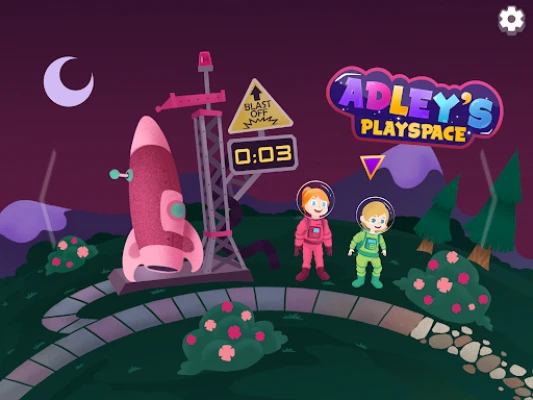
Adley's PlaySpace is a free Android app created by Shonduras Inc. It offers a colorful, interactive universe where children can join Adley, her brother Niko, and their parents on a variety of light‑hearted adventures. The experience blends simple gameplay, creative coloring, and gentle storytelling, making it suitable for young players who enjoy imaginative exploration.
Main Features
- Family‑Centred Adventures – Play as Adley or Niko, meet animated friends, and help characters solve small challenges.
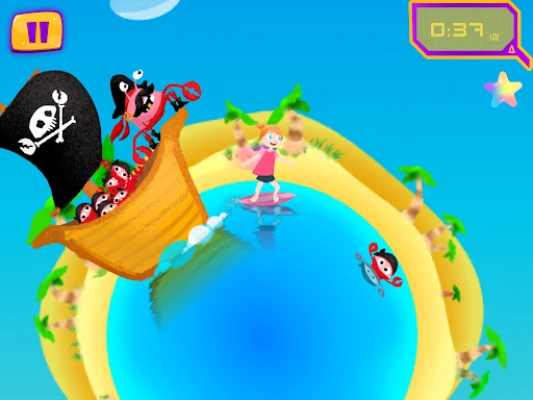
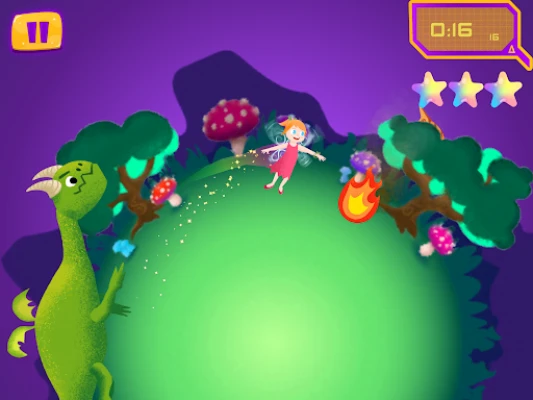
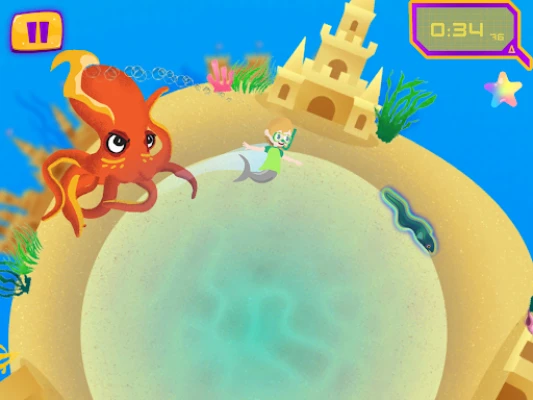
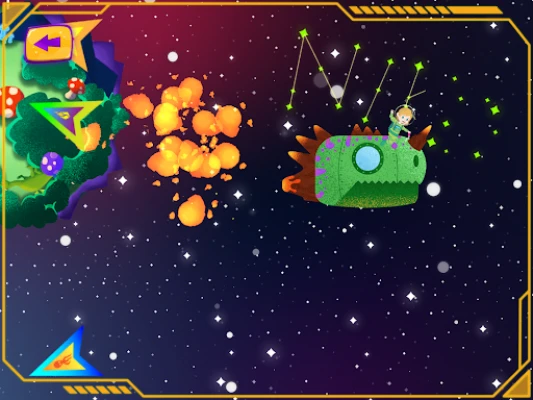
- Exploration Mode – Travel between whimsical planets and stars, each with its own visual theme.
- Story and Battle Modes – Some planets offer a short narrative segment, while others provide a mild, turn‑based challenge appropriate for early readers.
- Coloring Book – A built‑in coloring section lets kids create and save their own artwork using a palette of bright colors.
- Voice Lines – Characters speak with child‑friendly voice recordings, adding personality to the experience.
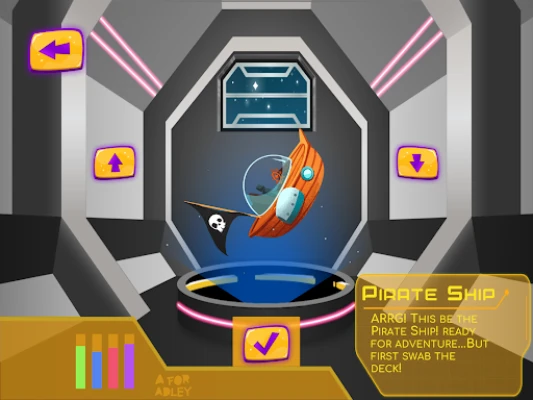
- Custom Rockets – Players can select from a handful of simple rocket designs crafted by the developers.
How It Works
When the app launches, users choose a character and a starting planet. Navigation is tap‑based, with clear icons that guide children to the next activity. In Story Mode, short dialogues introduce a goal—such as gathering a hidden item or helping a creature. Battle Mode presents a very basic, turn‑based encounter that focuses on pattern recognition rather than competition.
The Coloring Book is accessed from the main menu. Kids select a page, choose colors, and can save their creations within the app. All saved artwork is stored locally, ensuring privacy.
Practical Uses
- Encourages fine‑motor skills through tapping and coloring.
- Introduces basic problem‑solving in a low‑pressure setting.
- Provides a safe, ad‑free environment for short play sessions.
- Offers a shared experience for parents and children to explore together.
Installation Information
The app is available through the Google Play Store. Installation follows the standard process: tap “Install,” wait for the download, and open the app once the installation completes. No additional setup steps are required.
Things to Know Before Installing
- The app is free to download and use.
- It does not require an internet connection for core gameplay, though an initial download is needed.
- All content is designed for a young audience; there are no in‑app purchases or ads.
Who May Find It Useful?
Adley's PlaySpace is ideal for children aged 4‑8 who enjoy colorful adventures and simple creative activities. Parents looking for a safe, offline app with minimal distractions will also appreciate its straightforward design.
Frequently Asked Questions
Do I need an internet connection to play?
After the initial download, the app works offline. An internet connection is only needed for the initial installation.
Are there any ads or in‑app purchases?
No. The experience is completely free and does not contain advertisements or paid content.
Can I save my coloring pages?
Yes. The app includes a local save feature that stores completed pages on the device.
Is the app appropriate for very young children?
The interface uses large icons and simple navigation, making it suitable for early readers and preschoolers under parental supervision.
Rate the App
User Reviews
Other Apps in This Category










Popular Apps










 Games
 Entertainment
 Communication
 E-mail
 Security
 Tools
 Media
 Internet
 Finance
 Design
 Education
 Android Firmwares
 Travel & Local
 Android
 Windows
 Linux