



Latest Version
Latest
September 17, 2026
JindoBlu
Games
Android
9
Free
com.JindoBlu.TwoPlayerGamesChallenge
Report a Problem
More About 2 Player games : the Challenge – Local Multiplayer Fun
What is 2 Player games : the Challenge?
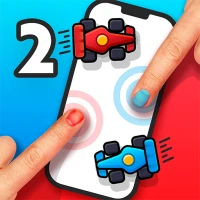
2 Player games : the Challenge is a free Android app that brings a variety of quick, competitive mini‑games to a single device. Designed for friends, family, or anyone who wants a fast‑paced duel, the app lets two players share the same screen and take turns using touch controls. When a second player isn’t available, most games also include a basic AI so you can practice or enjoy a solo round.
Main features
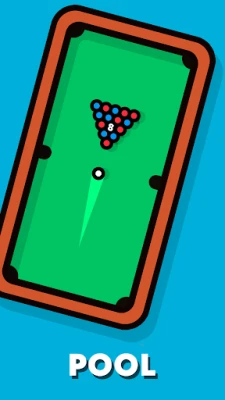
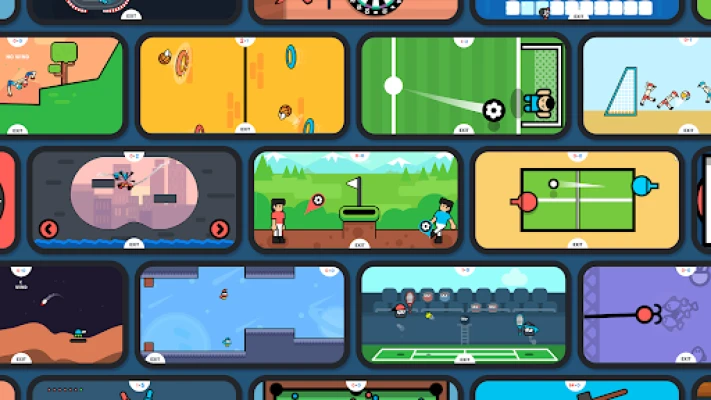
- Multiple game modes – Includes classic concepts such as Ping Pong, Air Hockey, Tic‑Tac‑Toe, and Pool, plus a handful of quirky challenges like Spinner War and Sumo.
- Local multiplayer – Both participants use the same phone or tablet, making it ideal for travel, waiting rooms, or casual gatherings.
- Touch‑friendly controls – Simple finger gestures move paddles, aim shots, or steer characters, keeping the learning curve low.
- AI opponent – When you’re alone, a computer opponent steps in, allowing you to keep the fun going.
- Score tracking – The app records wins and losses for each mini‑game, so you can keep a running tally of who’s ahead.
How it works
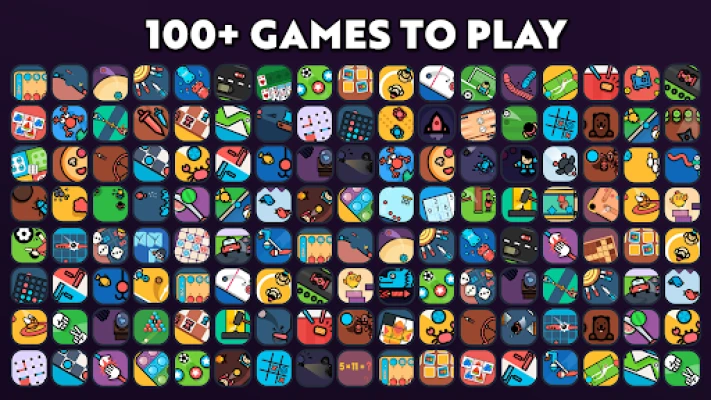
After launching the app, you are presented with a grid of available games. Tap any title to read a brief rule summary, then start the match. The screen is split or shared depending on the game’s layout, and each player controls their side with a finger swipe or tap. Games are designed to finish quickly—most rounds last under two minutes—so you can jump from one challenge to the next without long waiting periods.
Practical uses
- Travel companion – Keep kids entertained on long car rides without needing extra hardware.
- Break‑time fun – Quick matches fit into short work or school breaks.
- Social ice‑breaker – Simple rules make it easy for strangers to start a friendly competition.
Installation information
The app is available through the standard Android package manager. Search for the package name com.JindoBlu.TwoPlayerGamesChallenge or the title "2 Player games : the Challenge" and tap Install. No additional permissions beyond basic touch input are required.
Things to know before installing
- The app runs on devices that support standard touch input; no special hardware is needed.
- Because the games share a single screen, larger tablets provide a more comfortable experience, though phones work equally well.
- All content is stored locally; no internet connection is necessary after installation.
Who may find it useful?
Anyone who enjoys short, competitive games without the need for online matchmaking will appreciate this collection. Parents looking for a screen‑based activity that doesn’t require multiple devices, teachers seeking a quick classroom game, and casual gamers who enjoy variety will all find value here.
Frequently asked questions
Do I need an internet connection?
No. All games run offline after the app is installed.
Can I play with more than two people?
The design focuses on two participants sharing the same device. For larger groups, you can rotate players between rounds.
Is there any cost?
The app is free to download and use. No in‑app purchases are required to access the included games.
What happens if I lose my progress?
Scores are saved locally on the device. If you uninstall the app, the data will be removed.
Rate the App
User Reviews








Popular Apps










 Games
Games Entertainment
 Communication
 E-mail
 Security
 Tools
Tools Media
Media Internet
 Finance
 Design
 Education
 IT Tools
 Travel & Local
 Android
 Windows
 Linux
Linux